The Fog Table guide
Learn Fog Table
Step-by-step tutorials with pictures and short clips from the real app: from your first map on the TV to 3D dungeons, wiki pages and Foundry exports.
Start here
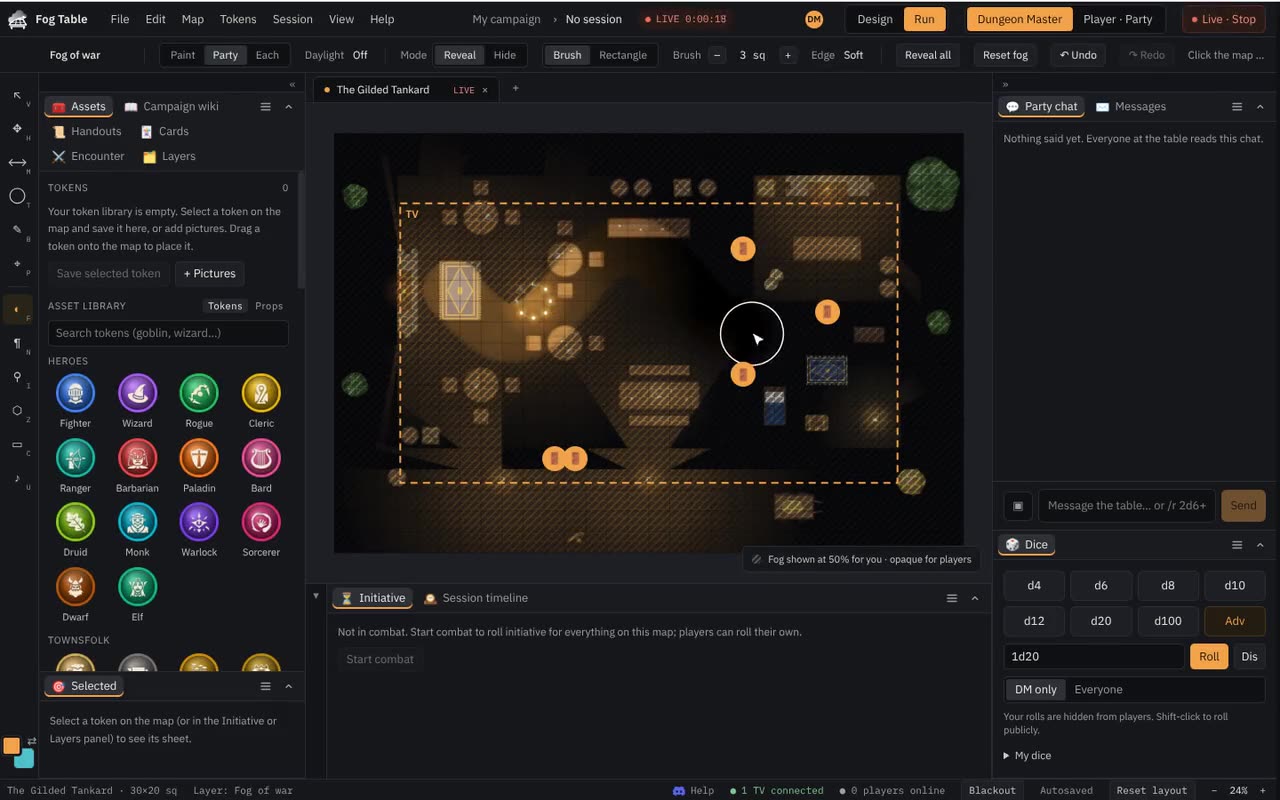 Your first gameFrom an empty browser to a map with fog of war on the TV in about two minutes, with no account and nothing to install.
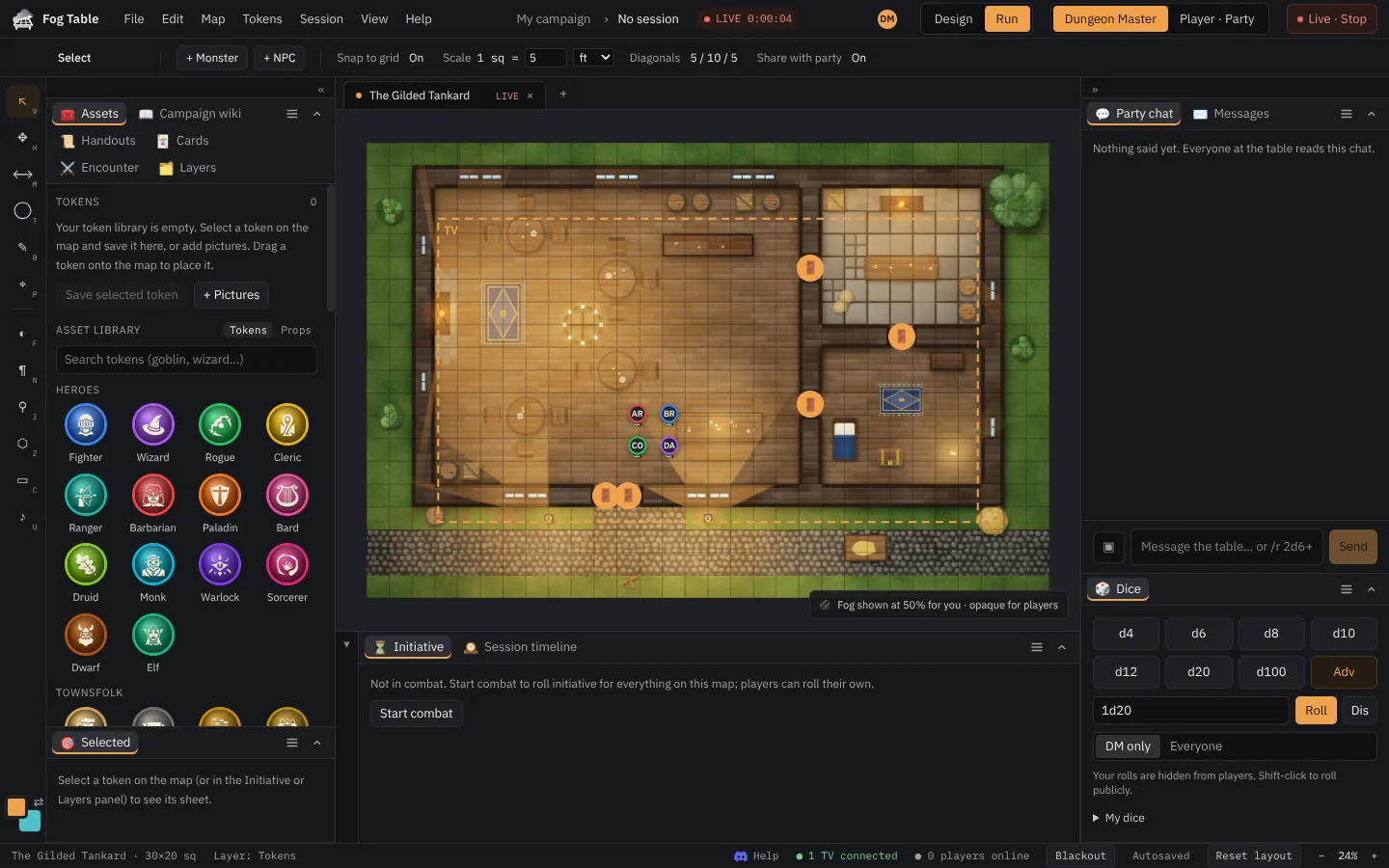 A tour of the consoleThe menu bar, the tool rail, the tool options, the dockable panels and the status bar, and what each one is for.
 Design mode and Run modeBuild and change a map in Design mode without the table seeing it, then Publish. Play in Run mode.
Maps
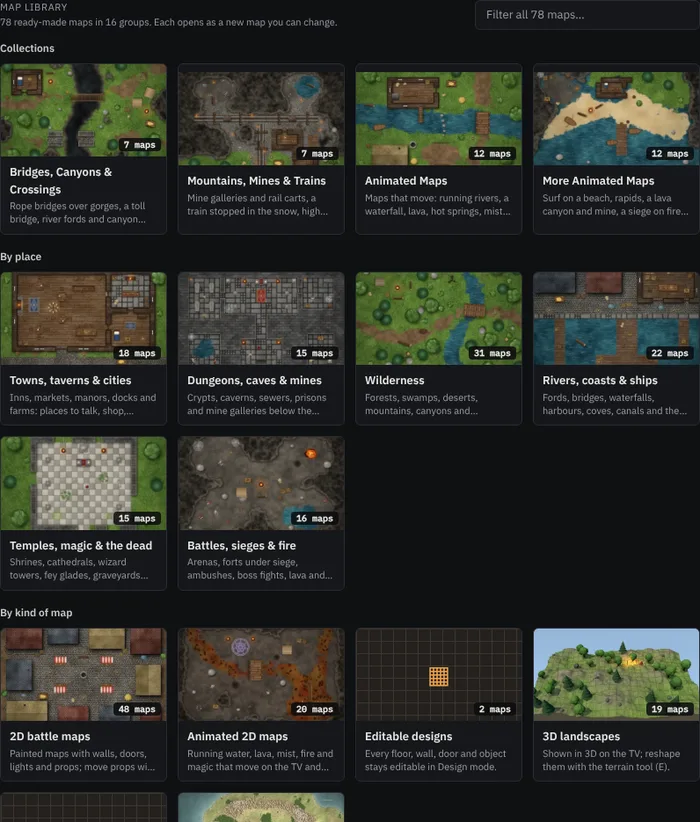 Ready-made maps and propsDozens of maps that open ready to play, with walls, doors, lights and props, sorted into groups in the map library. Change any prop with the Props tool.
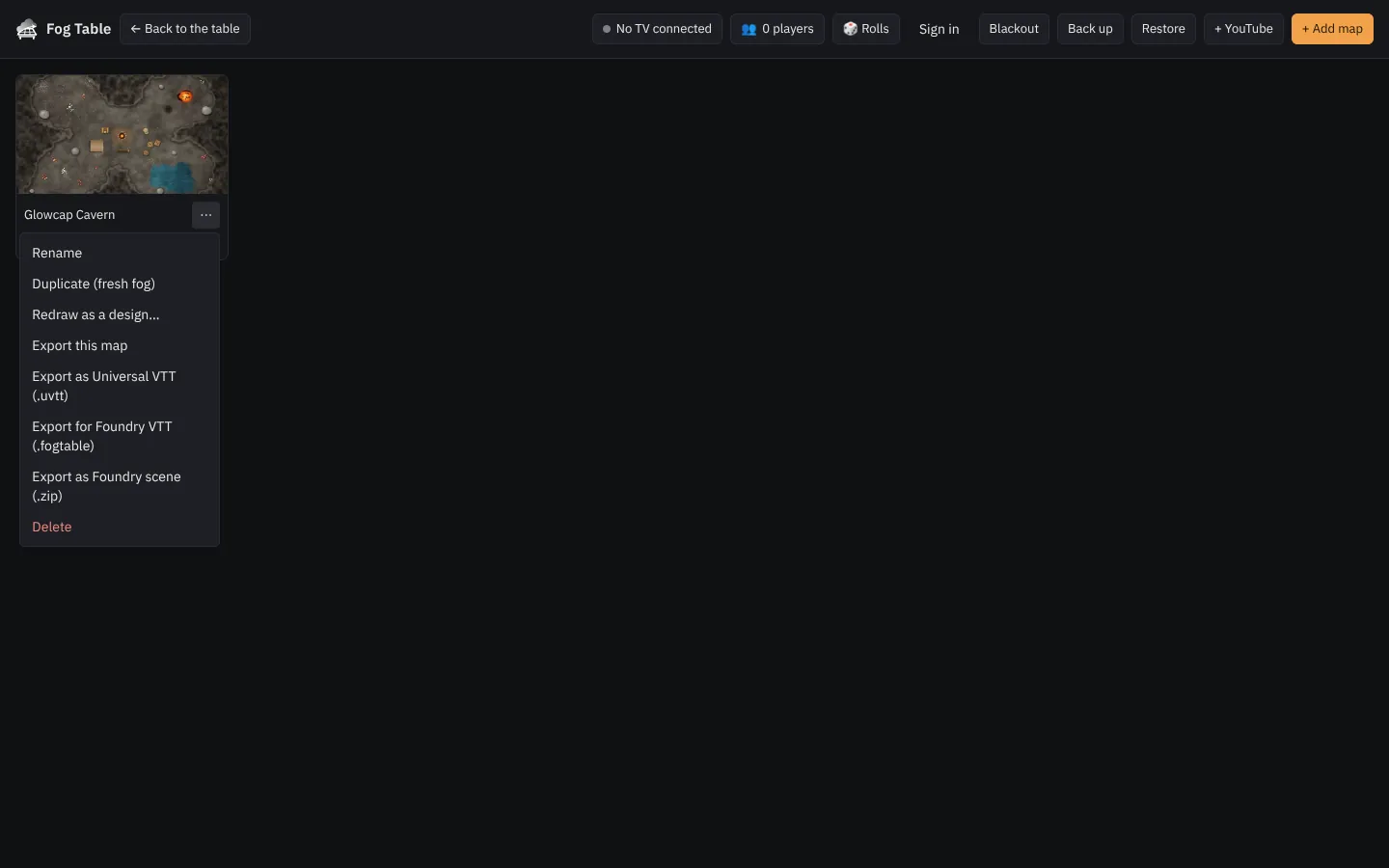 Your own maps, backups and accountsUpload pictures, videos, YouTube links and Universal VTT files, find the grid and walls for you, and keep everything backed up.
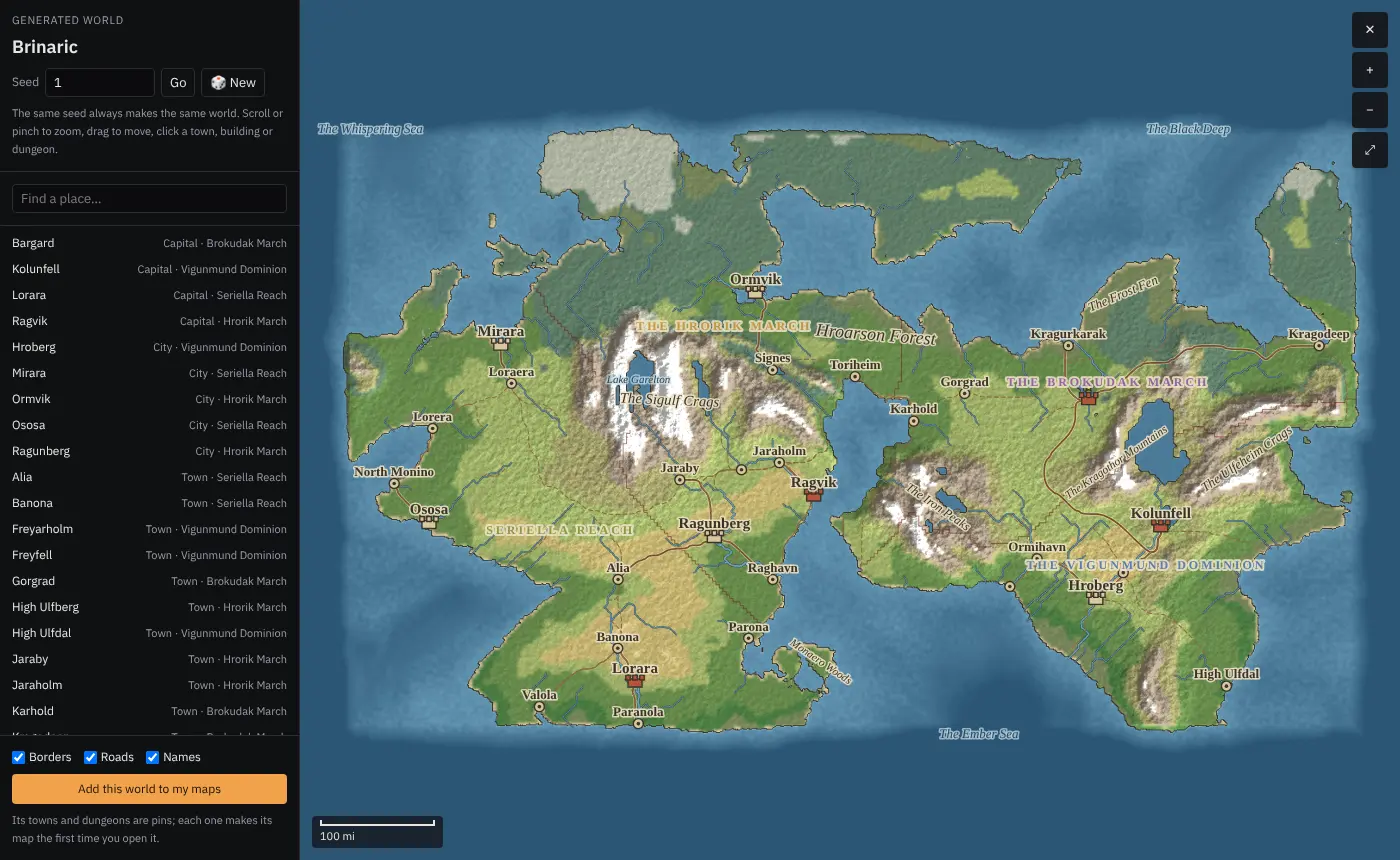 Generated worldsA whole world from one number, with kingdoms, towns, castles, dungeons, peaks and roads, that zooms from the map of the world into any room and runs live at the table.
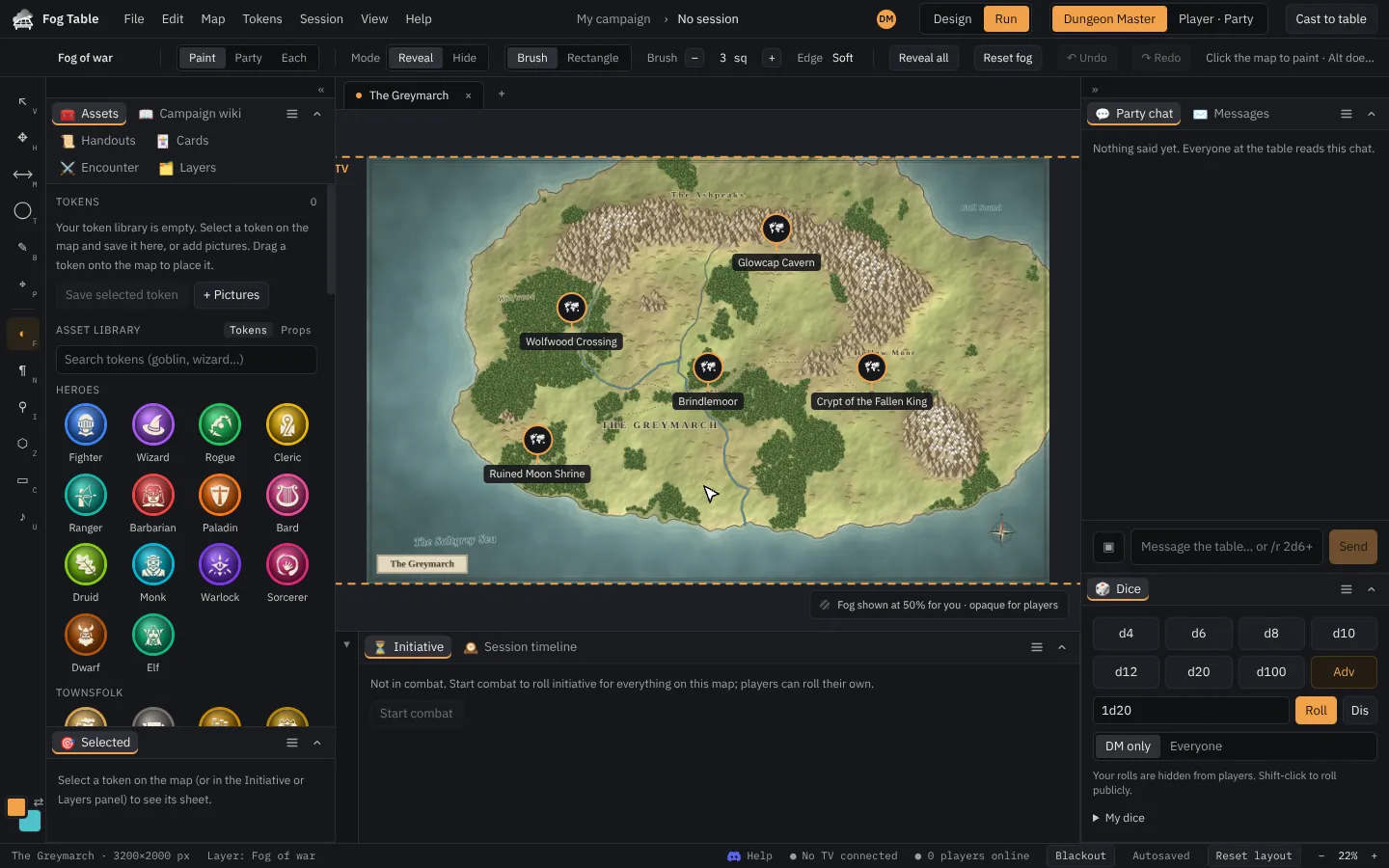 World maps and linked mapsA map of your world whose towns, dungeons and forests open their battle maps as tabs, with a path back up.
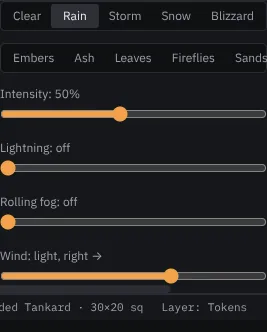 Weather and animated mapsRain, storms, snow, embers and fog drifting across the TV, and maps whose water and lava move.
Running a game
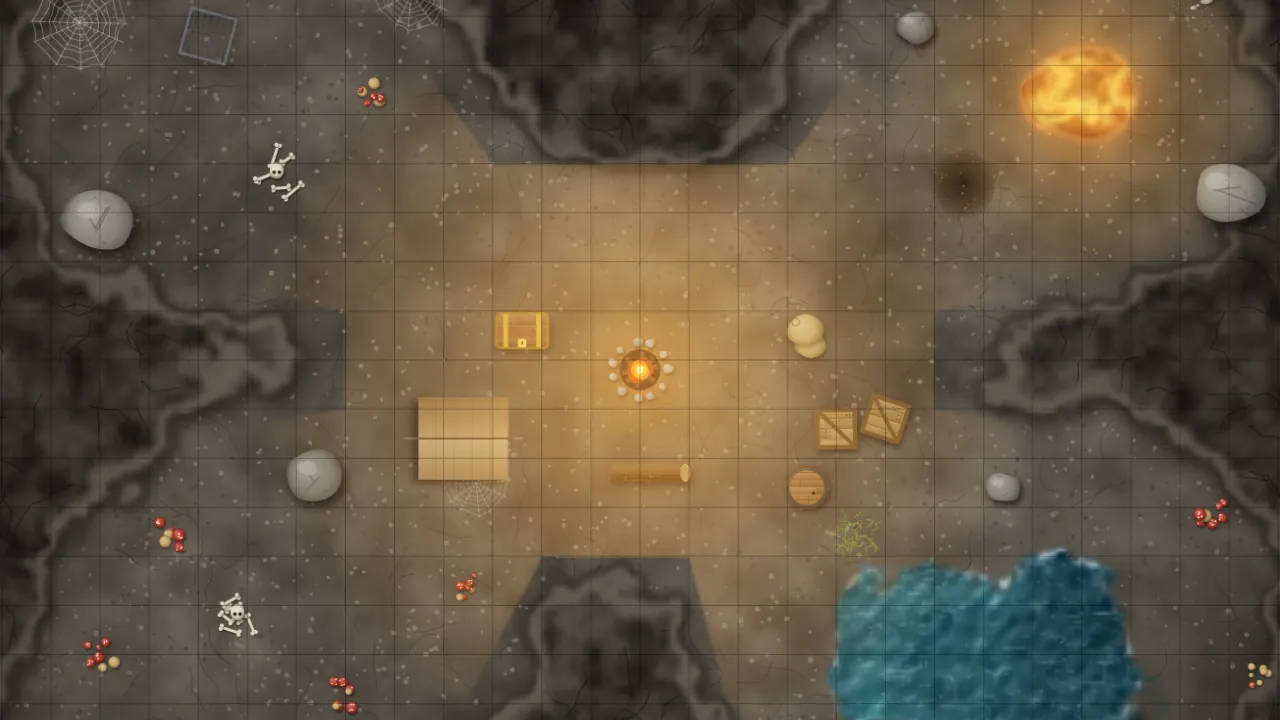 Put the map on the TVConnect a TV on the same computer or another device, cast a map, choose what part of it the TV shows, and black it out.
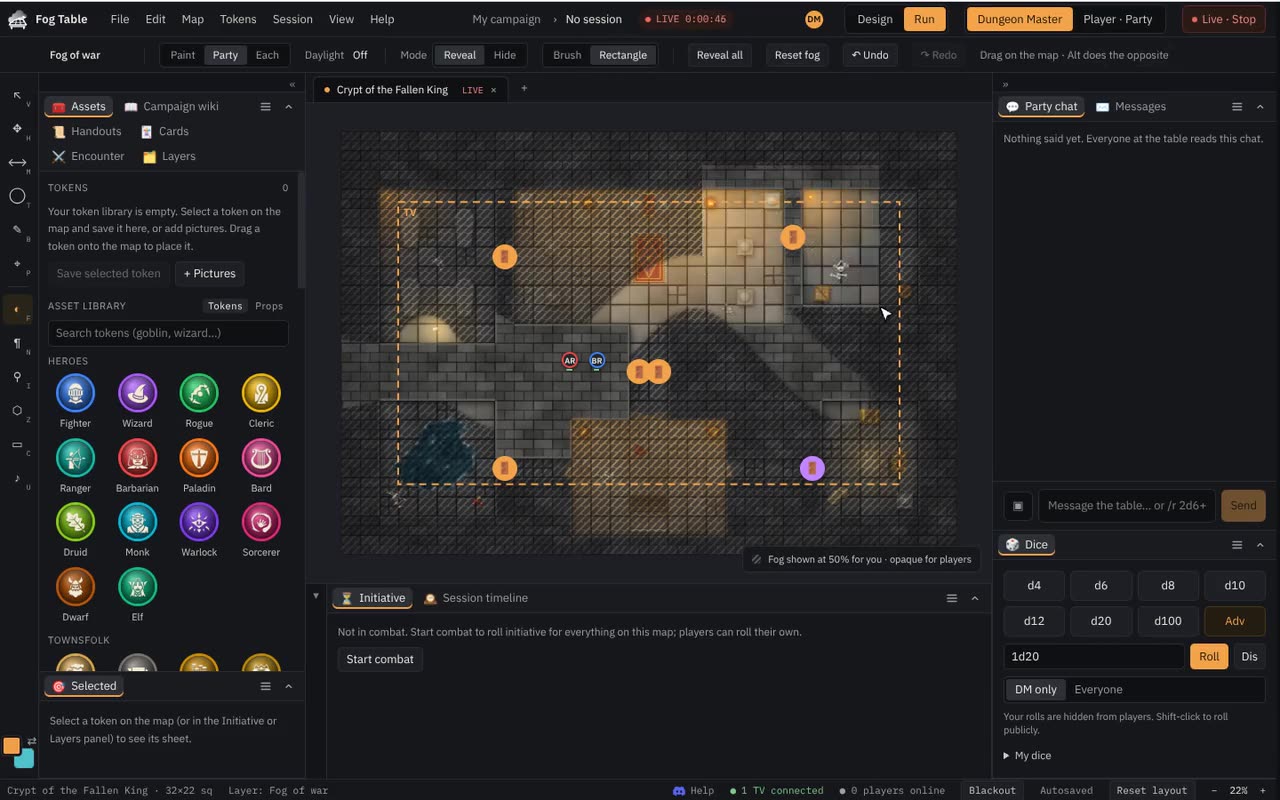 Fog of war and visionPaint the fog by hand, or let walls, doors, light and darkvision decide what the party sees.
 Tokens, sheets and initiativePut heroes and monsters on the map, move them, keep their stats in the sheet, hide them, and run combat with initiative.
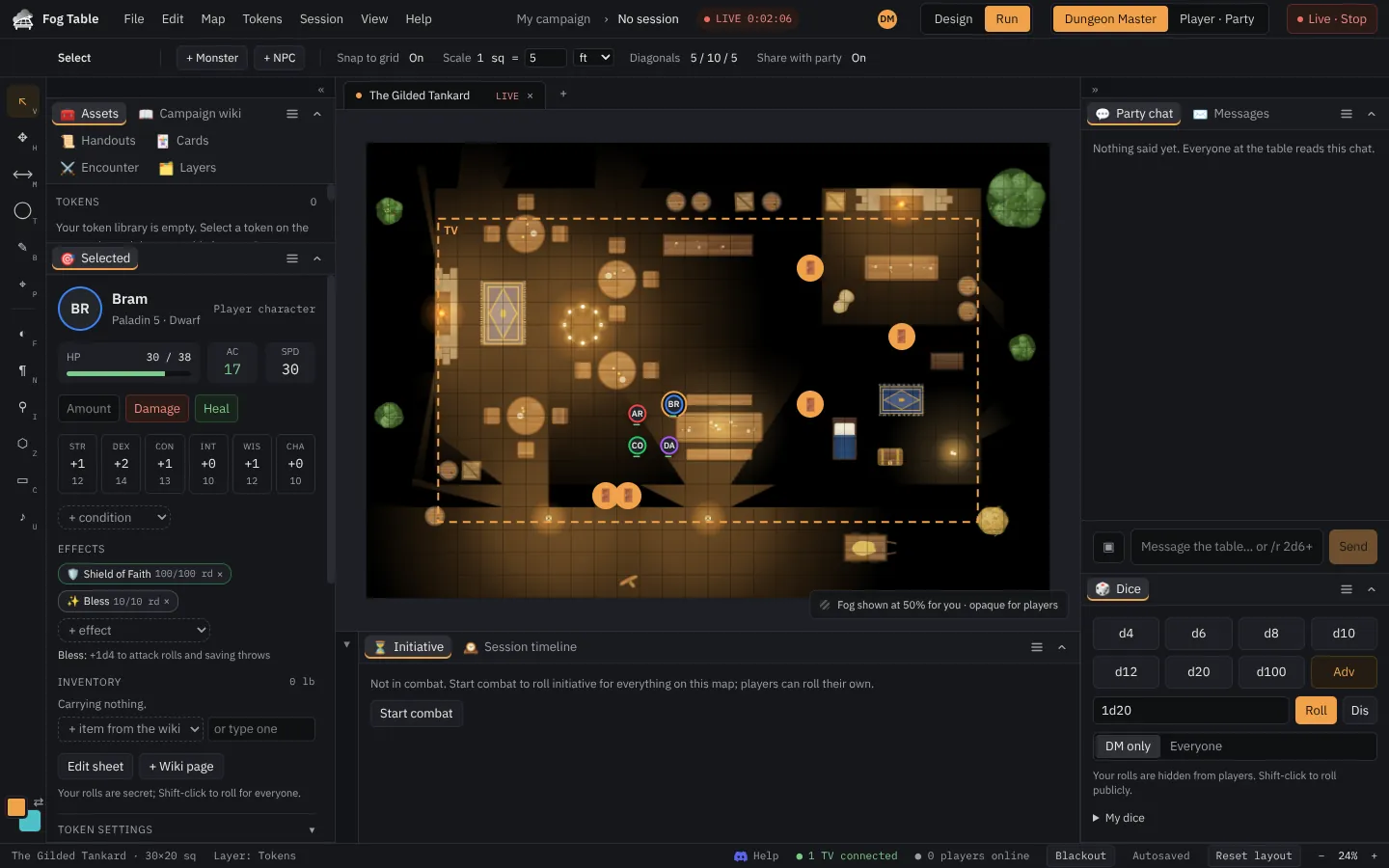 Effects and conditionsShield of Faith, Bless, Restrained and your own effects change a token's numbers, show on the TV and run out with the turns.
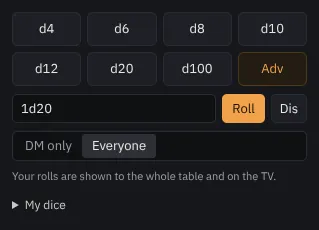 DiceRoll from the dice tray or the chat, secretly or for everyone, and watch public rolls tumble across the TV as 3D dice.
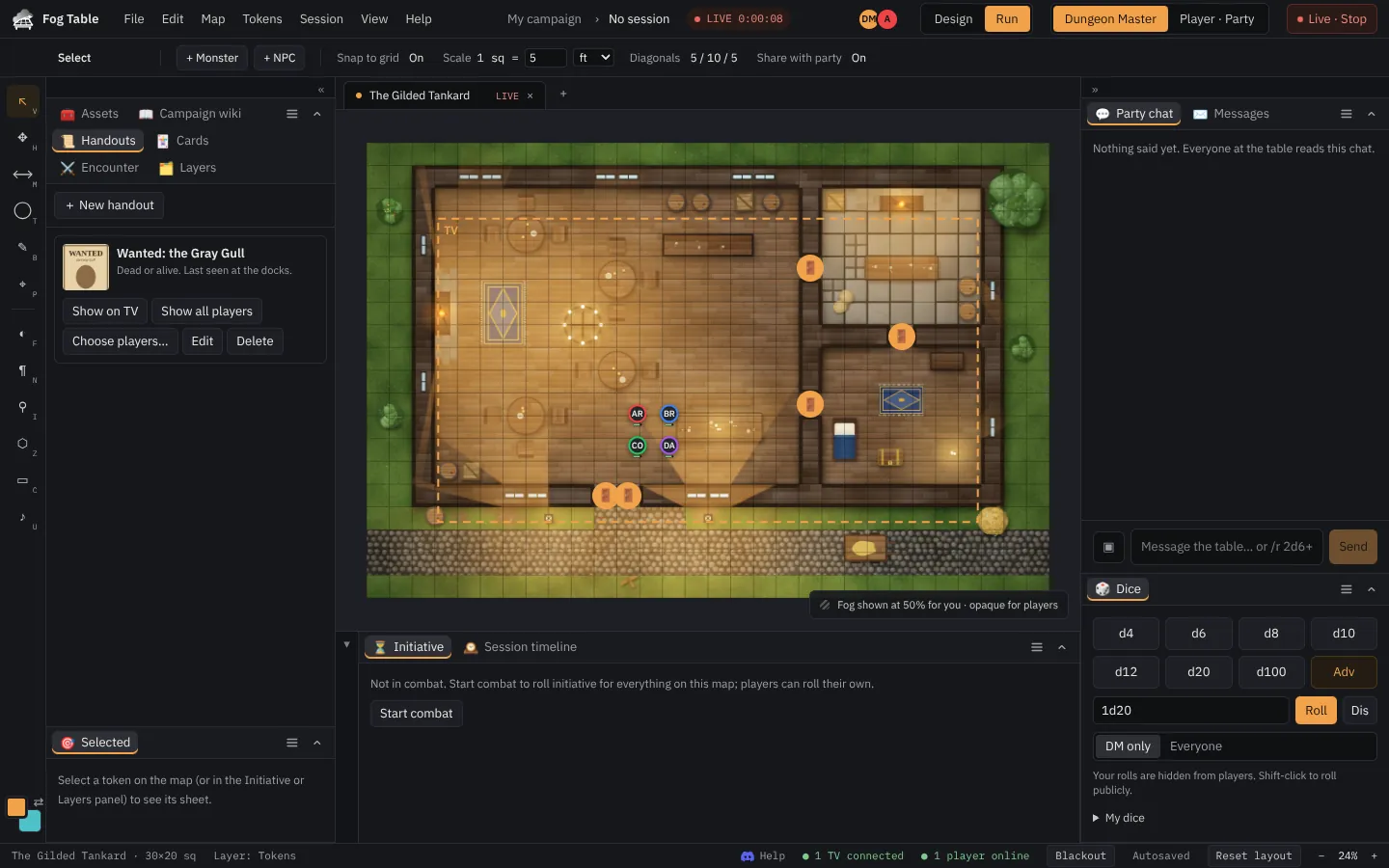 HandoutsShow a letter, a wanted poster or a found map on the TV, send it to players' phones, and take it back.
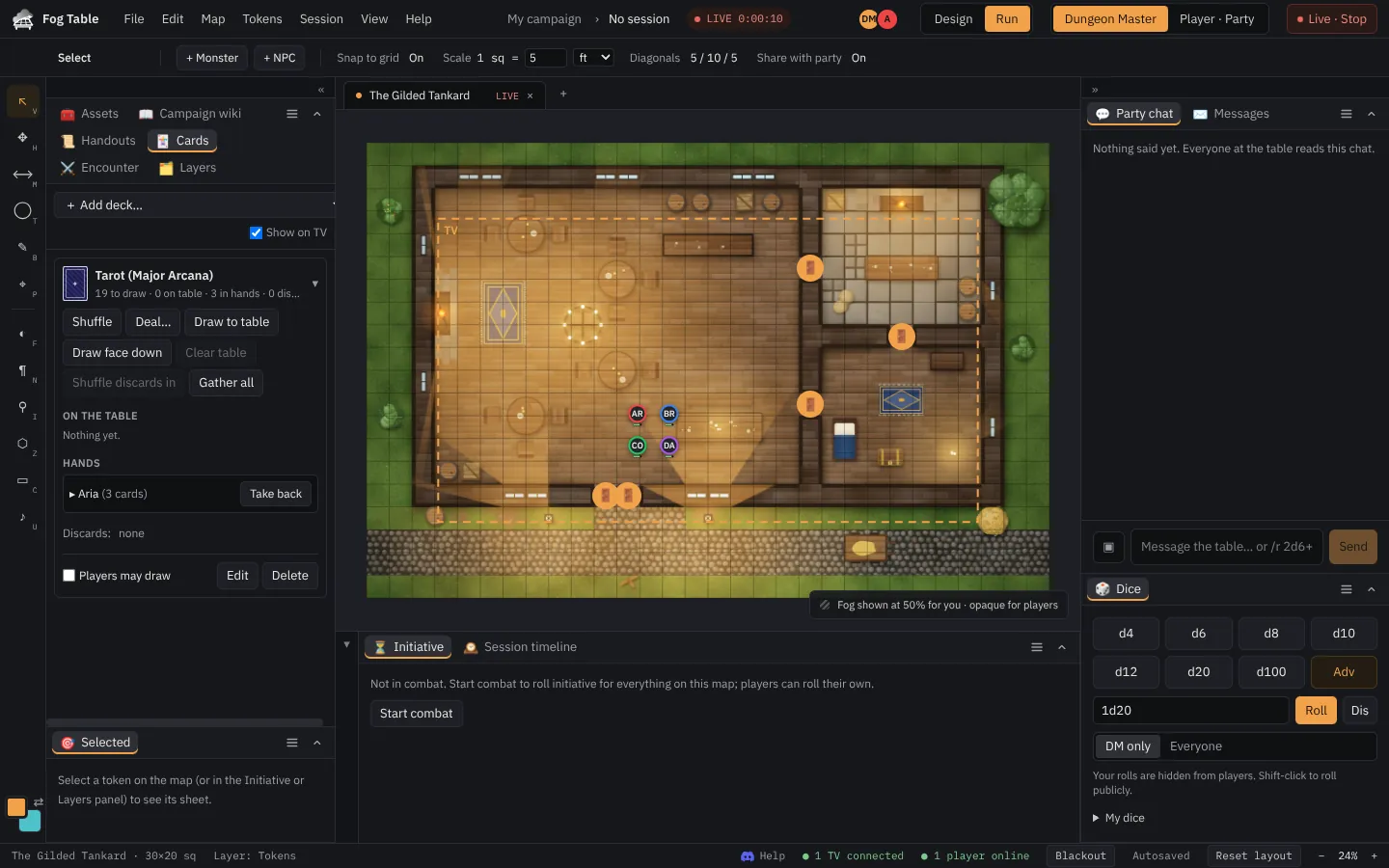 Card decksDeal playing cards, tarot or the Deck of Many Things to players' phones; they play cards onto the table for the TV to show.
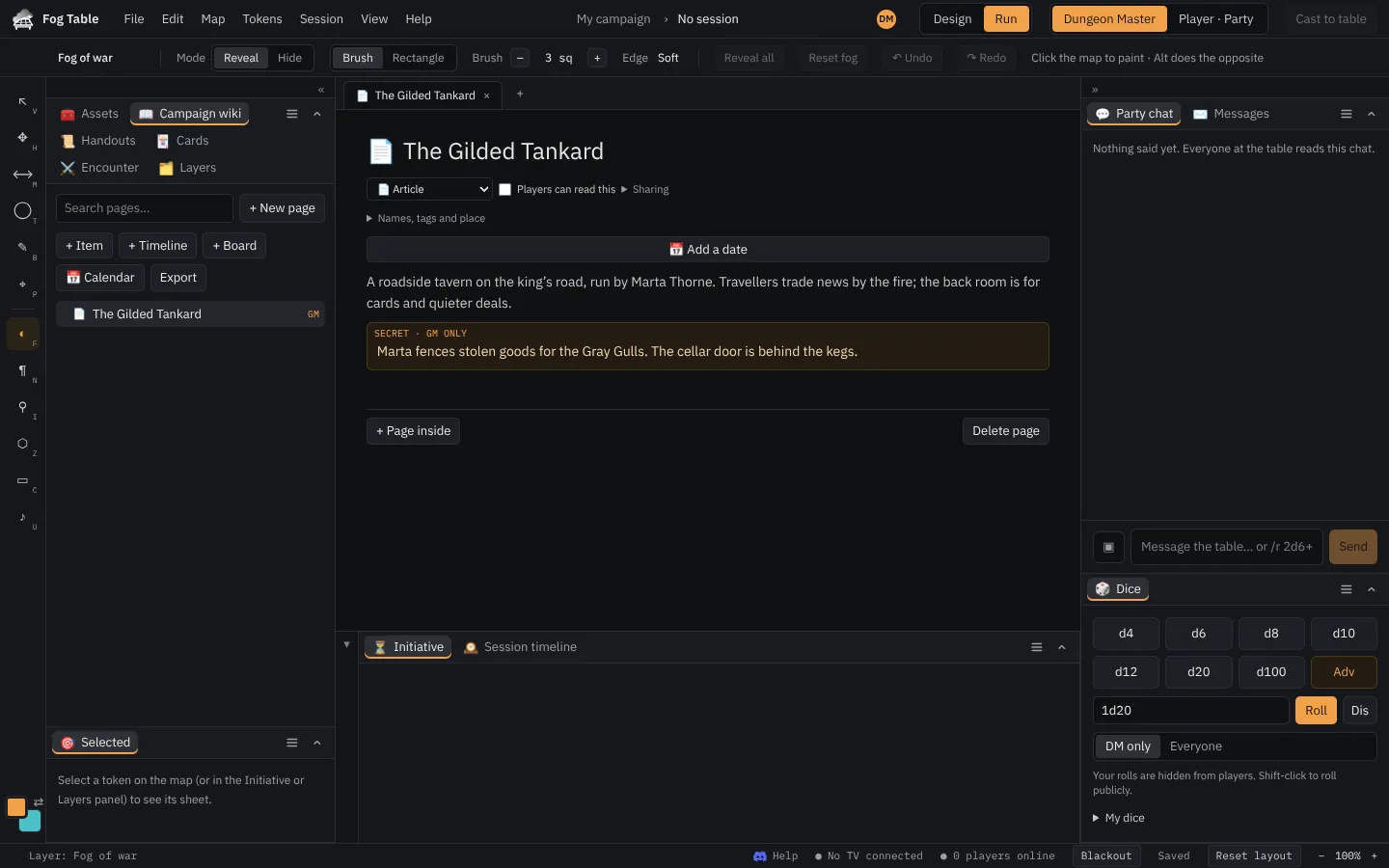 The campaign wikiPages for places, people, items and quests, with links, secret GM blocks, and pages you share with the players.
- Spell effectsFireballs, cones of cold, lightning bolts and more, played on the map on the TV and players' phones, on 2D and 3D maps.
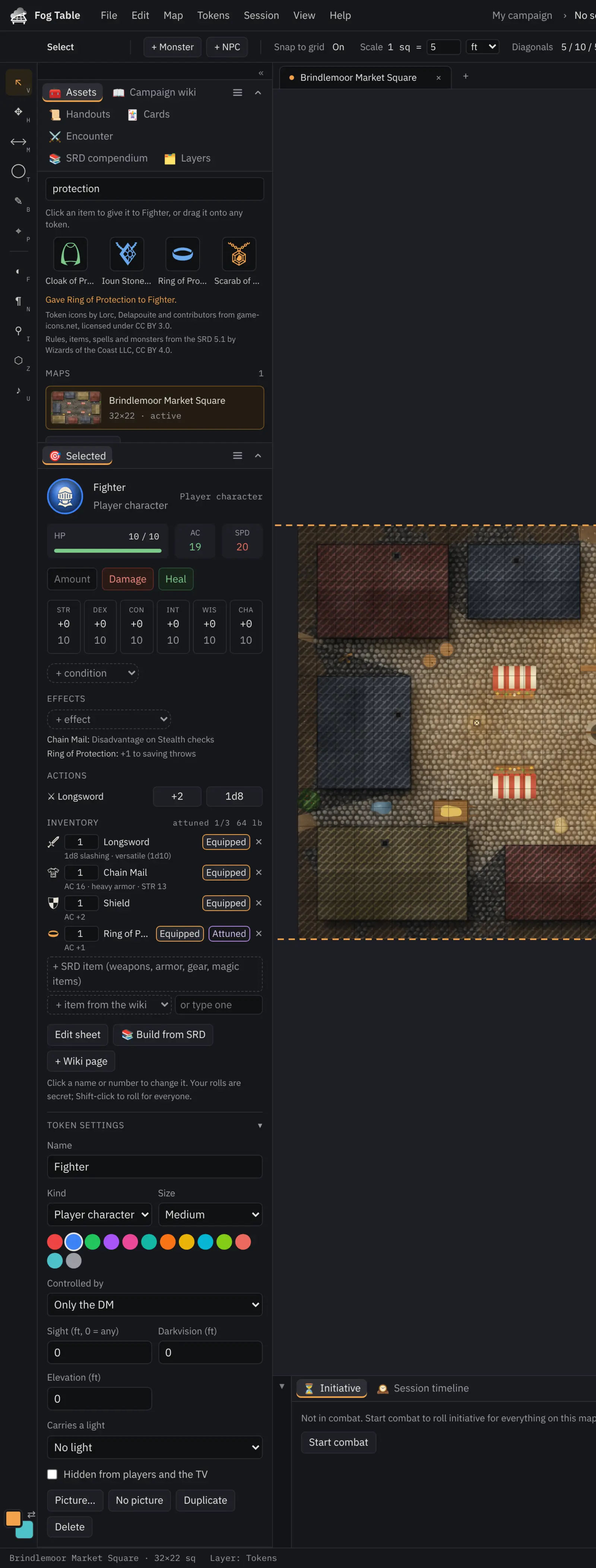 Characters, items and rulesBuild characters step by step from the rules, give them gear that changes their sheet, and make, edit and share your own rules on top of the SRD 5.1.
Building maps
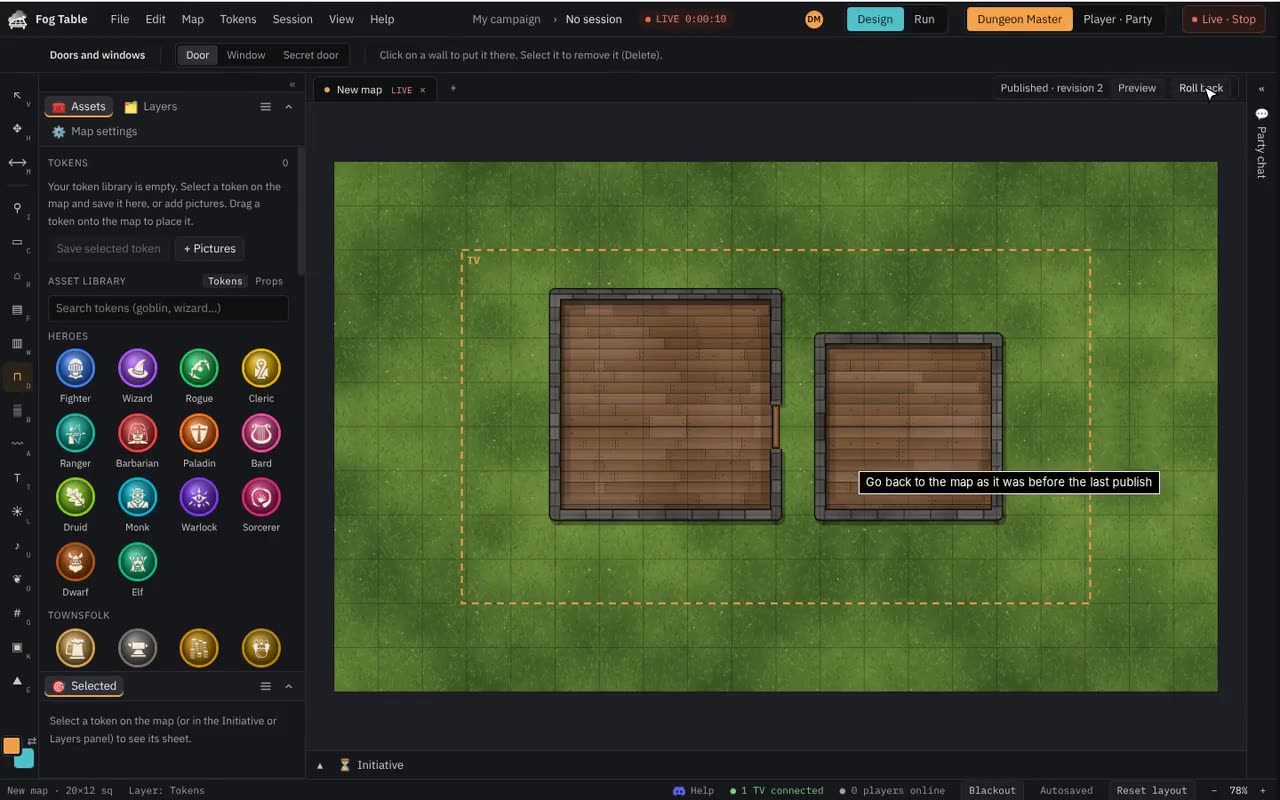 Design a mapDraw your own 2D map from scratch: rooms with walls round them, doors, floors, terrain, paths and labels, then publish it to the table.
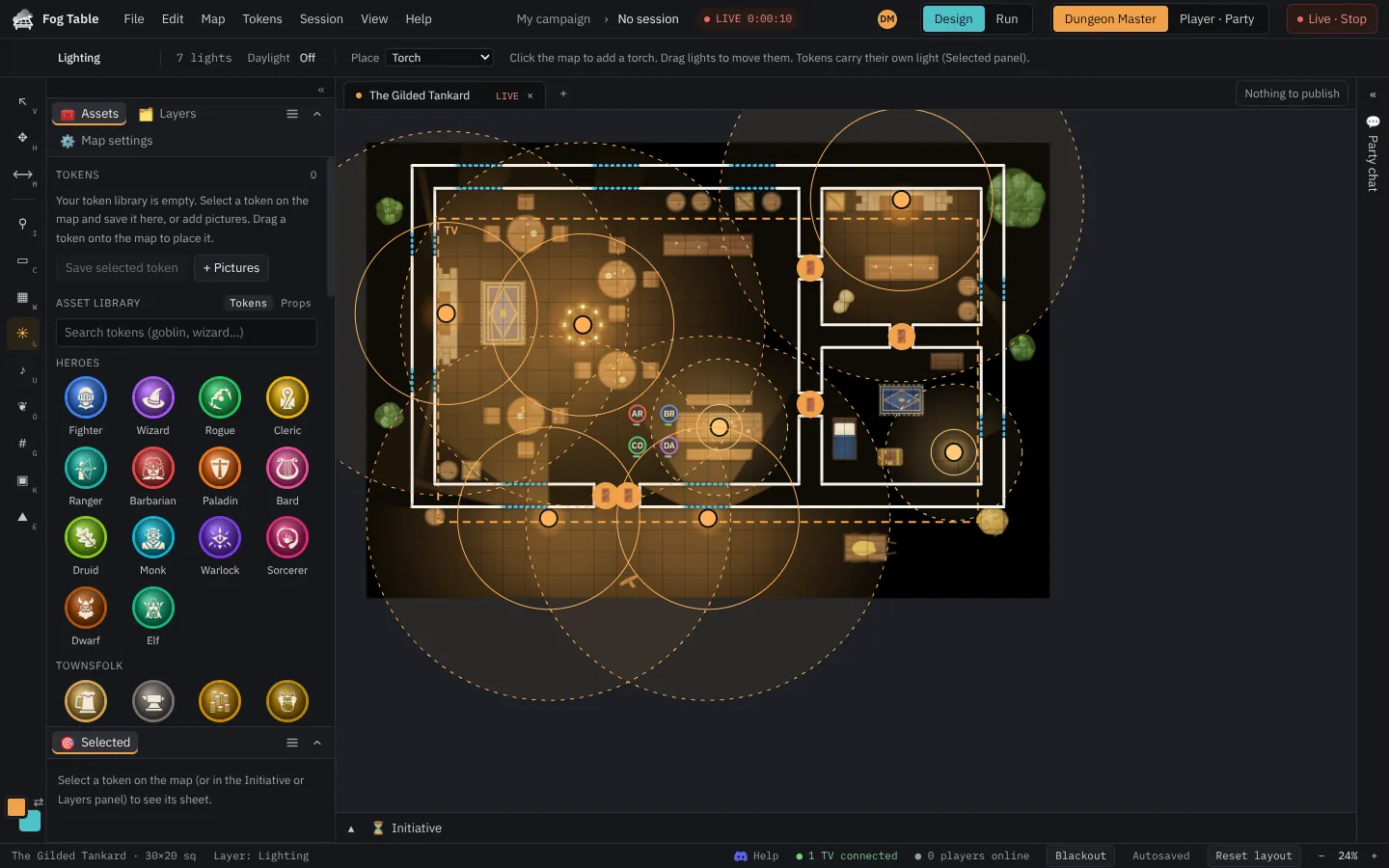 LightsTorches, lanterns, campfires and spells that light the map in colour and flicker on the TV, placed on the map or carried by tokens.
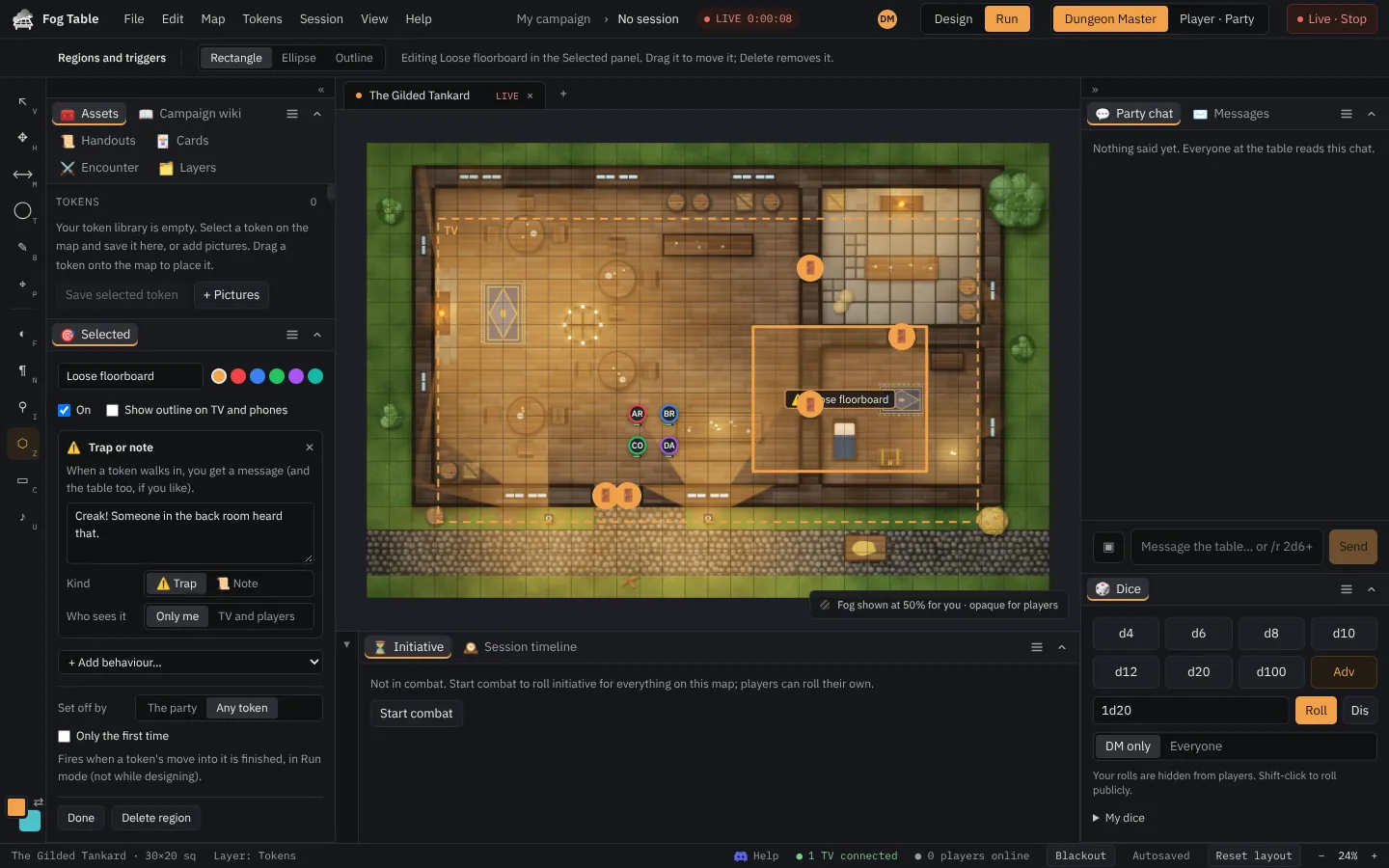 Regions and triggersAreas on the map that do something when a token walks in, such as a trap message, a teleport or a reveal, or that change the rules inside.
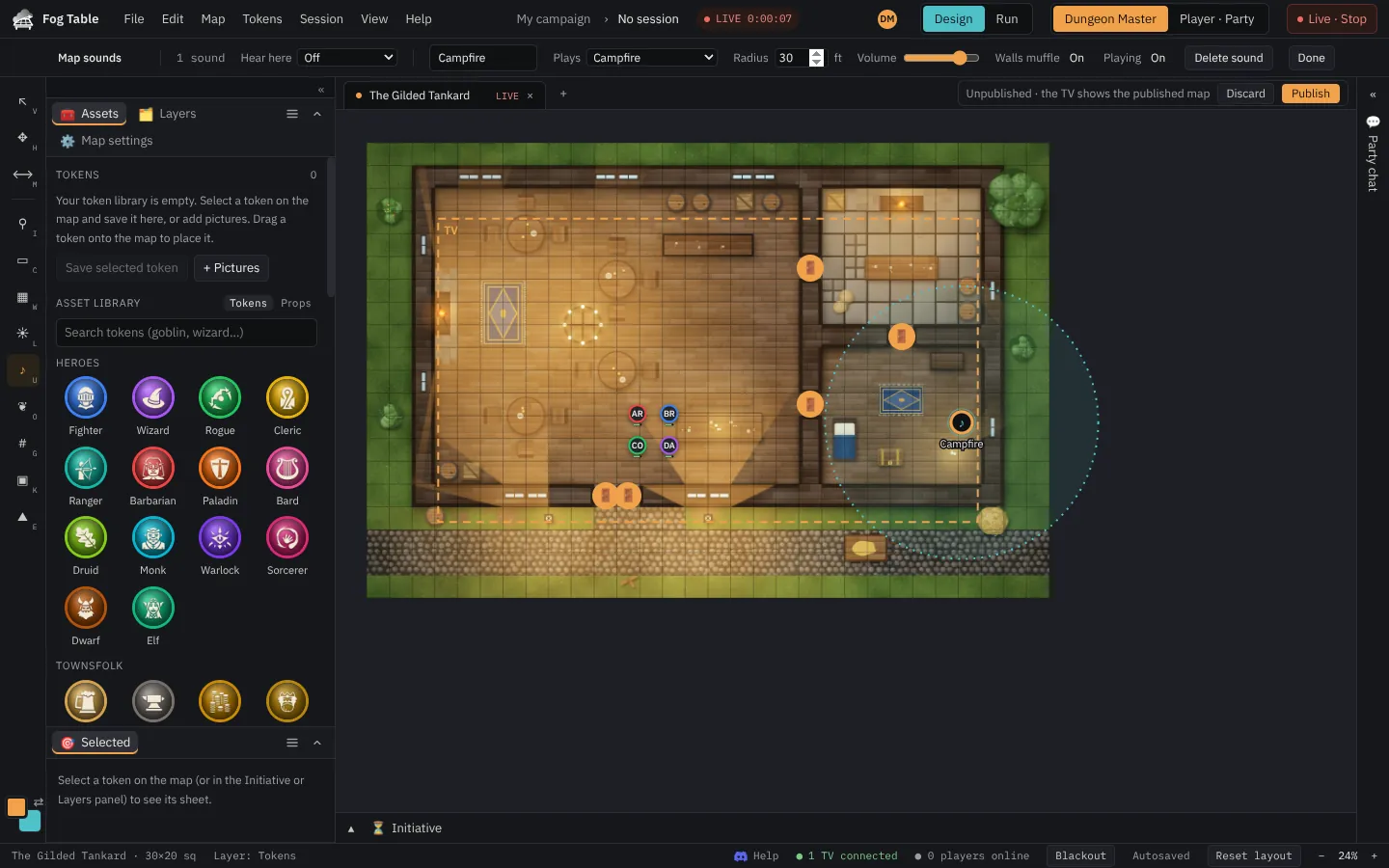 Map soundsA crackling campfire, a waterfall or a tavern crowd placed on the map, heard on the TV louder as the party gets close, plus music for each map.
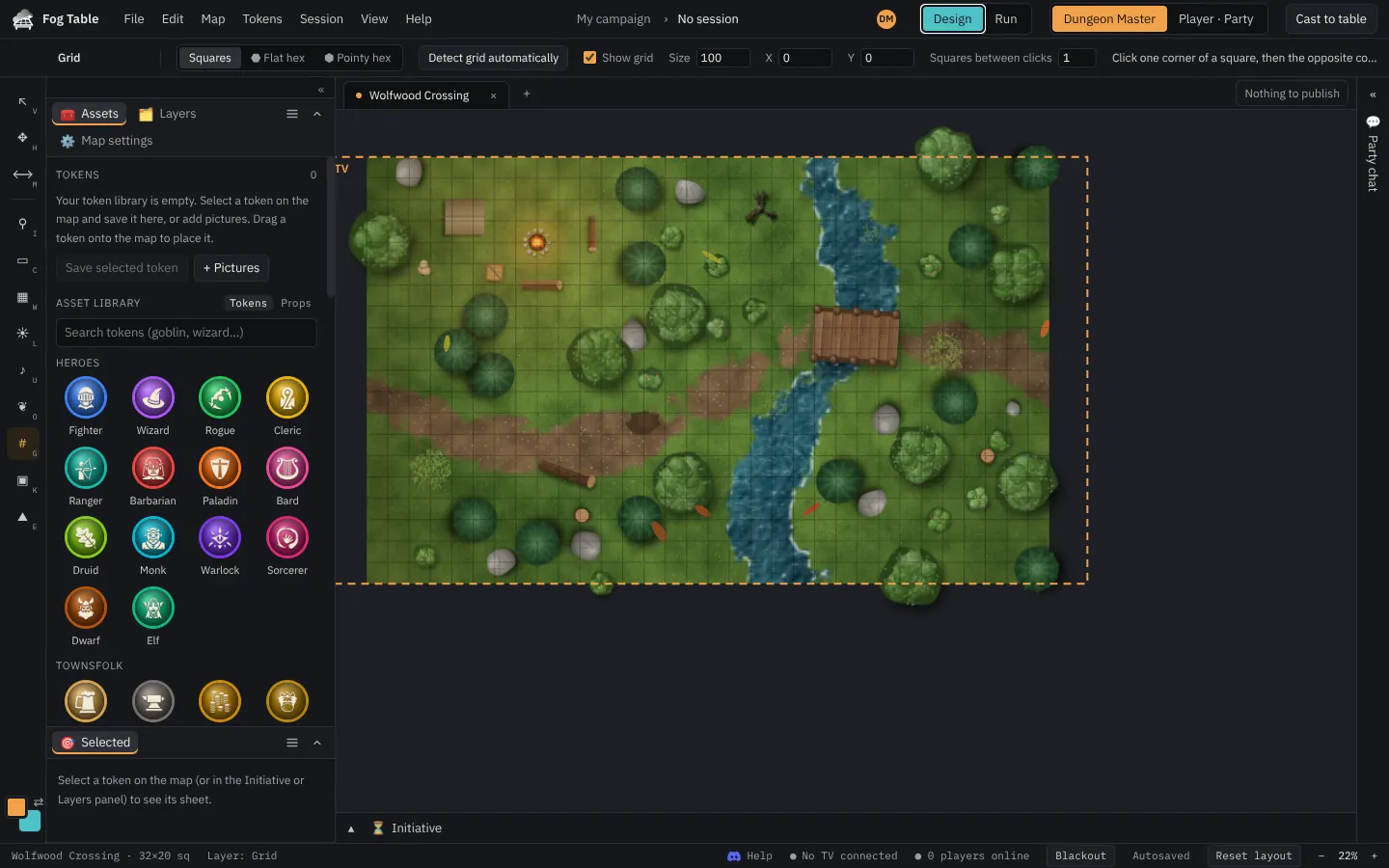 Square and hex gridsFind a map's grid automatically or by clicking two corners, switch to flat or pointy hexes, and match the grid to your minis.
3D maps
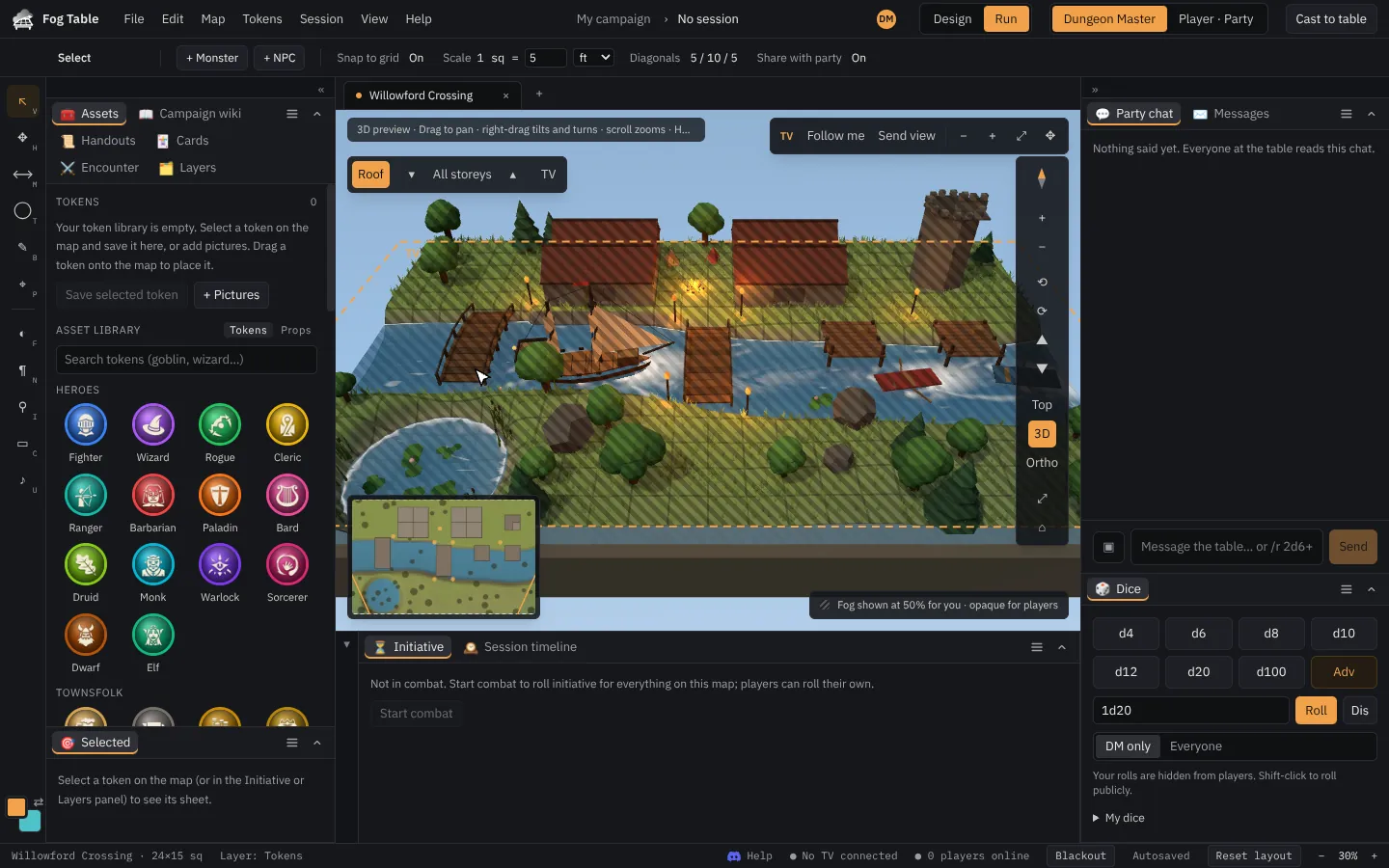 3D maps
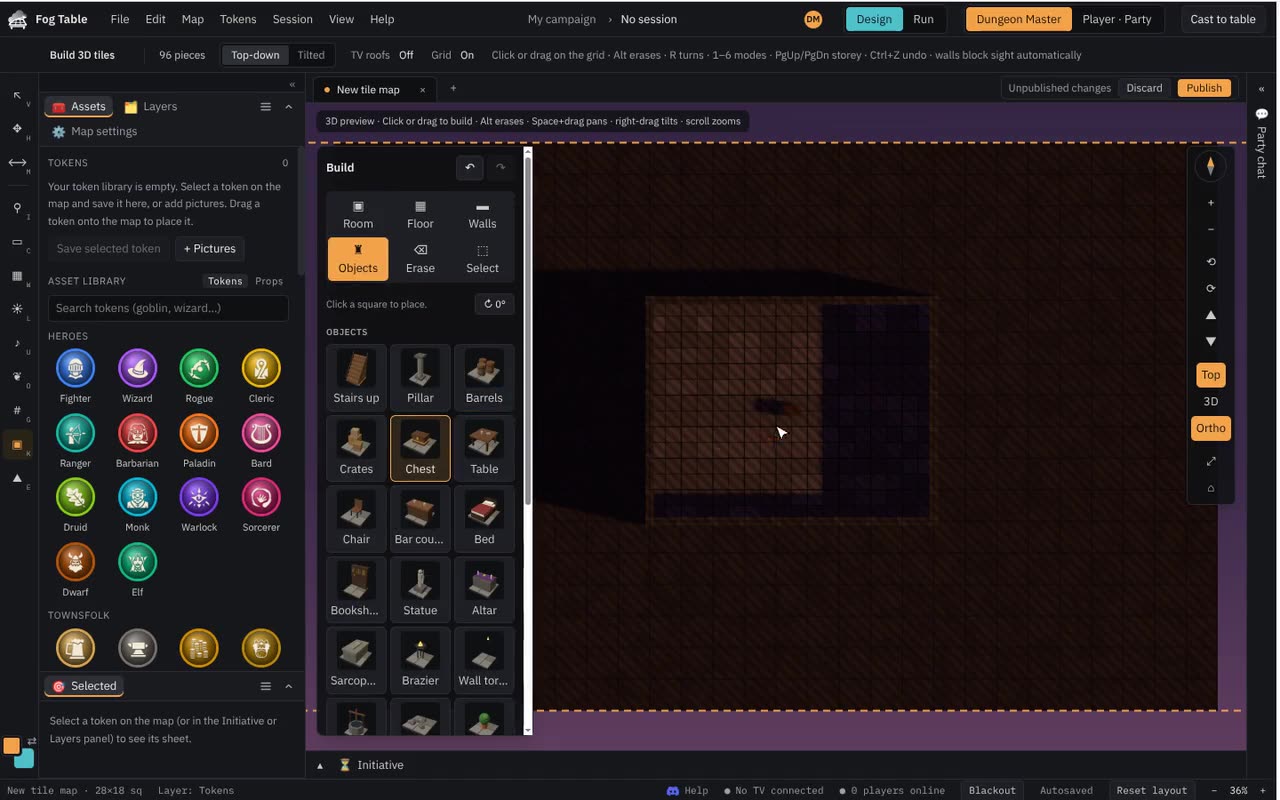 Build with 3D tiles
Players and the table
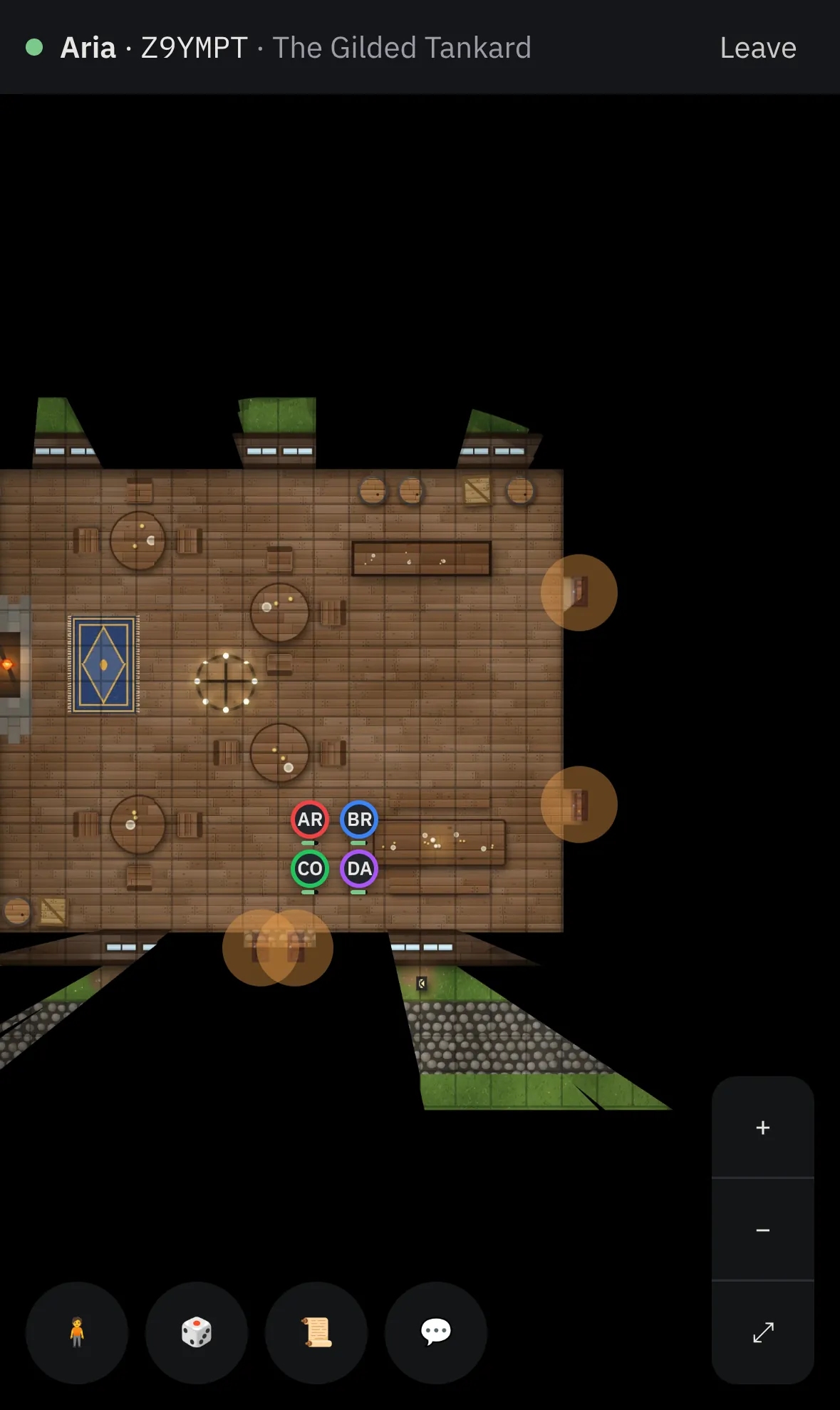 Players join from their phones
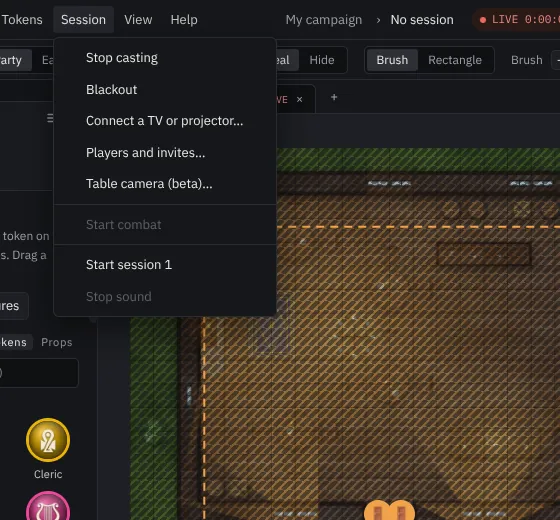 Table camera (beta)
More
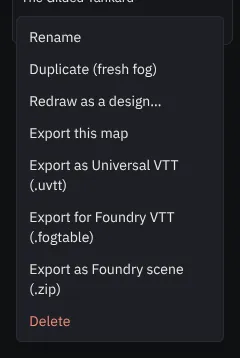 Foundry VTT: live link, import and exportKeep Fog Table and Foundry VTT (v13 and v14) in step while you play, or move maps, walls, lights, tokens, journals and items between them as files.
- Build with ClaudeConnect Claude to your world so it can build maps, place monsters and NPCs, write wiki pages and handouts, and run fog and combat for you.
- Fantasy Grounds Unity import and exportMove maps (with walls, doors, windows and lights), monsters, items and story pages between Fog Table and Fantasy Grounds Unity as modules.