Running a game
The campaign wiki
Pages for places, people, items and quests, with links, secret GM blocks, and pages you share with the players.
The Campaign wiki panel holds your campaign notes as linked pages, like a small LegendKeeper inside Fog Table.
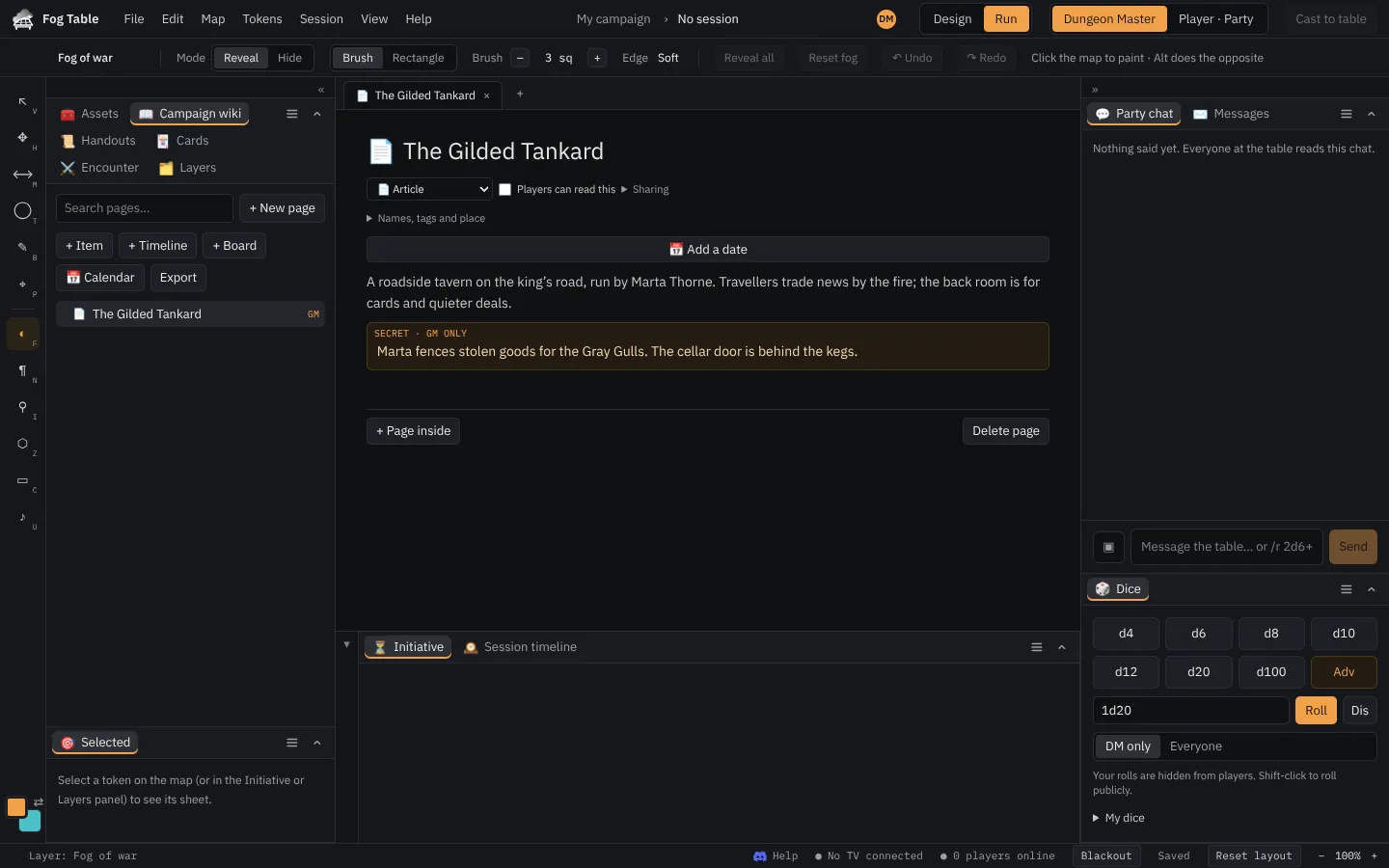
Write a page
- Open Campaign wiki and press + New page (or Create a wiki page on the New tab).
- Type a title, then write.
- Type / for headings, lists, tables, columns, pictures, dice rolls and secret blocks.
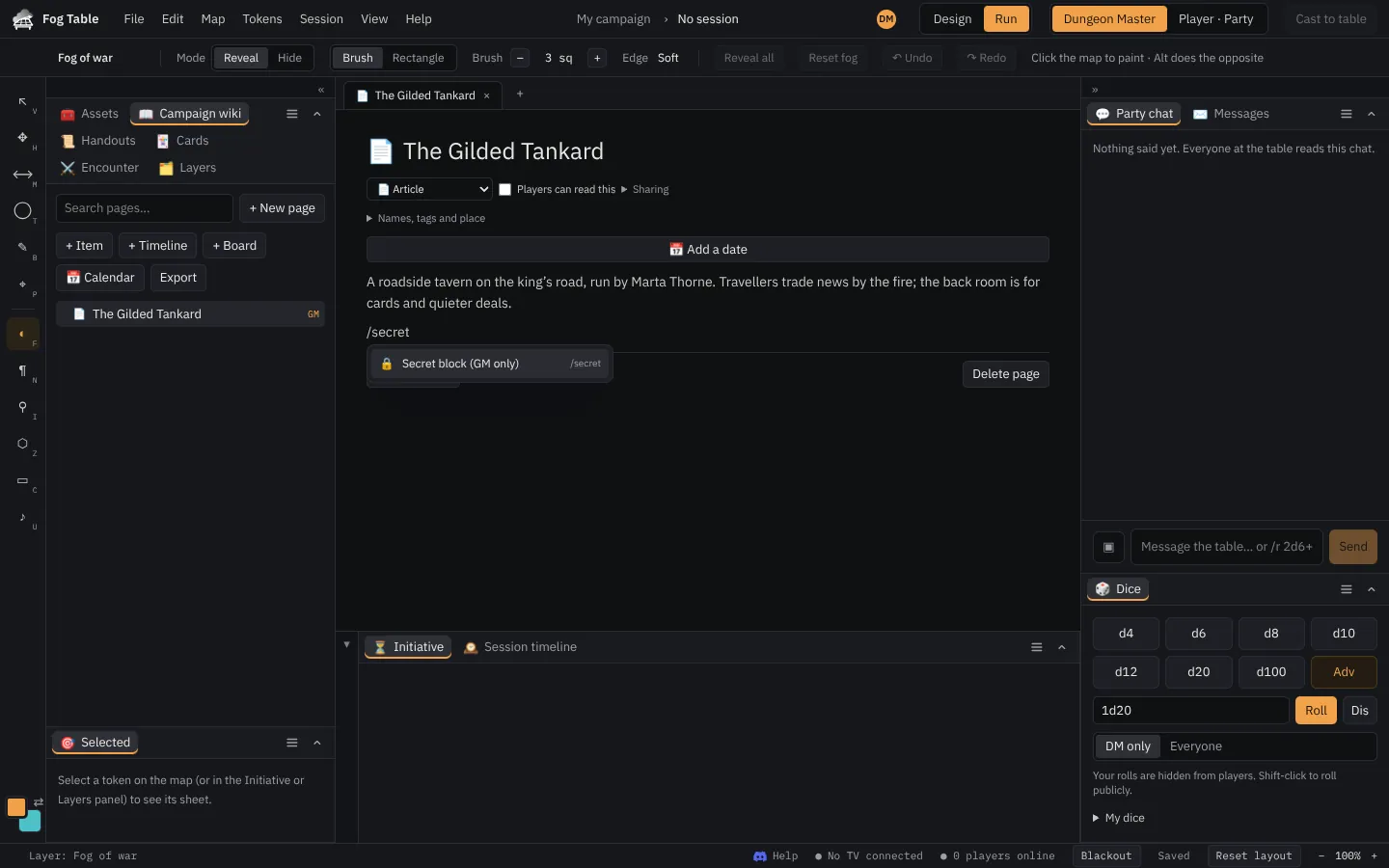
Link pages
- Type @ or [[ to link another page, or to make a new page inside this one.
- Typing another page's name links it as you go (Ctrl+Z undoes it).
- Drag pages in the tree to sort them or nest one inside another, or drop a page into the text to link it.
- Each page lists the pages that link to it.
Tokens, player characters and maps can have their own pages: open them from the token's sheet or Map settings.
Pages in a pop-up over the map
Pages linked to things on the map open in a pop-up over the map, so you never leave the table: a pin's page, a region or trap's page (Read page on a trap's alert), an item or a creature's page. Links inside stay in the pop-up, with Back; drag or resize it, or Open in tab to keep it. A region can be linked to a page in the Regions panel.
Share with players
Secret blocks are for you only. Mark a page Players can read this and it reaches the players' Journal, without its secret blocks and without links to pages they can't see. Players can edit their own character page.
Calendars, timelines and boards
The wiki also has calendars with timelines (the Harptos calendar by default), boards for pinning things together, and HTML export of the whole wiki.
Tip ⤢ opens a page in place of the map, for reading at the table.