Players and the table
Players join from their phones
Invite players with a link, a QR code or a room code. They follow the TV, move their own token, roll dice, chat and read handouts.
Phones are optional; plenty of tables just use the TV. When players do join, each phone shows the map as the TV does (only what they may see), and gives them their character, dice, chat and handouts.
Invite players
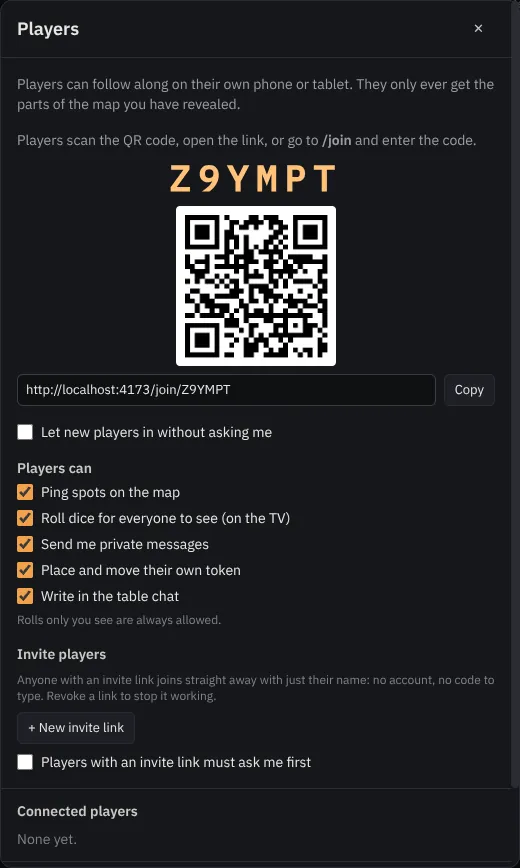
Click the player avatars at the top of the console (Players and invites, also in the Session menu) and switch players on. You get:
- a room code and QR code: players open the site, or scan the code, and type their name. You approve each new device, unless you tick Let new players in without asking me.
- + New invite link: a link you send in your group chat. Players with it get in without approval (tick Players with an invite link must ask me first if you want to approve them anyway).
No account is needed, for you or for them.
Joining
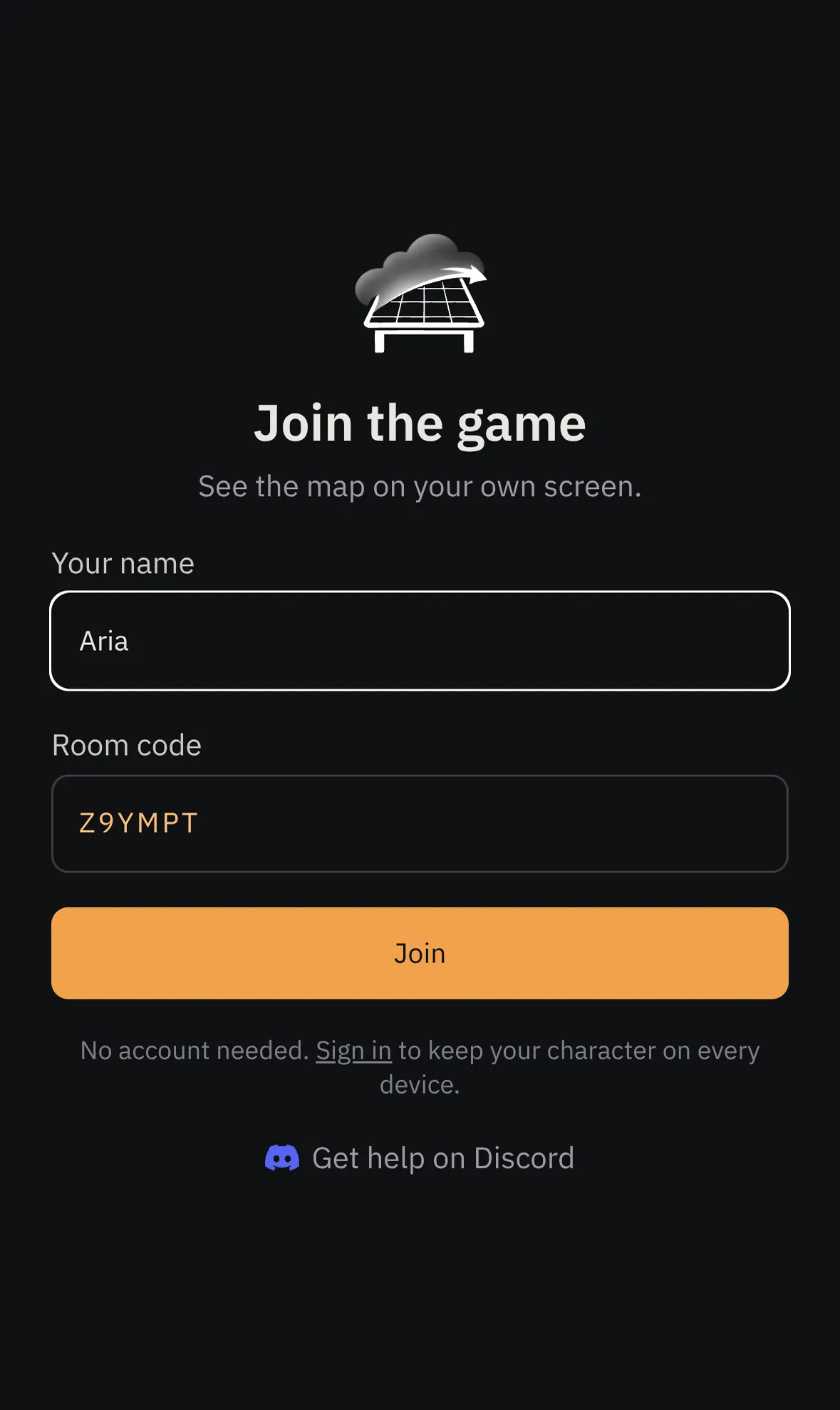
On the phone, the player opens the link (or goes to /join and types the code), enters their name and presses Join.
If you approve joins, a request pops up on your console:
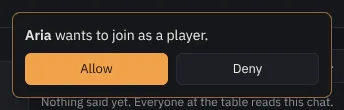
Approved phones come back by themselves next time. Remove in Players and invites cuts a device off and cancels its pass.
What players can do
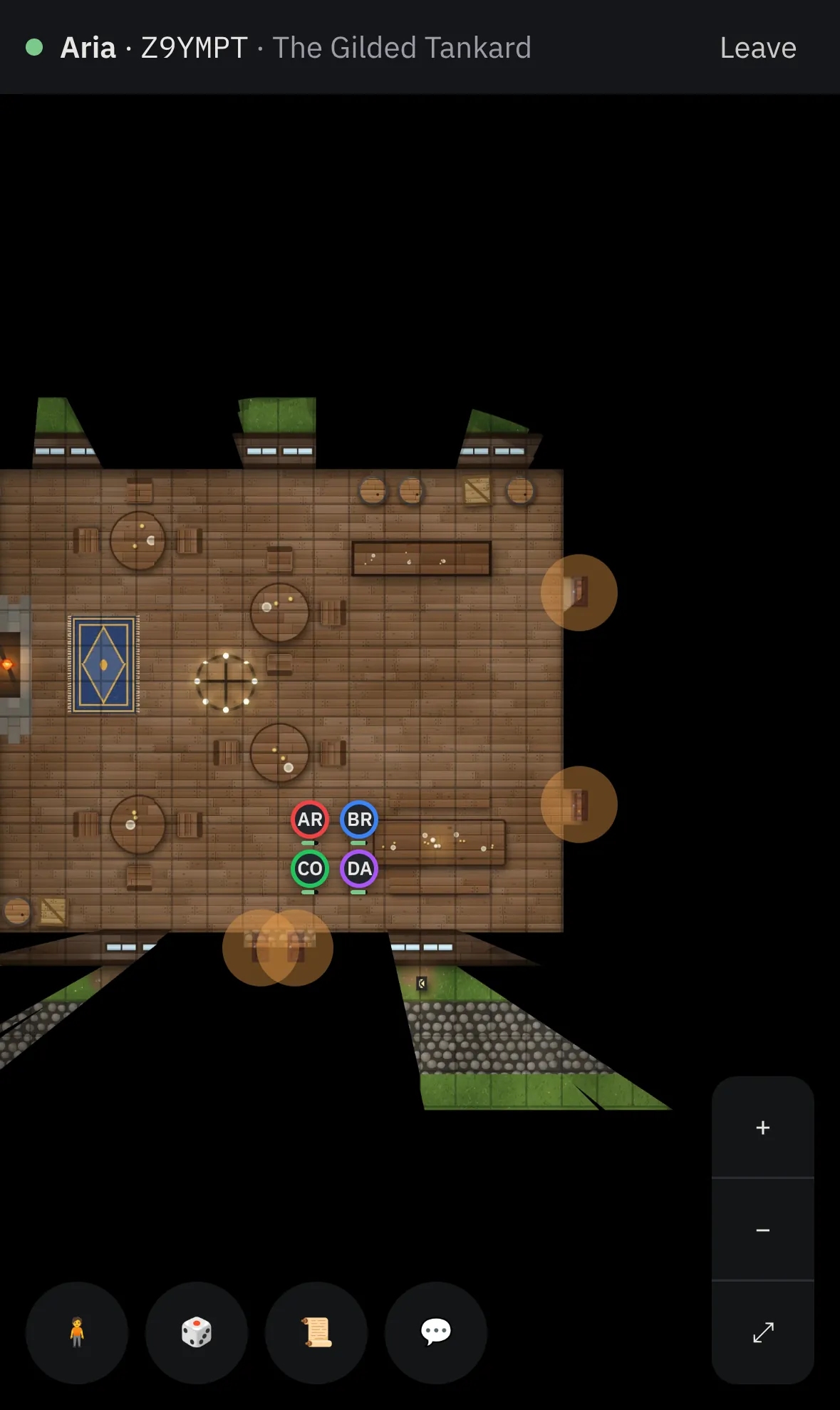
- The map: it follows the TV; players can zoom and move around and tap Follow TV to snap back. Phones never receive the map file or the fog: your browser sends them only the revealed parts.
- My character: name, colour and photo; then place their token and drag it. You check every move (own token only, not into unrevealed fog, not through walls).
- 🎲 Dice: buttons and formulas, shown to Everyone, Me + DM or DM only. Public rolls tumble across the TV.
- Pings: hold a finger on the map to point at a spot.
- 📜 Journal: their character sheet, the wiki pages you shared, their handouts, and the session so far.
- 💬 Chat: a table chat everyone reads, and a private thread with you.
- Cards you deal them, and Roll initiative when combat starts.
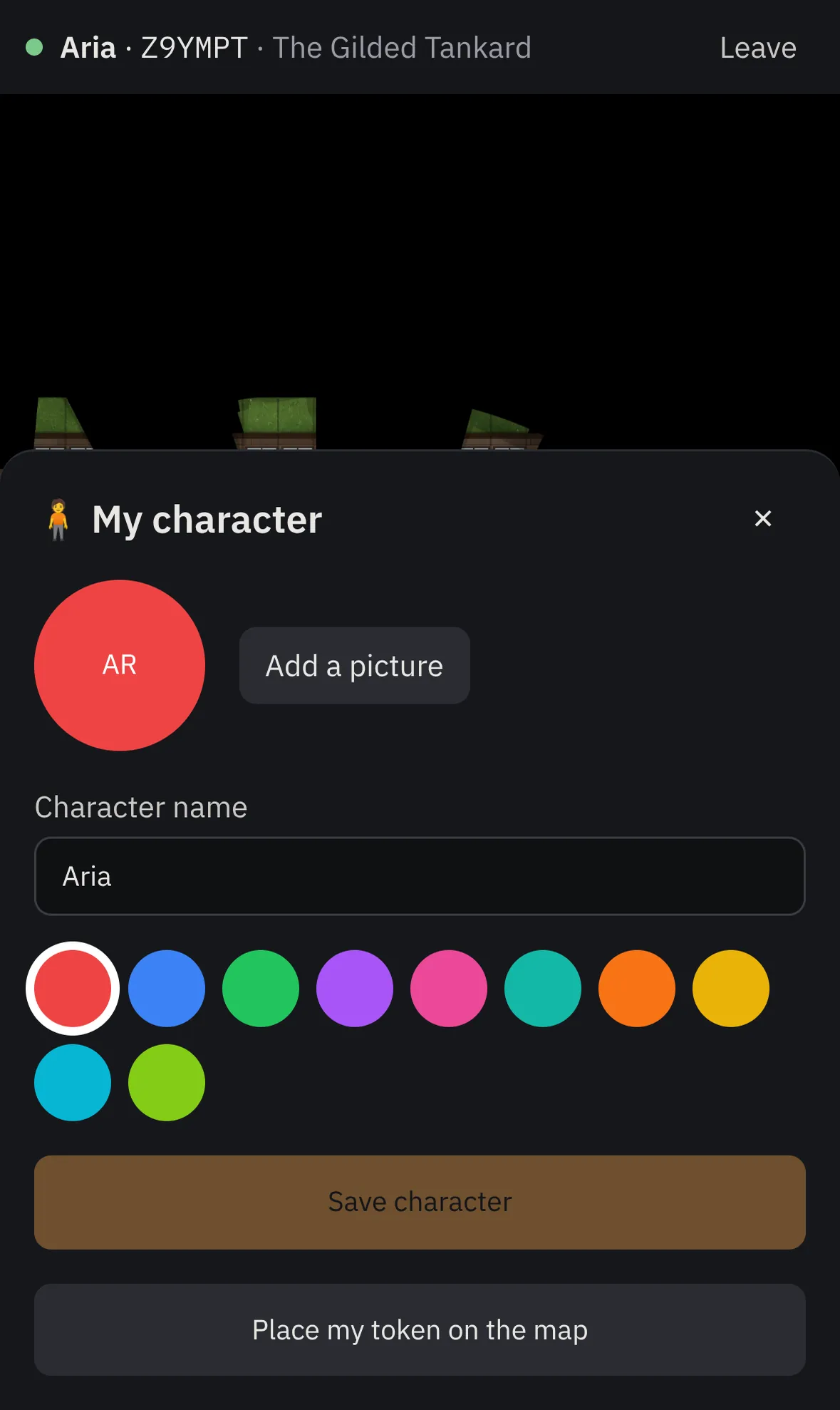
On a computer screen at least 1280 px wide, players get a desktop workspace like yours, with their own tools and panels.
Permissions
In Players and invites you can switch off pings, public rolls, private messages, chat, or token moves for everyone.