Running a game
Dice
Roll from the dice tray or the chat, secretly or for everyone, and watch public rolls tumble across the TV as 3D dice.
The dice tray
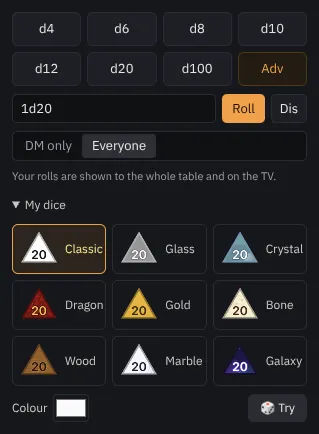
The Dice panel has a button for each die (d4 to d100), advantage and disadvantage, and a box for any formula: 2d6+3, 4d6dl1 (drop the lowest), 1d20+5.
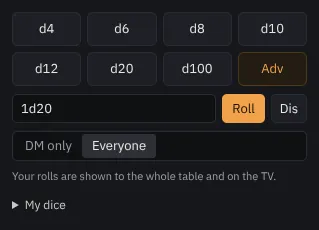
Choose who sees your roll:
- DM only (the default): only you see it. Shift-click a die to roll it publicly anyway.
- Everyone: the roll pops up on the TV and in everyone's chat.
Roll in the chat
Type /r and a formula in Party chat, for example /r 2d6+3. Every roll, yours and the players', lands in the chat with its dice and total.
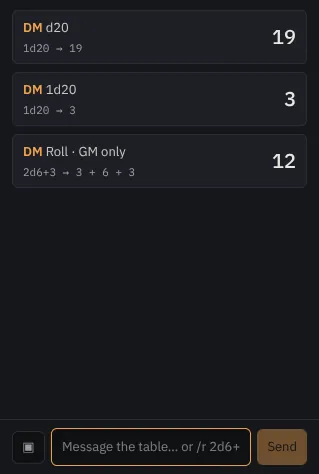
Actions on a monster's sheet (to hit, damage) roll into the chat too.
3D dice on the TV
Public rolls tumble across the TV as 3D dice in the roller's colour, and the result card shows once they land.
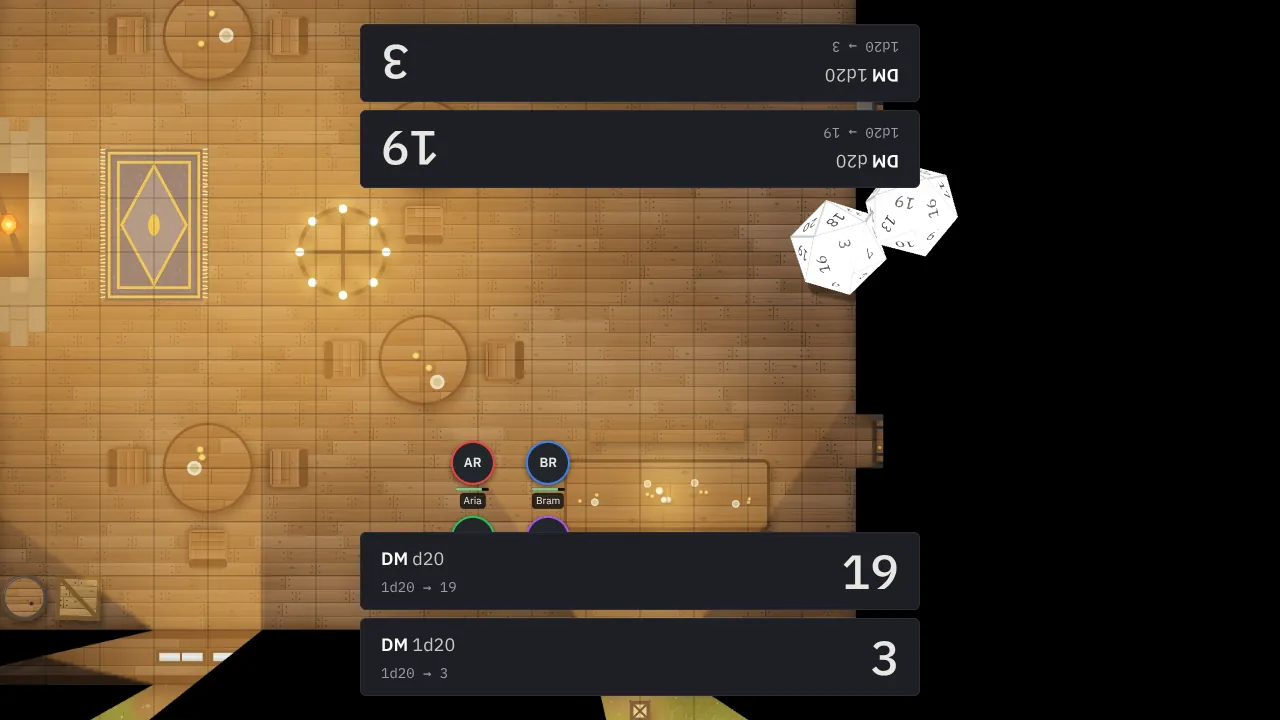
Under My dice in the tray, pick a theme (Classic, Glass, Crystal, Dragon, Gold, Bone, Wood, Marble, Galaxy) and a colour.
Players' rolls
Players roll on their phones from the 🎲 Dice tab and choose Everyone, Me + DM or DM only. Your console does the rolling, so a phone can't fake a result. They can also log a roll made with real dice.
Note Screens set to reduce motion skip the dice animation and show the result straight away.