Running a game
Handouts
Show a letter, a wanted poster or a found map on the TV, send it to players' phones, and take it back.
A handout is a picture (or a YouTube video) with some text: a letter, a wanted poster, the map the party found.
Make a handout
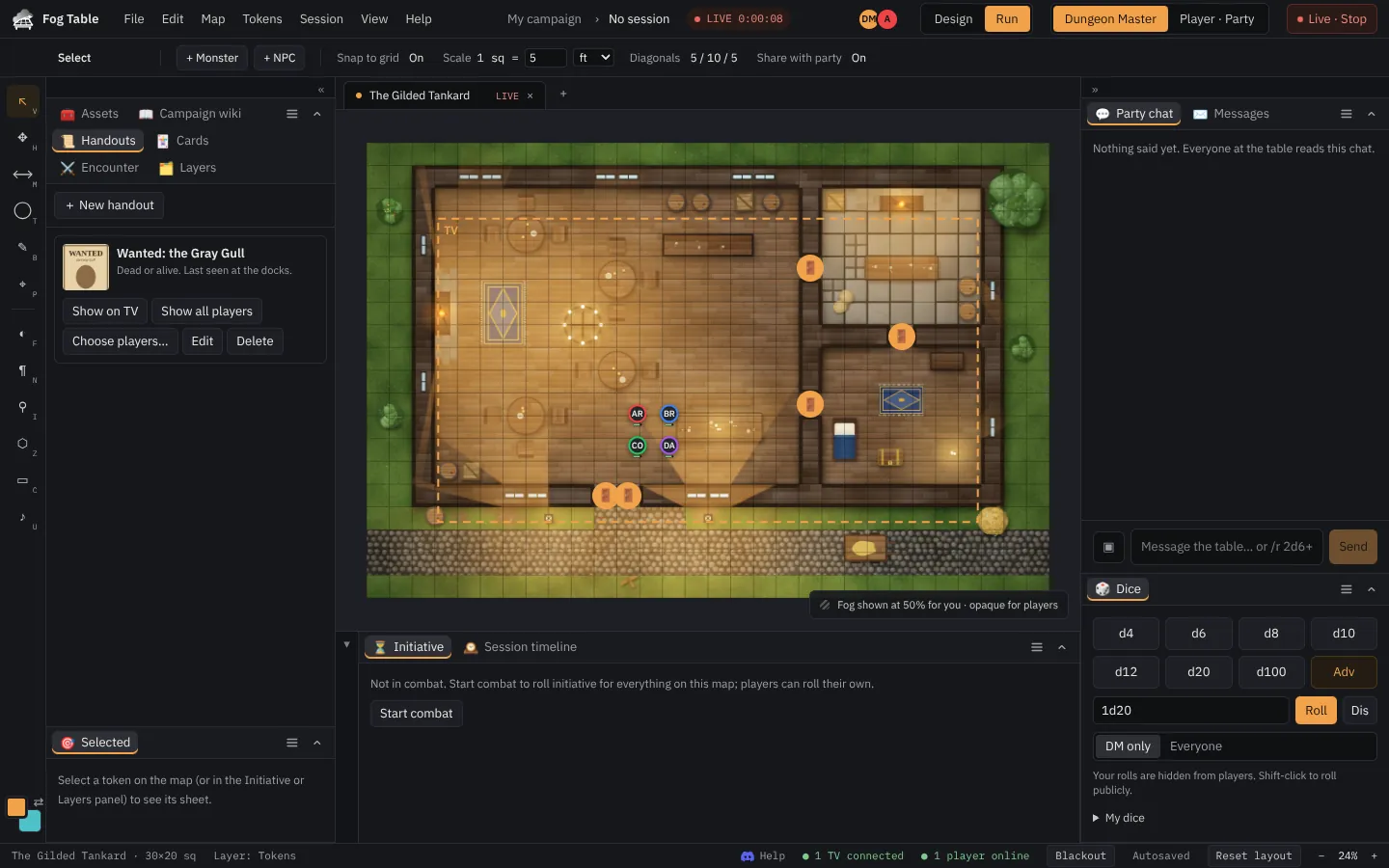
- Open the Handouts panel.
- Press + New handout.
- Give it a title, pick a picture, and add any text.
- Press Create handout.
Show it
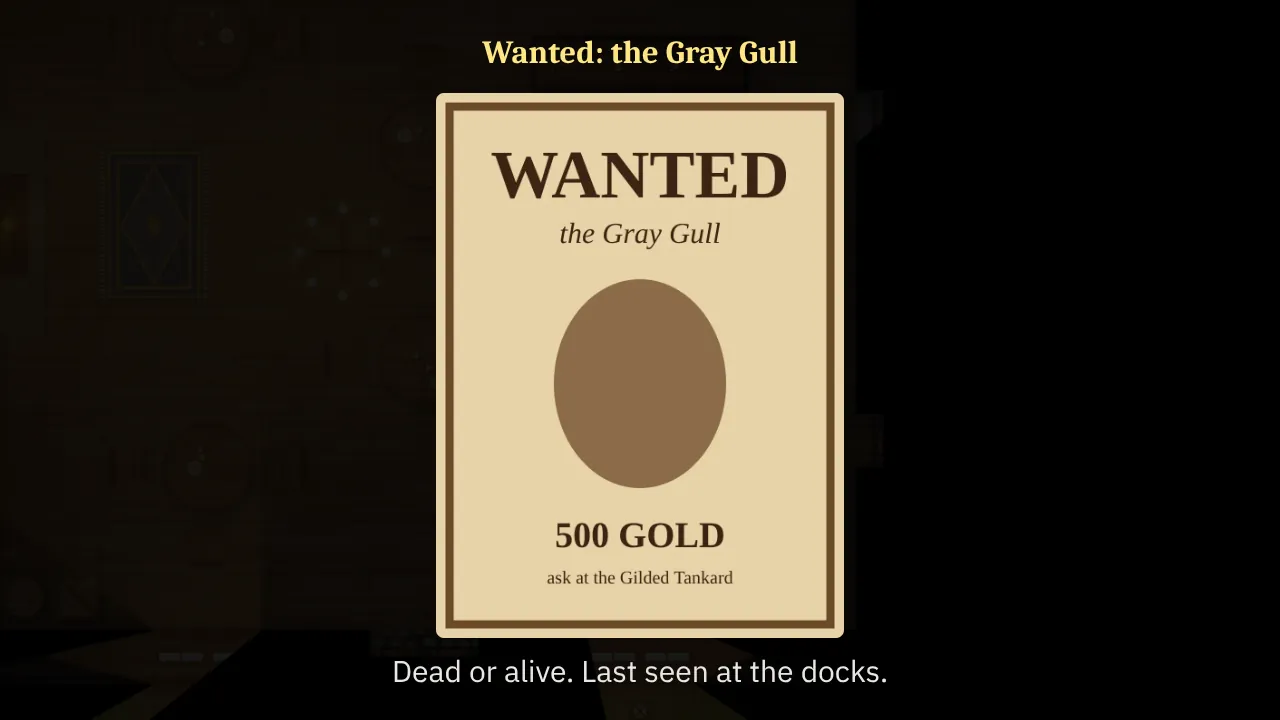
- Show on TV puts it over the map, big, until you press Take down.
- Show all players pops it up on every phone; Choose players… sends it to some of them. Players who join later get the ones meant for everyone.
- Take back removes it from their phones.
On the phone
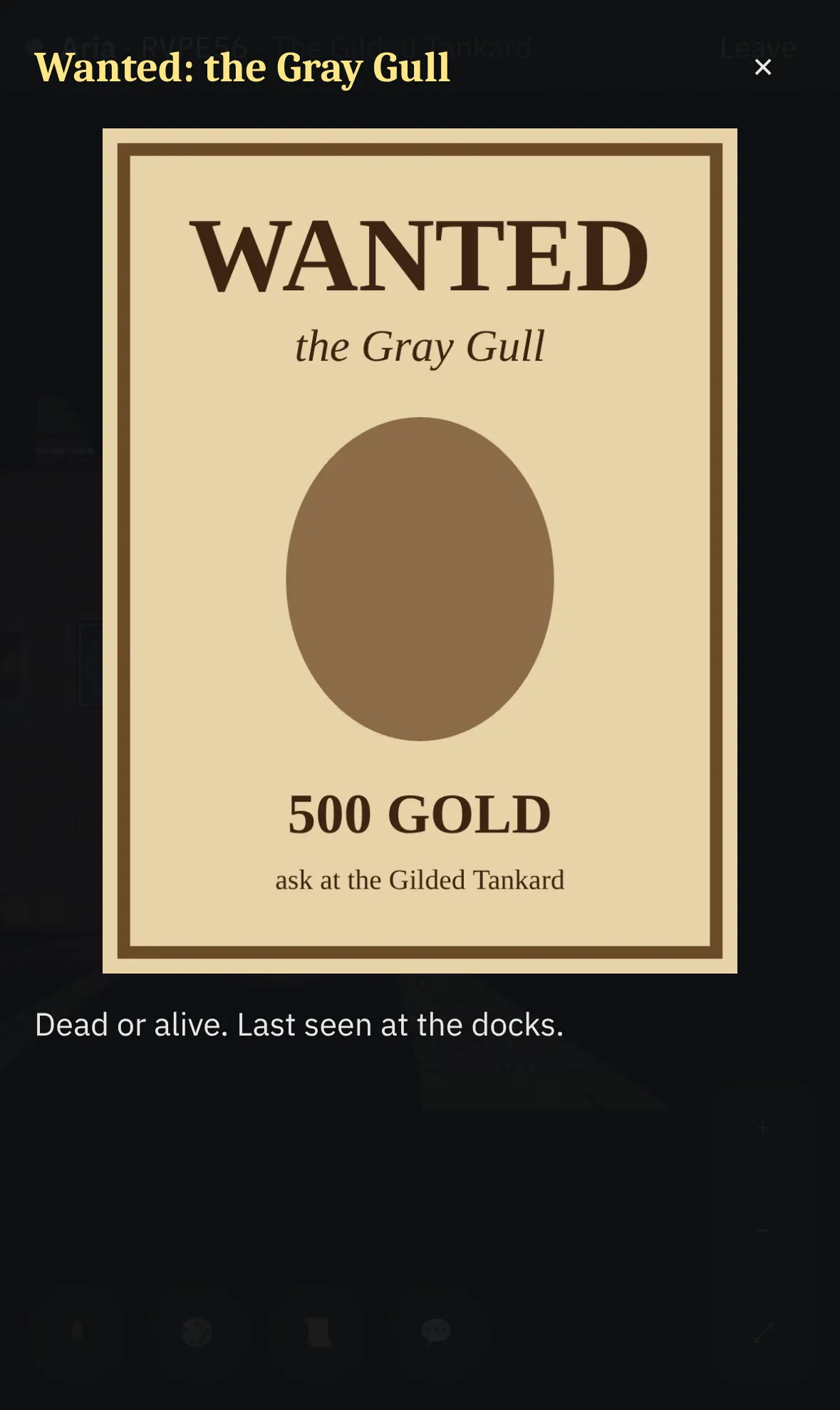
A handout opens full screen on the phone. It stays in Journal → Handouts, picture included, so players can look at it again later, even offline.