Building maps
Square and hex grids
Find a map's grid automatically or by clicking two corners, switch to flat or pointy hexes, and match the grid to your minis.
The grid is part of the map's design. Switch to Design mode and pick the Grid tool (G).
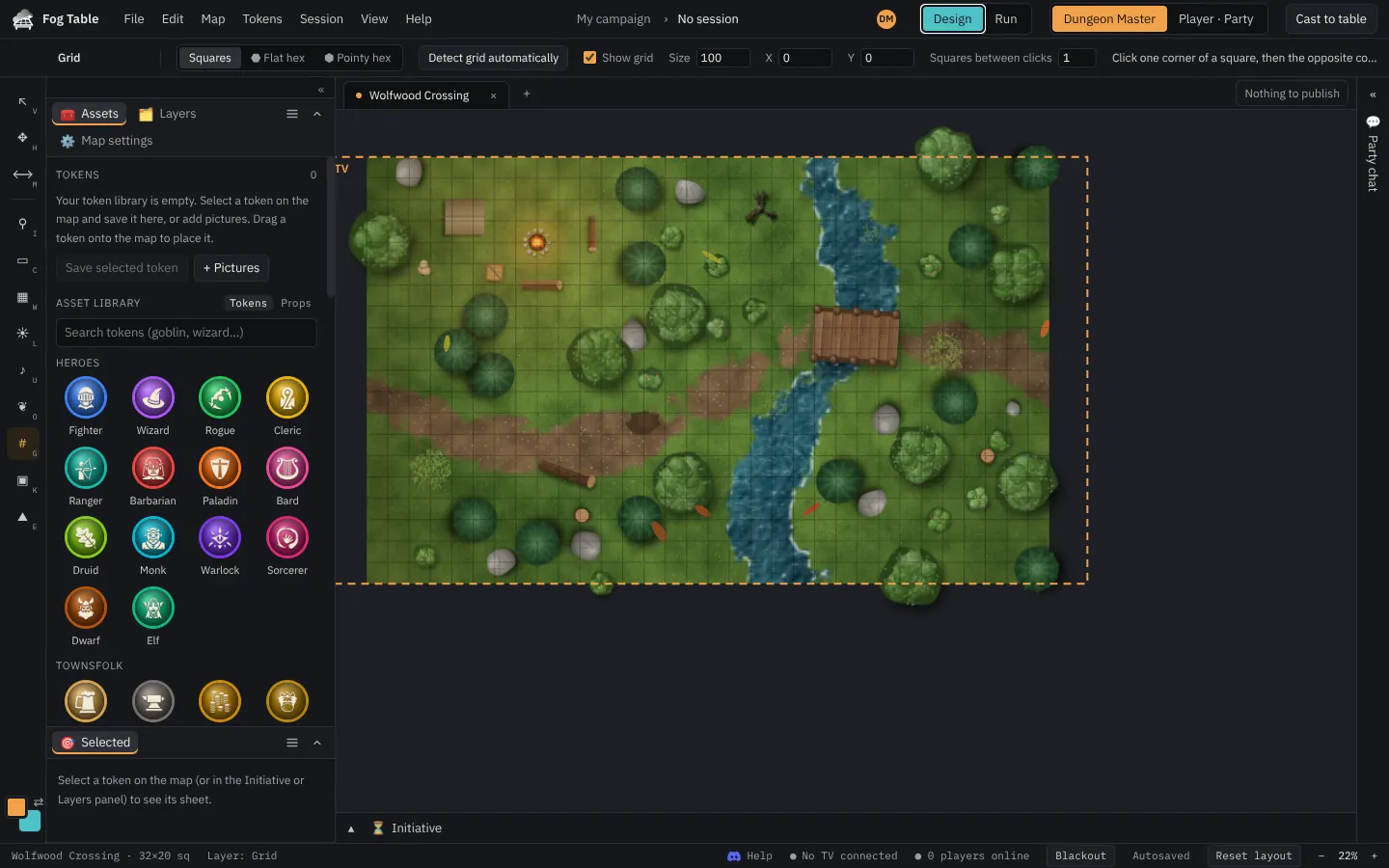
Set a square grid
- Detect grid automatically finds the squares in the picture (it works offline). Undo detected grid if it guessed wrong.
- Or set Squares between clicks, then click two corners of squares that many squares apart. Fog Table works out the size.
- Fine-tune Grid size, the offsets, colour, opacity and line width by hand. Show grid turns the lines on or off.
Publish to send the grid to the table.
Hex grids
Under Grid shape, choose Flat hex or Pointy hex. Calibrate by clicking the centres of two hexes a known number of hexes apart. Rulers then count hexes, and snapping, the TV and phones all use hexes.
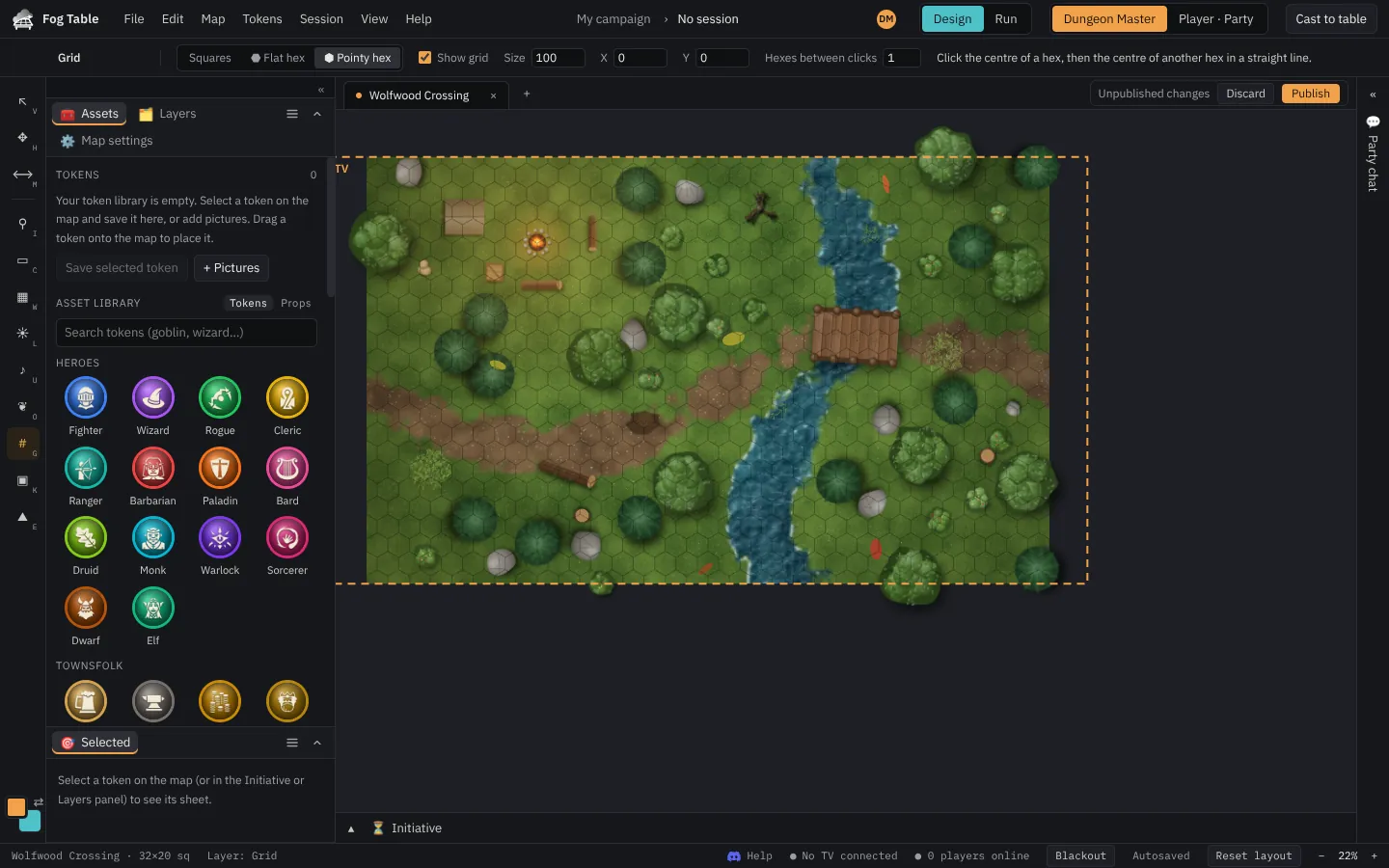
Designed maps and 3D maps always use squares.
One square, one inch
To use miniatures, enter your TV's size under Session → Adjust the TV view (C) and press 1 grid square = 1 inch. See Put the map on the TV.