Maps
Generated worlds
A whole world from one number, with kingdoms, towns, castles, dungeons, peaks and roads, that zooms from the map of the world into any room and runs live at the table.
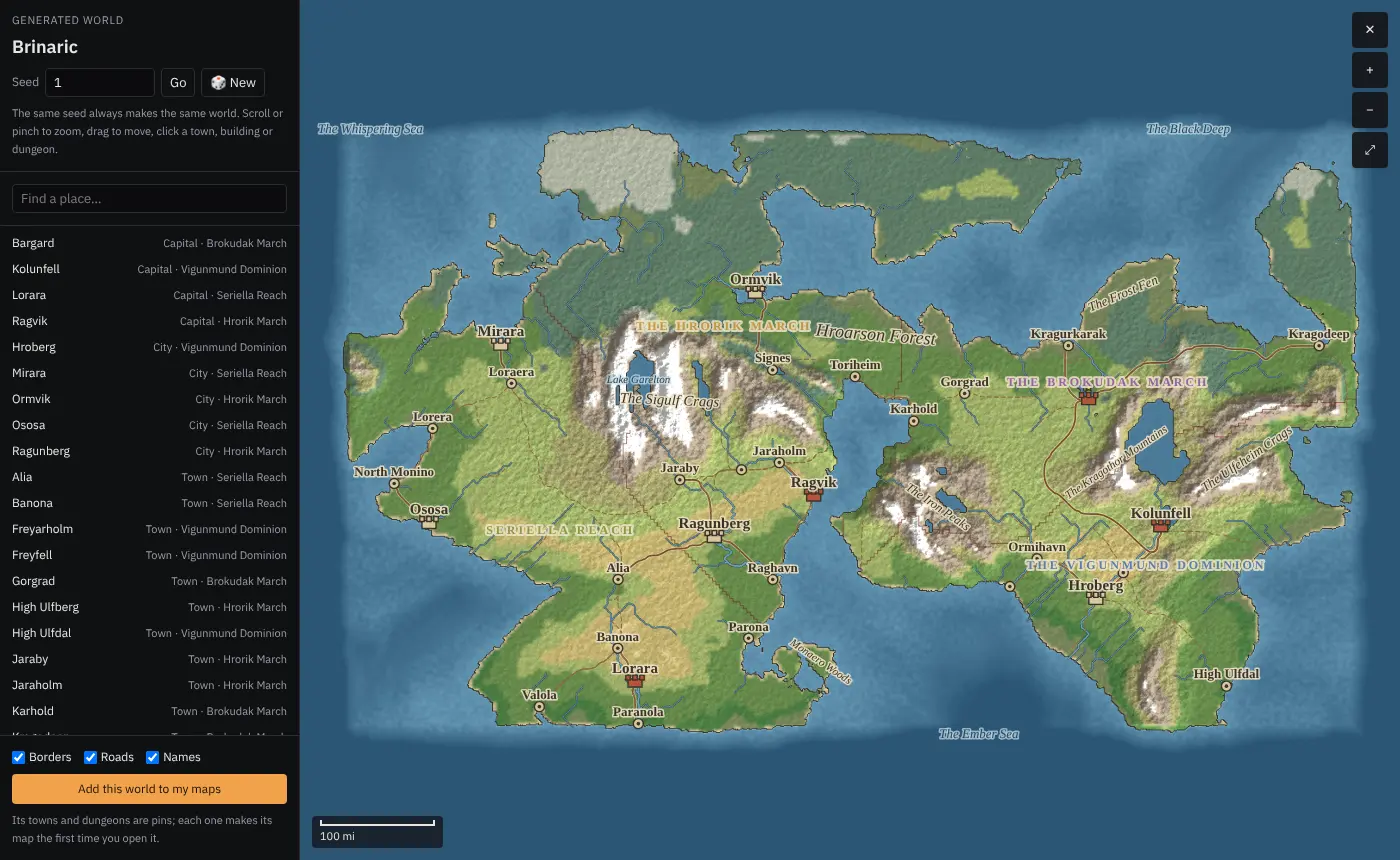
Type a number and Fog Table makes a world from it: coastlines, mountains and rivers, kingdoms with borders, cities, towns and villages, castles, dungeons, mines, wonders, mountain peaks, passes, roads and railways. The same number always makes the same world, so you can share it with another DM.
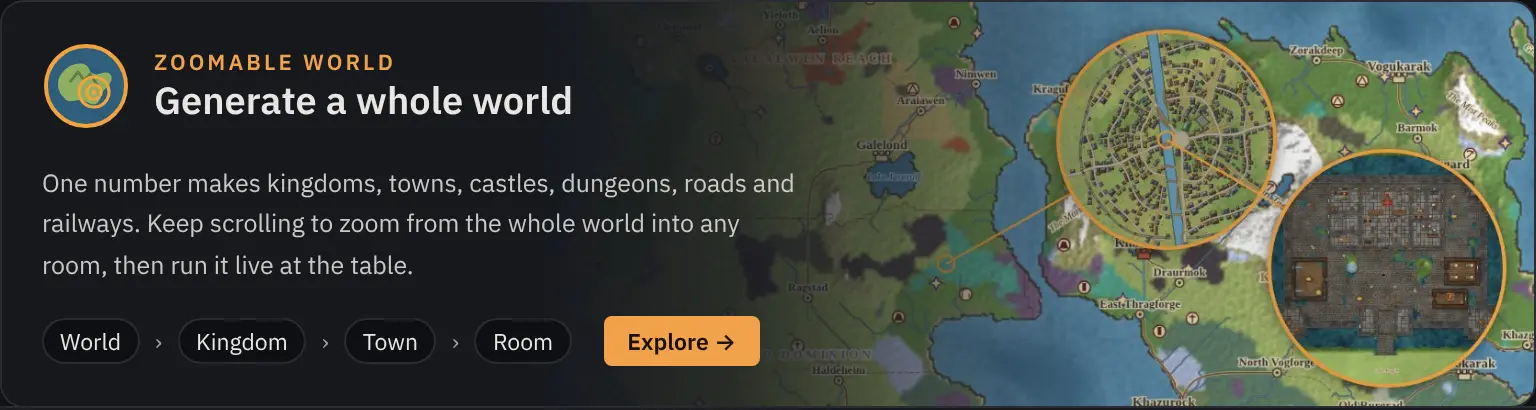
Nothing in it is a flat picture. Keep zooming and the world becomes a kingdom, a town, a street and finally a battle map of one room, with a grid, walls and props, ready for tokens.
Make a world
- On the New tab, click Generate a whole world.
- The explorer opens with a world. Type a number in Seed and press Go, or click New for a random one.
- Scroll to zoom (or pinch on a trackpad or tablet) and drag to move about. Find a place… lists every kingdom, town, castle, dungeon and wonder.
- The checkboxes turn borders, roads and names on or off. Roofs off shows the inside of every building, and Grid shows the squares.
World settings (optional)
Under the seed, World settings is folded away. Leave it alone and every seed makes the world it always made. Open it to change how a world is made:
- Land: world size (Tiny to Huge), land and sea, mountains, climate (Frozen to Hot) and rain.
- People: population (Empty to Crowded), how many kingdoms, and the size of cities, towns and villages.
- Places: how many dungeons, castles, peaks and passes, landmarks, wonders and strange lands (None up to Lots).
Pick what you want and click Make this world: the same seed is made again with those settings. New gives a random world with them too, and All normal goes back. The settings travel with the world, so pins, live maps and the TV all show the same one. Changes you made to places belong to the settings they were made with, and come back if you pick those settings again.
A single town can be made bigger or smaller too: pick it and change Size on its card. It is made again at that size, with more or fewer streets and people.
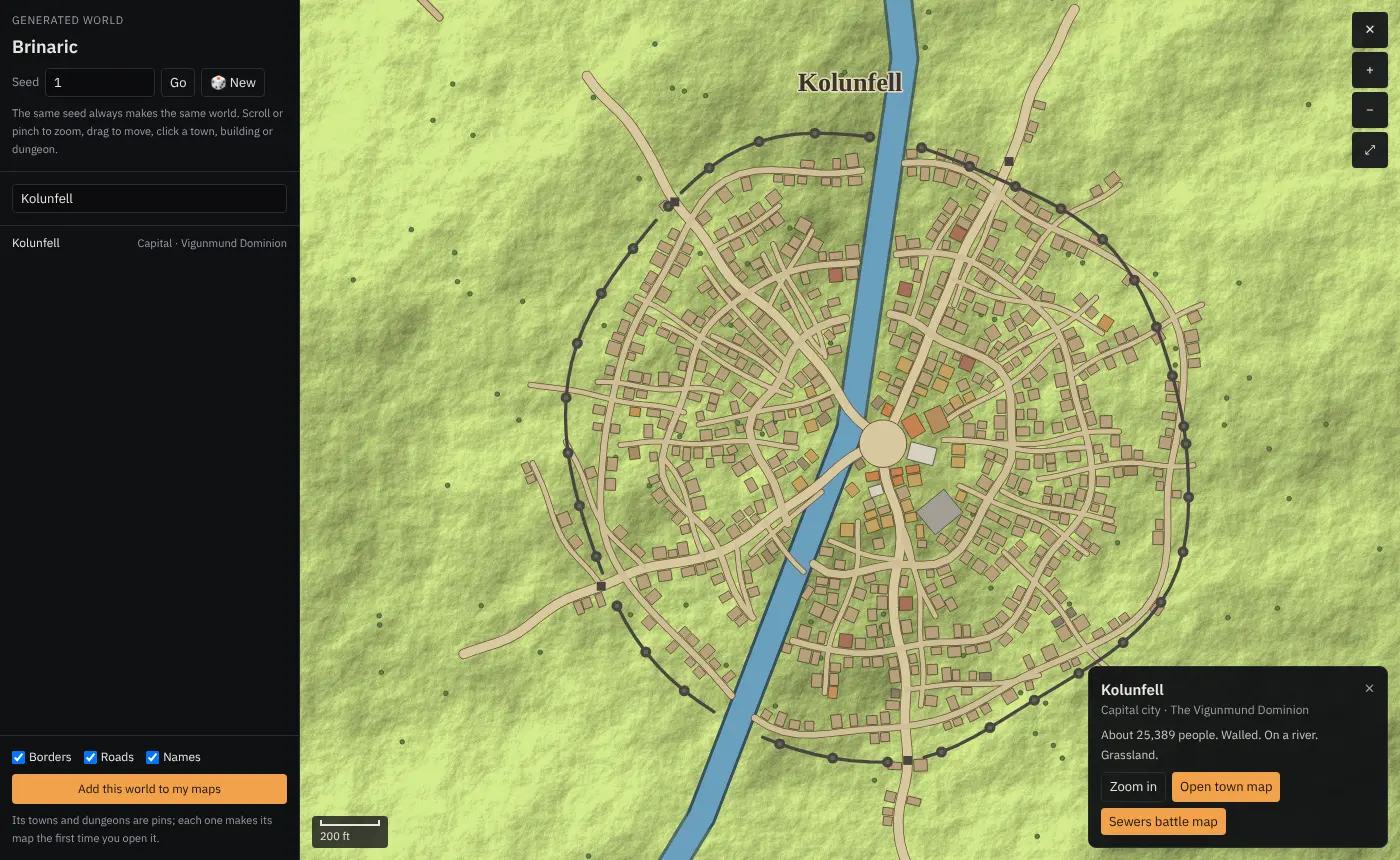
Zoom into a city and you see its walls, streets, river and every house. Zoom further and a house becomes its rooms.
Change any place
Click a place to pick it. Its card shows what it is, and lets you change it:
- Rename it by clicking its name.
- This is a turns it into another kind of place (a village into a ruin, a tower into a castle).
- Regenerate rolls a new layout in the same spot; Back to how the seed made it undoes your changes to that place.
- Put here adds a place of your own where you right-clicked, and you can take places you added off again.
- Kingdoms and wonders can be renamed and changed too.
Undo all my changes to this world puts the whole world back the way the seed made it. Your changes are kept in this browser.
Run it live at the table
Run this world live opens the whole world as one map in a tab. It works like any other map: cast it to the TV, put tokens on it, measure, draw and paint fog. Zoom from the kingdoms down into a tavern without changing maps; the TV follows what you cast.
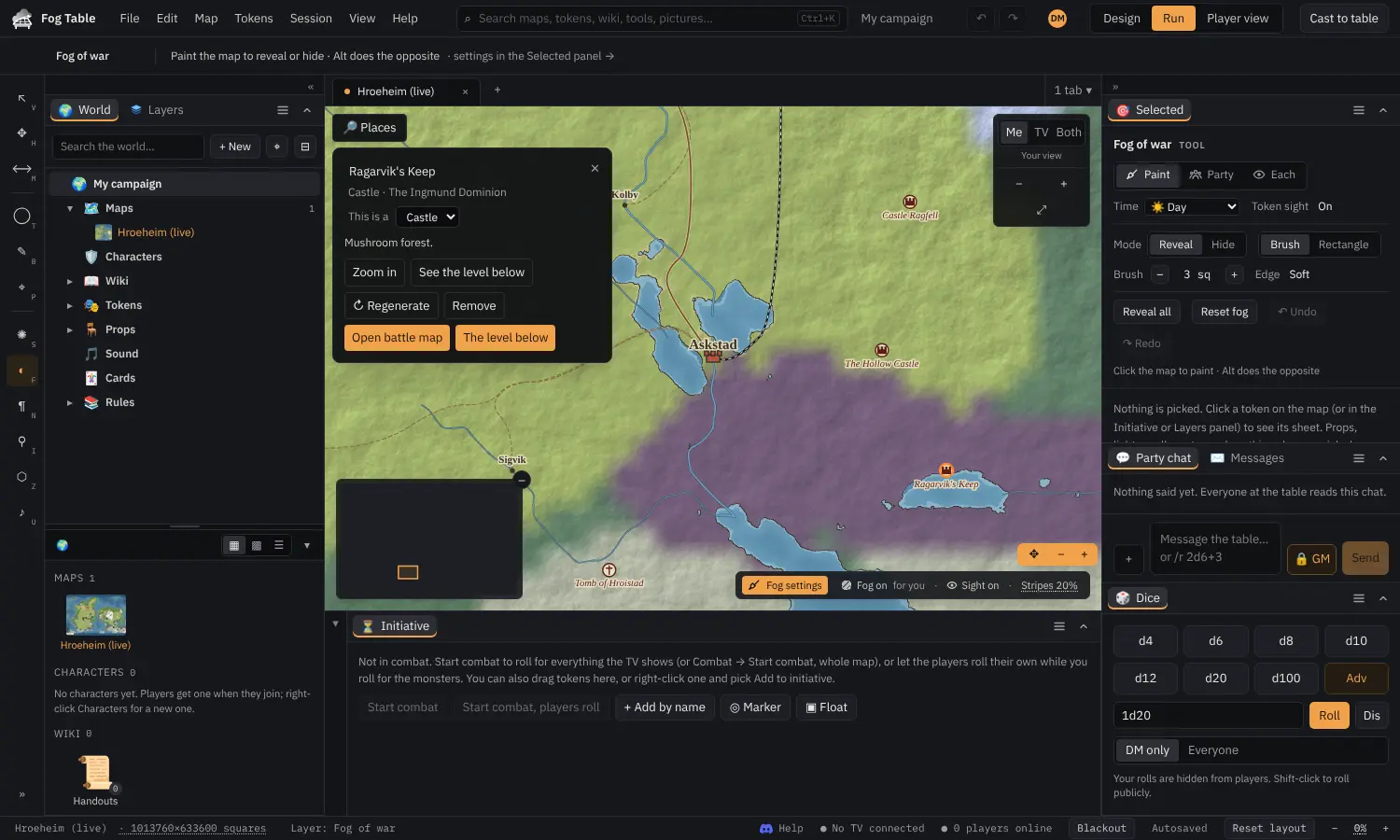
On a live world:
- Click a place for its card. Double-click it to open its battle map in a new tab, ready to play.
- Right-click for the place's details and changes, to open its map in a tab, Zoom in here, or Put here to add a place of your own.
- Places at the top left finds any place on the world and takes you there.
- Legend lists what is on screen right now (cities, roads, railway, rivers, taverns, temples, shops), with how many of each. Click a row to light those up on the map. The card and the legend can be dragged out of the way.
- Detail sets how much the map draws on this device. Auto picks from how quickly it draws; choose Low on an older laptop or tablet.
- A small map in the corner shows where you are.
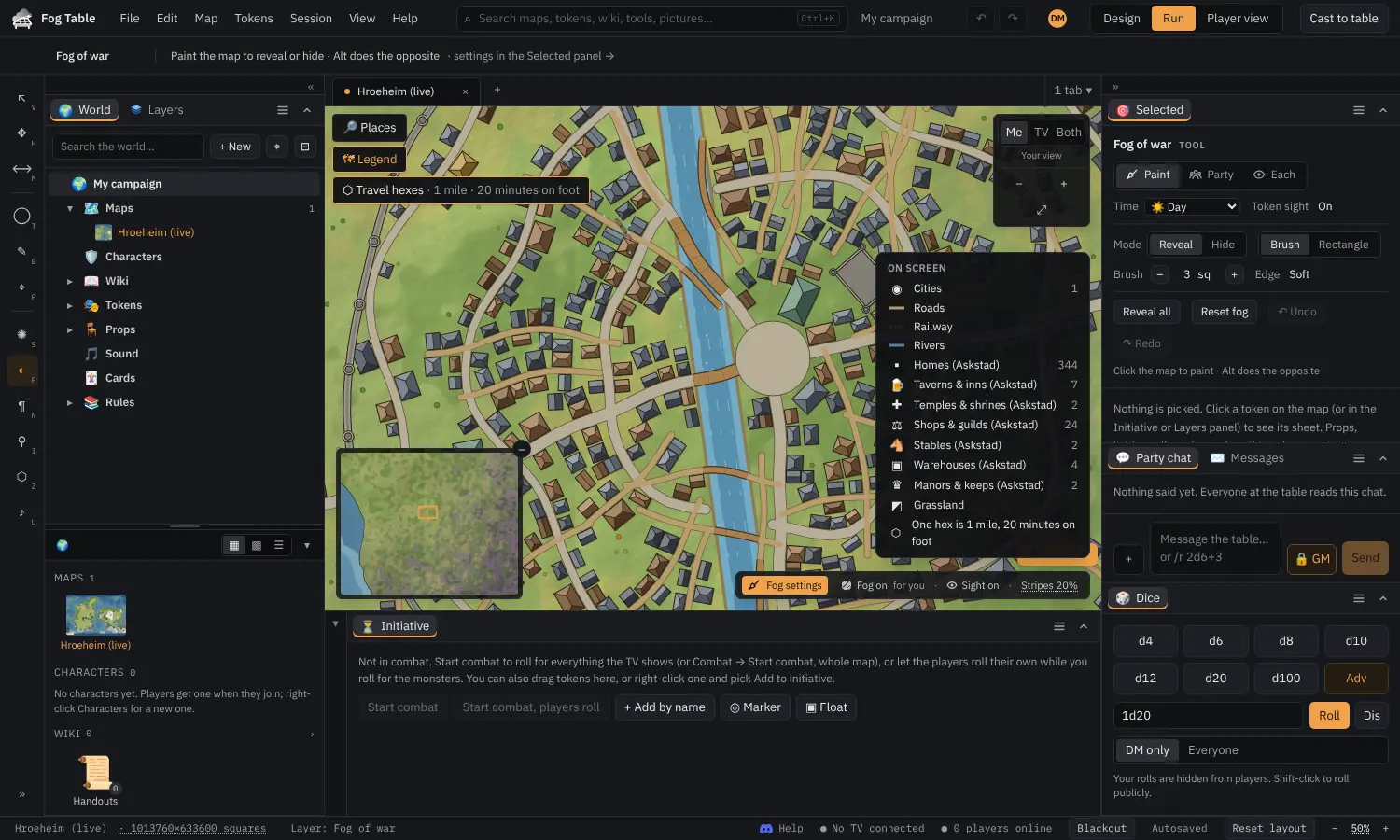
Inside towns the grid turns to line up with the buildings, so tokens stand square to the walls.
Tip Add this world to my maps saves it the older way instead: a world map whose towns and dungeons are pins that open their maps (see World maps and linked maps).
Travel hexes, miles and days
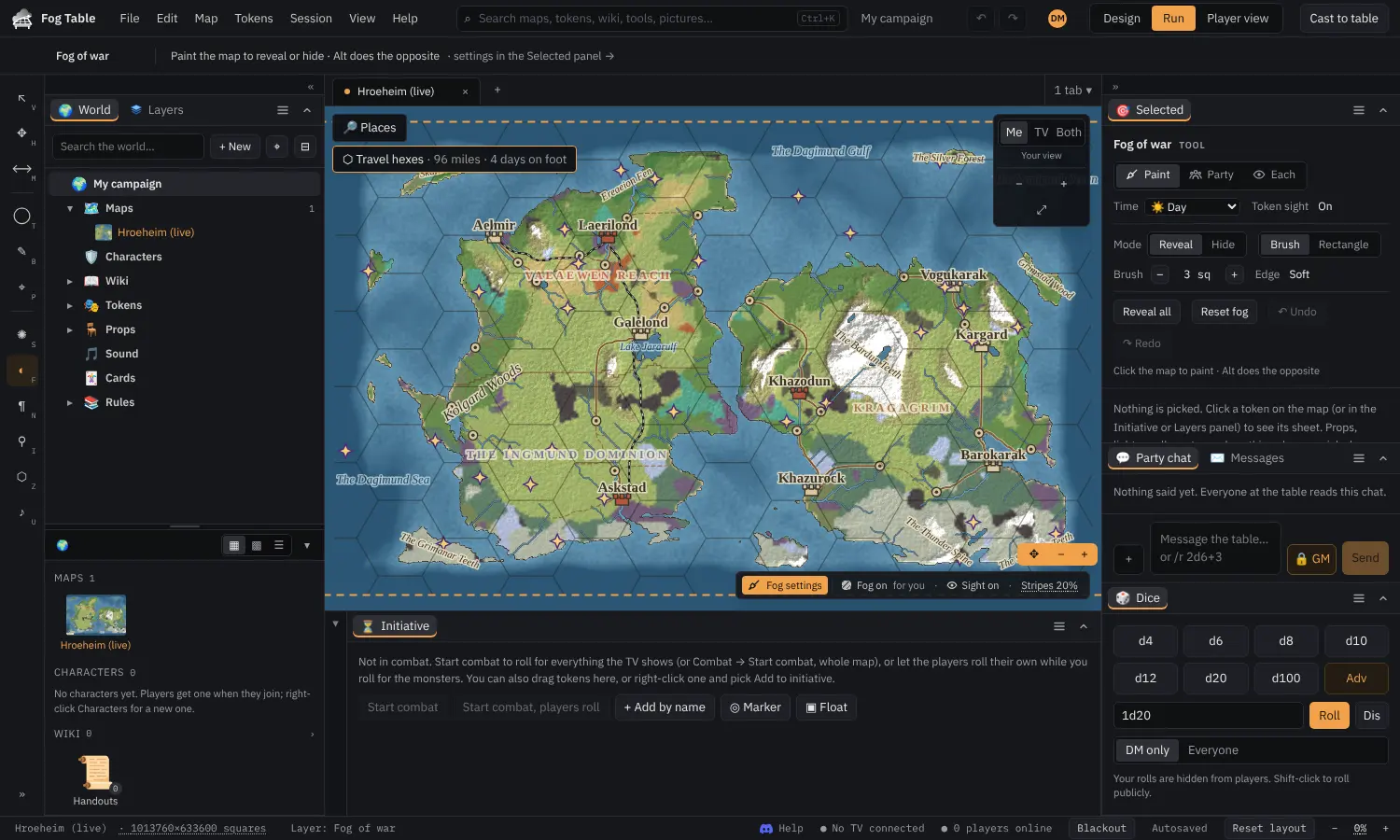
Zoomed out, a live world shows travel hexes and tokens move hex to hex. The chip at the top says how far one hex is and how long it takes, for example "6 miles · 2 hours on foot". Rulers on a live world give miles and travel time as well as feet.
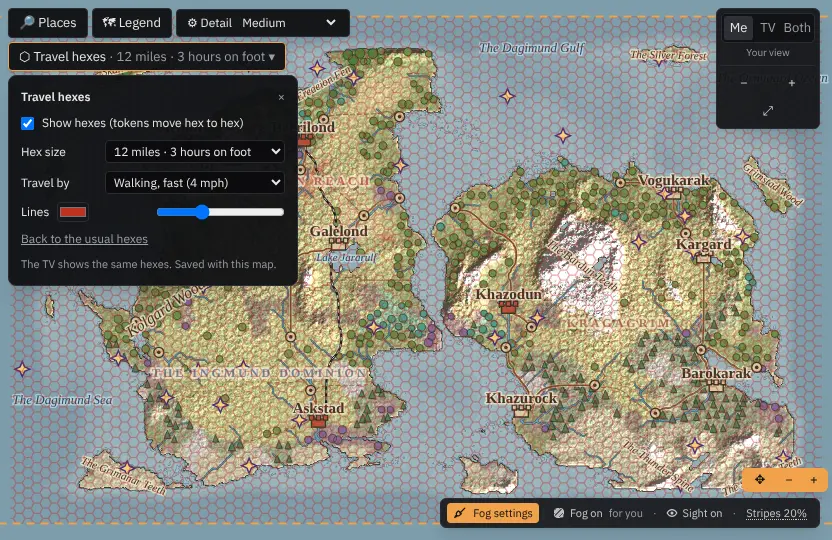
Click the chip to change the hexes: their size in miles (or Follows the zoom), the pace (walking slow, normal or fast, a sailing ship or an airship), and the colour and strength of the lines. The TV shows the same hexes, and the choice is saved with the map.
Castles, peaks and passes
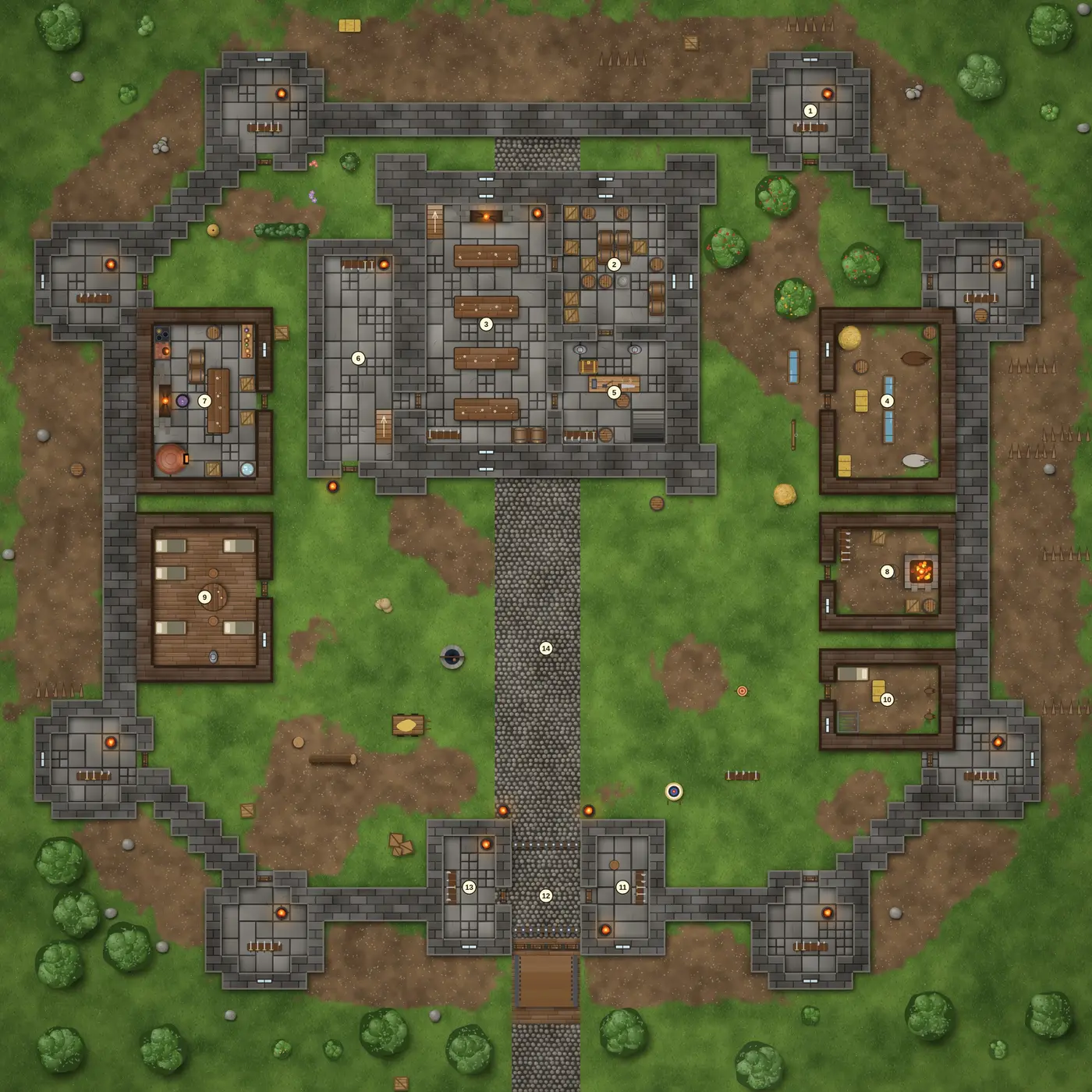
Castles are drawn from real castle plans: a courtyard castle in a moat, or a keep with a walled bailey. Each has its rooms numbered with notes for you, an upper floor and cellars, and stairs that open the other floors.
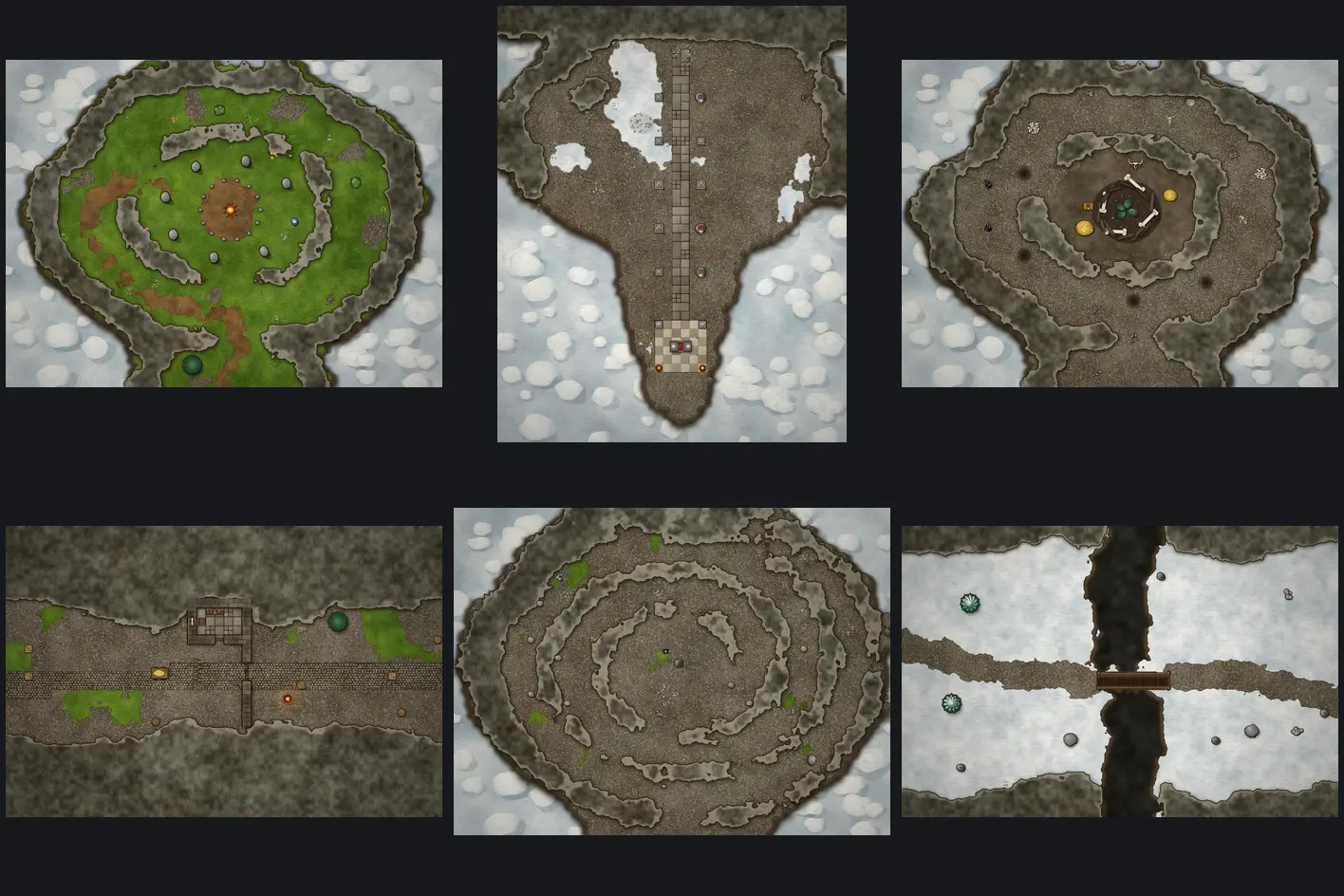
High up in the mountains you find peaks with something on top (a stone circle, a sky shrine, a dragon's perch, a frozen spire, a switchback climb, a ruined watchtower) and passes and trails (a mountain pass, a winding trail, a bridge over a gorge, a cliff ledge). Each opens as its own hand-drawn battle map.
Fog of war at any zoom
Fog of war works on a live world at every zoom. Paint fog over a whole kingdom zoomed out, then zoom into a village and paint round a single house: the brush stays sharp where you need it without slowing the map down. Party sight works the same way round the party's tokens, and lights shine on the land in view.
Tokens far from where you are looking are tucked away when you zoom out, so the world map doesn't fill with dots. For a token that should stay on the map (a ship, the party's wagon), pick it and choose Show when zoomed out in the ring of buttons round it.
The world clock
A campaign has one clock: a day and a time. The clock chip at the bottom right of the map shows it. Click it to let time pass (+10 min, +1 hour, +8 hours, +1 day) or skip to the next Dawn, Morning, Dusk or Night.
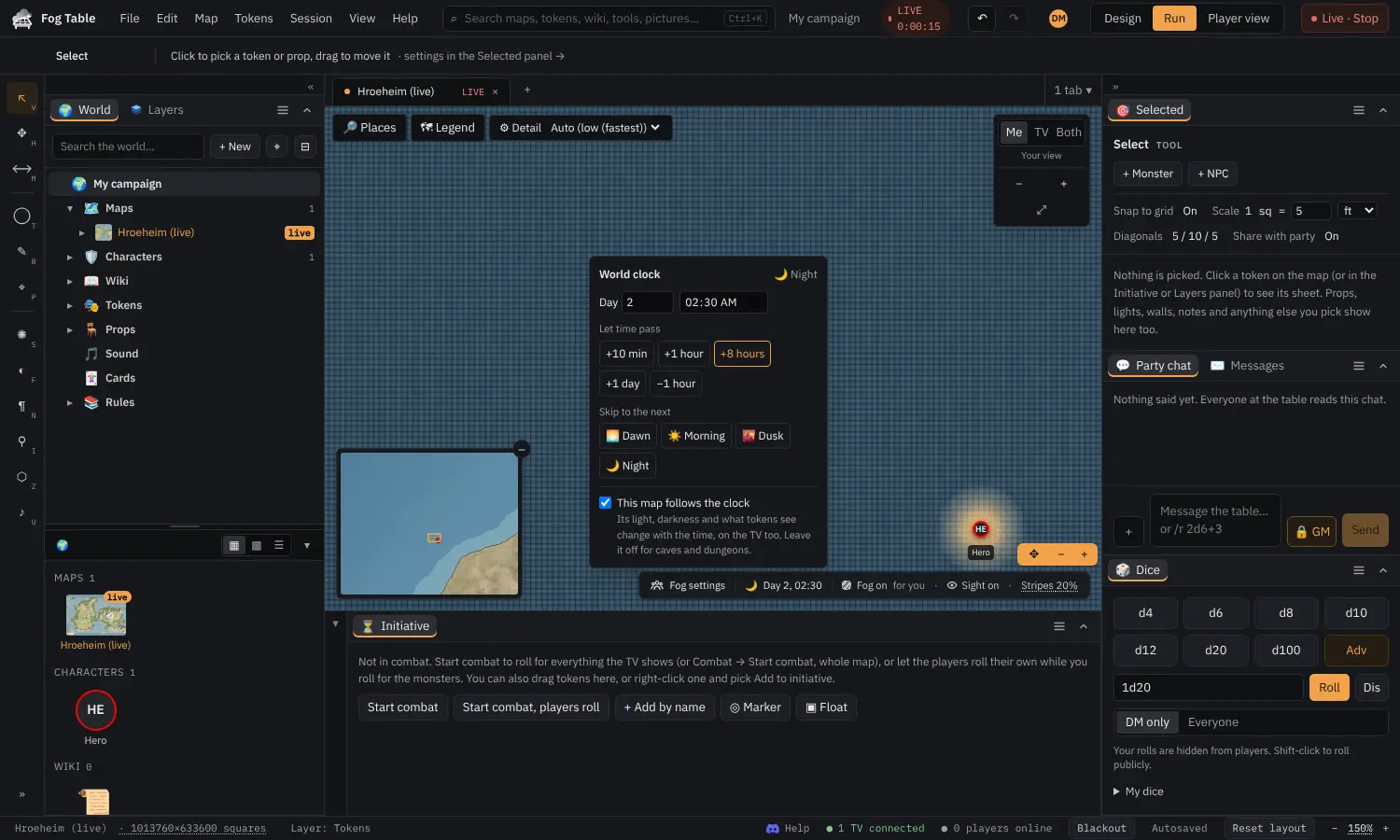
A map that follows the clock gets its light from it: full day from 7 in the morning, dusk from 6 in the evening, night from 8, dawn from 5. Lights, party sight and the TV change with it, and at dusk and dawn everything is dim rather than dark.
Changing the time on a map makes that map follow the clock. Untick This map follows the clock for caves and dungeons, which keep their own darkness. After moving tokens a long way, the move total offers Pass this time to move the clock on by the travel time.