Players and the table
Table camera (beta)
A webcam at the end of the table watches the minis standing on the TV and moves their tokens for you.
Like real miniatures? The table camera lets players keep their minis on the TV: a webcam at one end of the table sees where each mini stands and moves its token, so fog, lights and phones follow.
Careful The table camera is a beta feature. Sign in, then enter the beta password under Account → Beta features to switch it on. A missed move is possible; it should never move the wrong token, and you can always take over.
What you need
- A 1080p webcam on the laptop lid or a small stand at one end of the TV, looking along the table at a low angle.
- The TV lying flat, connected and showing the map.
- Optional: a polarising filter in front of the webcam cuts the TV's glare.
Set it up
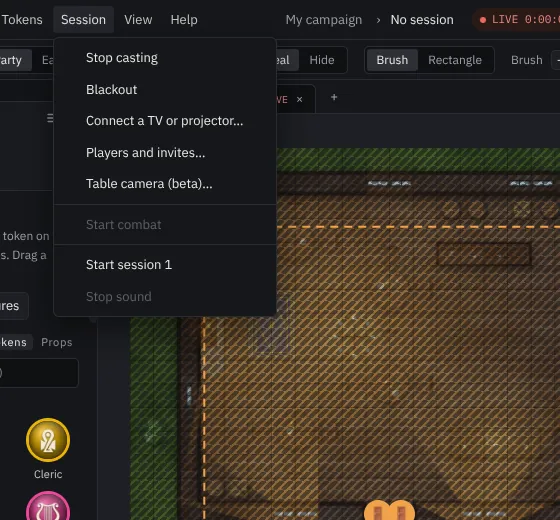
Open Session → Table camera (beta)….
Pick the webcam. The dialog shows its picture and checks it.
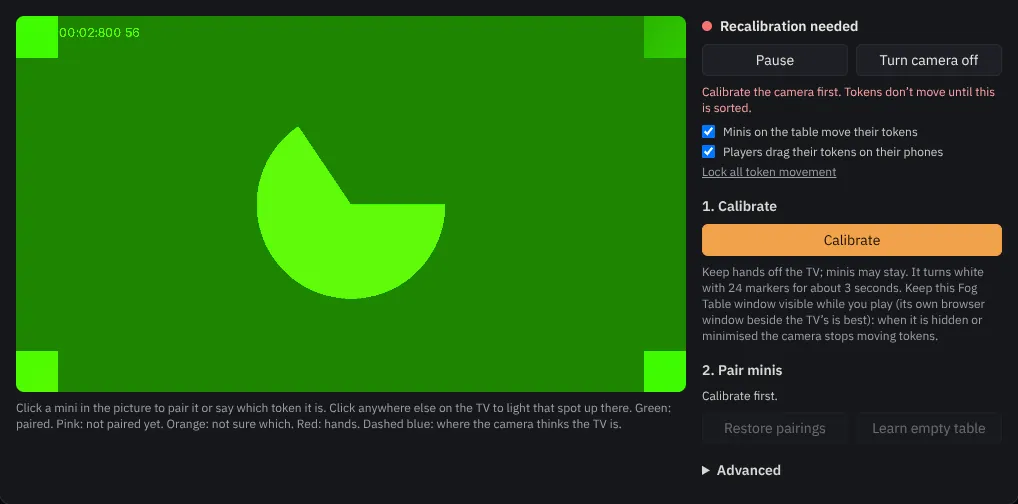
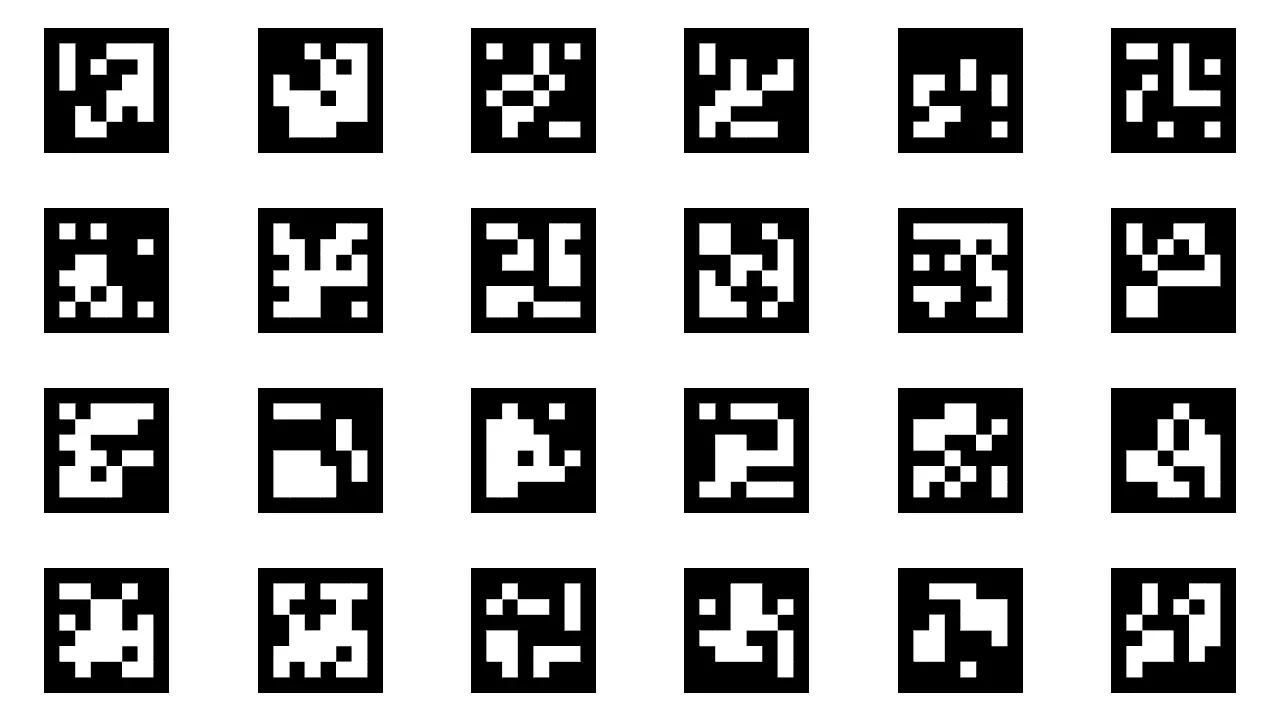
Press Calibrate. The TV turns white with markers for a few seconds while the camera learns where the TV is, how its lens bends, and what the empty table looks like.
Pair the minis: select a token on your console and put its mini on the TV, or click a mini in the camera picture.
Play
Pick a mini up and put it down somewhere else: its token follows once the mini has stood still for a moment. You stay in charge:
- Pause stops the camera moving anything.
- Each token has a Follow switch.
- If you drag a token yourself, your move wins; Follow mini hands it back to the camera.
- Moves through walls wait for you to allow them.
- When the camera can't tell two minis apart, it asks you which is which.
Printed tags and ring bases are there as a fallback under Advanced. The camera chip at the top of the console shows the camera is on; click it to pause or Turn camera off.