Building maps
Design a map
Draw your own 2D map from scratch: rooms with walls round them, doors, floors, terrain, paths and labels, then publish it to the table.
You don't need a picture to make a map. A designed map is drawn from rooms, walls, doors and terrain, and stays editable forever. Walls and doors you draw also block sight, so party vision works straight away.
Start a blank map
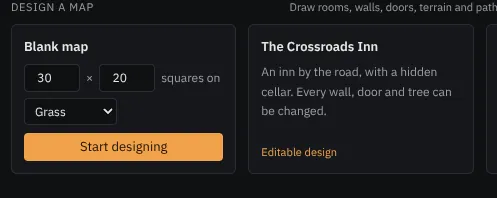
On the New tab, press Design a map, or open the Editable designs group in the map library; set the size in squares, pick the ground (grass, dirt, sand, cobbles, flagstones, cave floor or water) and press Start designing. Or open The Crossroads Inn or Smugglers' Hideout to start from an editable design.
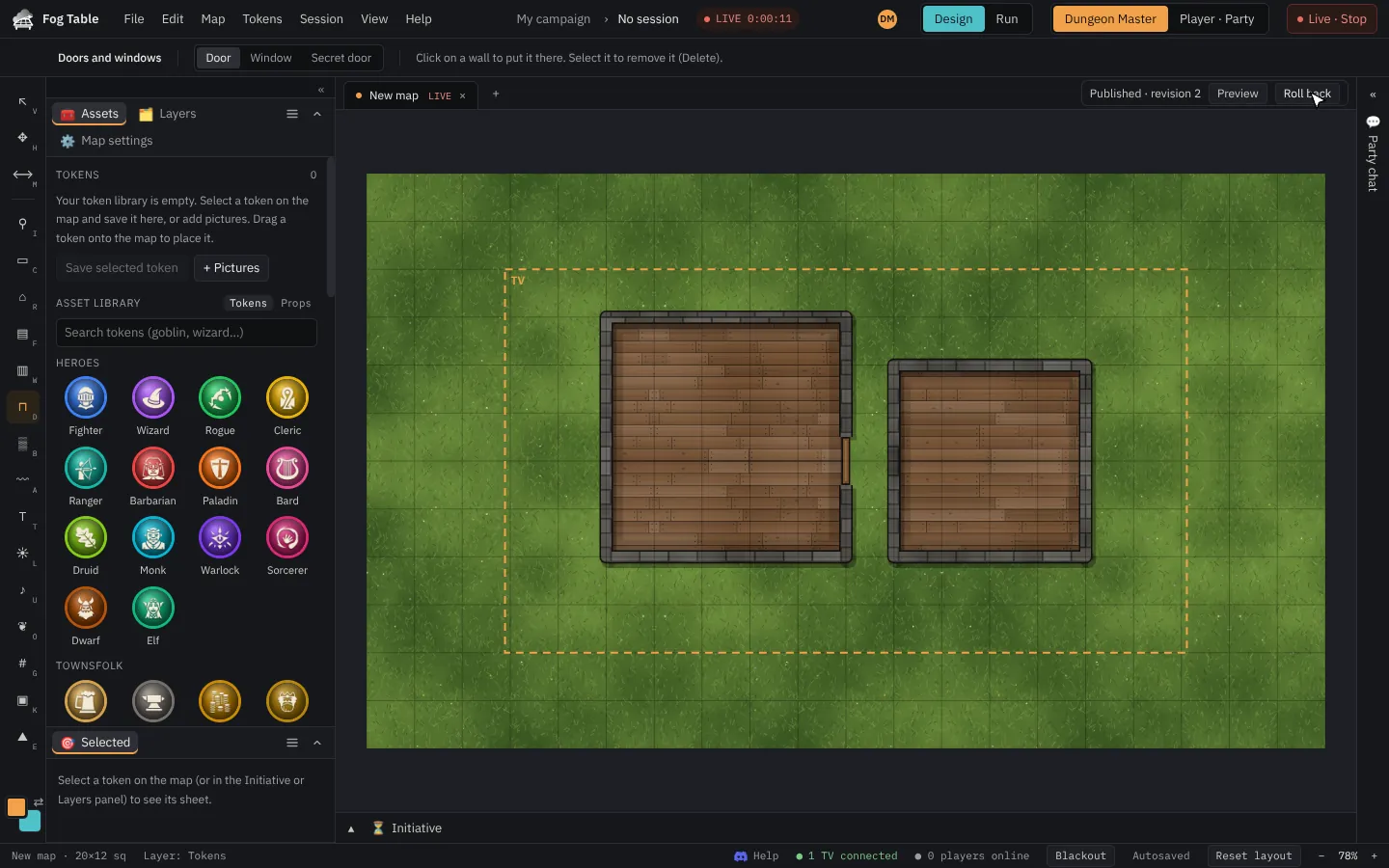
The map opens in Design mode with the design tools on the rail.
The design tools
| Tool | Key | What it does |
|---|---|---|
| Rooms | R | Drag a box for a room with walls all round, or click corner by corner. |
| Floors | F | Paint floor (wood, stone, carpet…) without walls. |
| Walls | W | Draw single walls. |
| Doors and windows | D | Click a wall to put a door or window in it. |
| Terrain brush | B | Paint grass, dirt, water, rock and more. |
| Paths | A | Roads, rivers and trails. |
| Text labels | T | Names on the map. |
Lights, props, sounds and the grid work on designed maps too.
Draw rooms
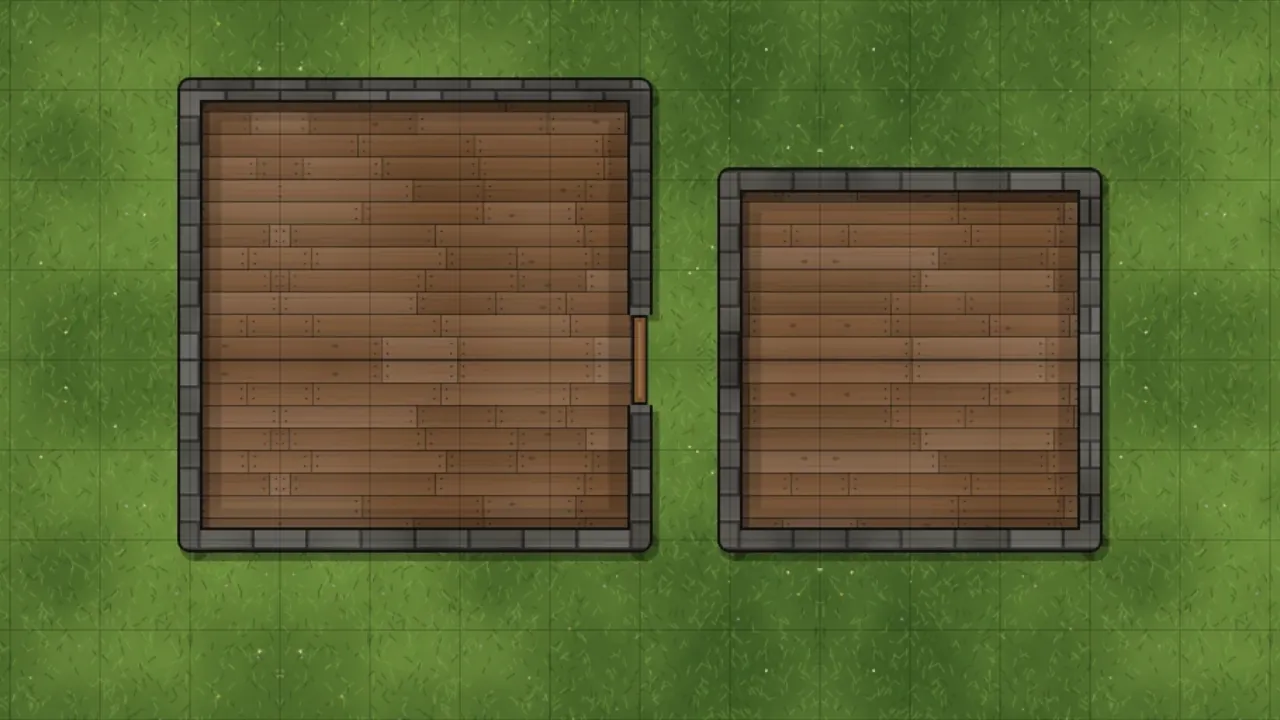
With Rooms, drag out a box. In Merge mode (the default) a new room that overlaps another joins onto it, the walls inside are taken out, and a door is added where they meet (press Doors so it says No doors if you don't want that). Subtract cuts the shape out of what is there, with walls along the cut, and Draw places a room on its own.
With Select (V), click a room to pick it, then drag it, or delete it with Del.
Publish
Nothing you draw reaches the table until you press Publish in the draft bar. The TV keeps the last published version meanwhile. See Design mode and Run mode.
Secrets on a designed map
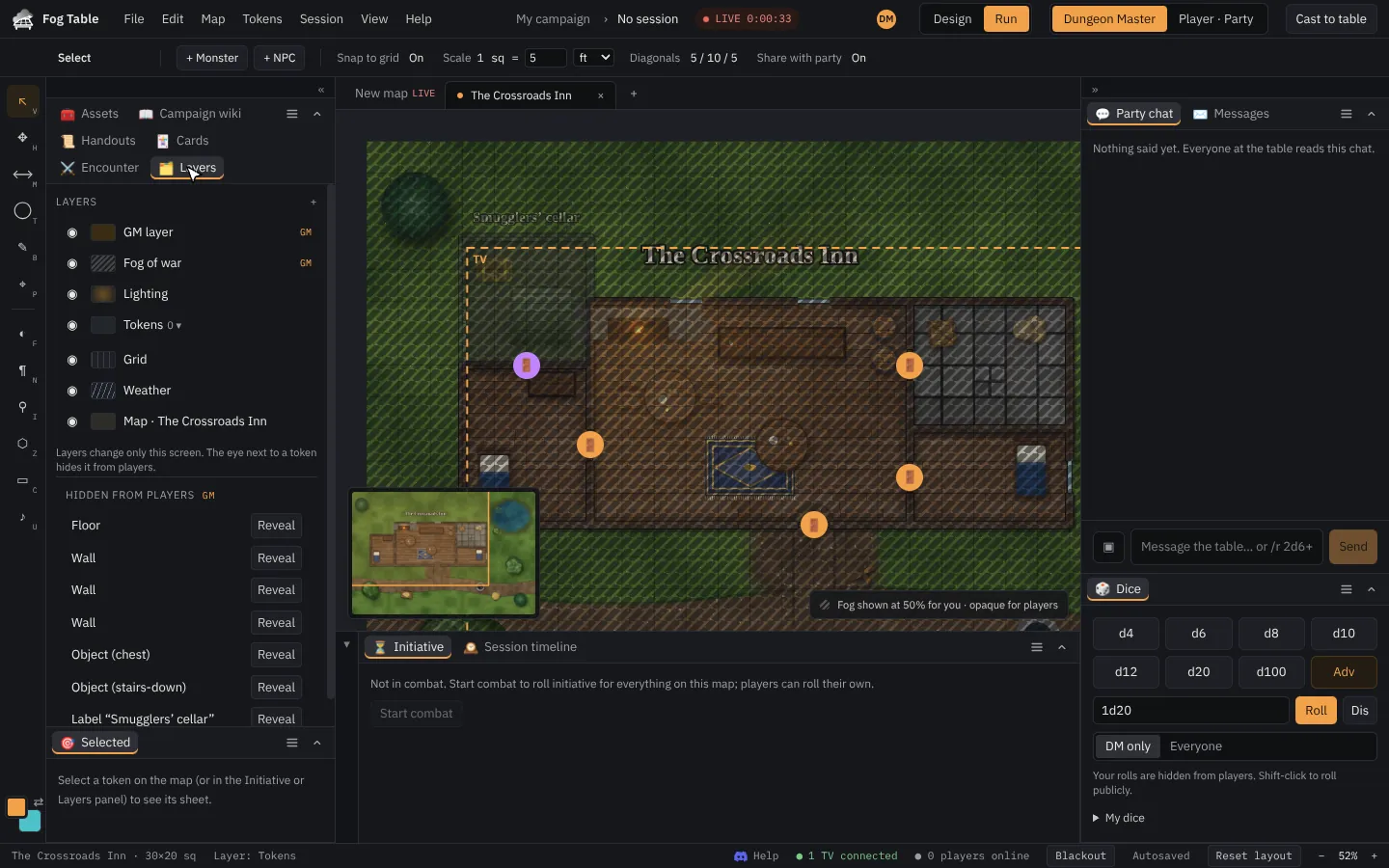
Parts of a design can be hidden from the table: a cellar, a secret door, a trap. The DM sees them faintly; the TV and phones never receive them. In Run mode, the Layers panel lists them with Reveal, so you can show each one when the party finds it.
Redraw a picture as a design
In File → All maps, a picture map's ⋯ menu has Redraw as a design…: it makes a new designed map with the picture underneath to trace over.