Start here
Your first game
From an empty browser to a map with fog of war on the TV in about two minutes, with no account and nothing to install.
Fog Table puts a battle map on a TV lying flat on your table. You run it from a laptop or tablet (the DM console), the TV shows only what the players may see, and players can follow along on their phones if they like. It runs in the browser, works offline once loaded, and needs no account.
What you need
- A computer or tablet for you, the DM, with Chrome, Edge, Firefox or Safari.
- A TV or monitor. Connect it to the same computer with HDMI (the easiest), or open Fog Table in a browser on any other device that can show a web page.
- Optional: your players' phones.
1. Open the console
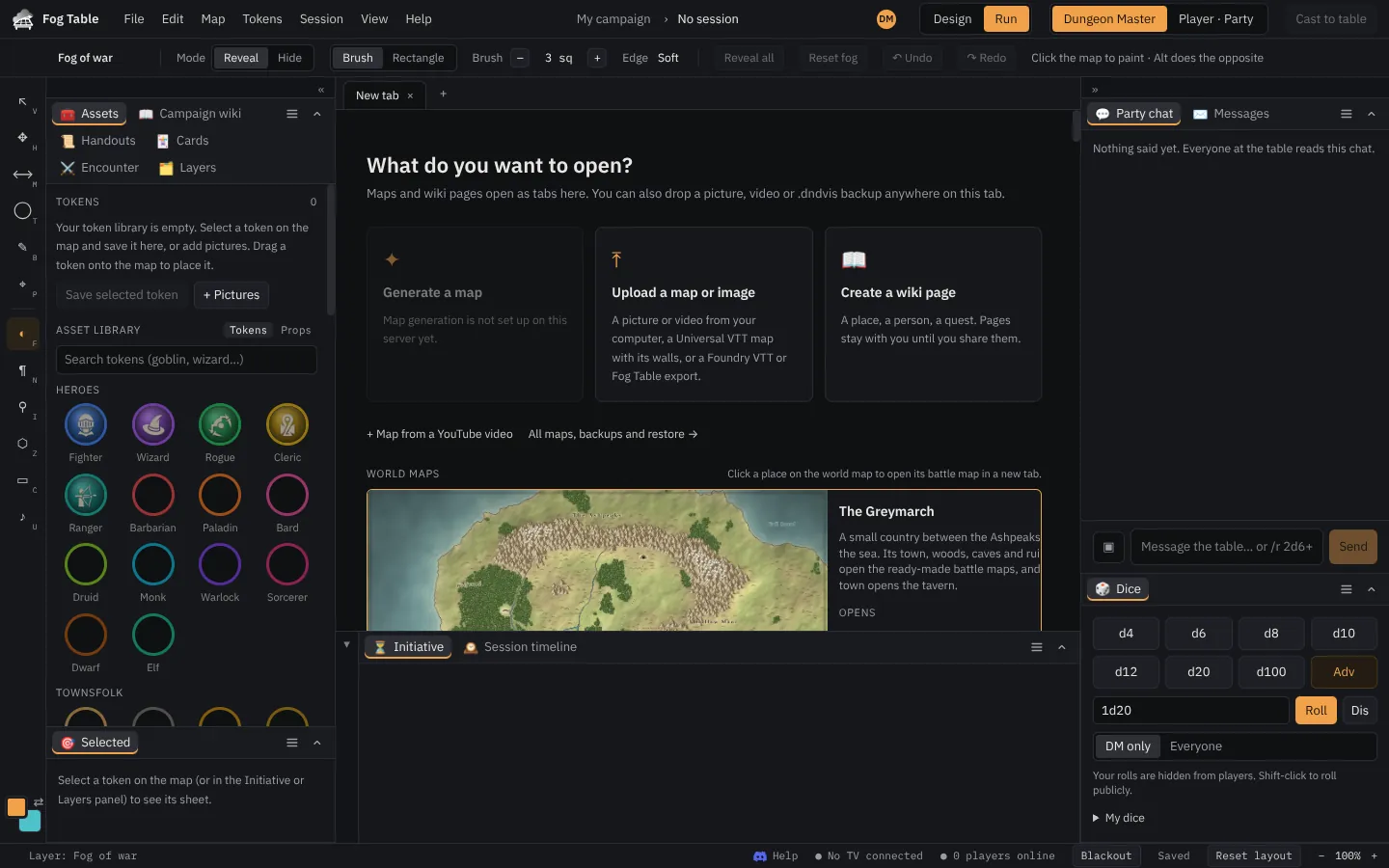
Go to the Fog Table site and press Open Fog Table. The console opens on a New tab that asks what you want to open: upload a picture, start a wiki page, pick a world map, generate a whole world, design a map, or take a ready-made one.
2. Pick a map
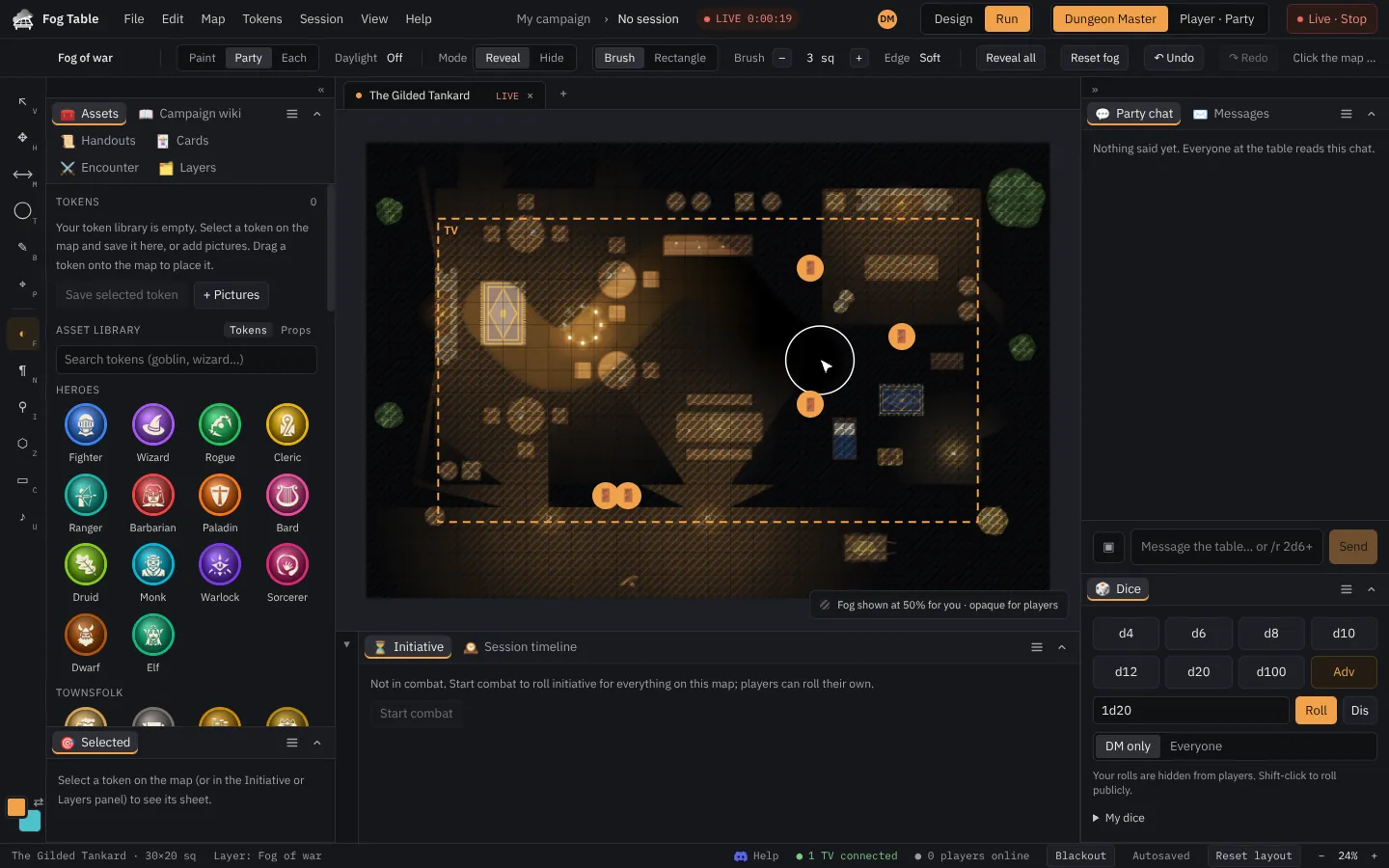
Scroll down to the Map library, open a group such as Towns, taverns & cities and click a map, for example The Gilded Tankard. It opens in its own tab with walls, doors, lights and furniture already set up. Each map you open stays a tab along the top, so you can switch between them during the game.
Tip Got your own map picture? Drop it anywhere on the New tab, or press Upload a map or image. See Your own maps.
3. Connect the TV
Press Cast to table at the top right. If no screen is connected yet, Fog Table asks where to show the map:
- Open TV window opens the table display in a new window. Drag it to the TV (your second screen) and double-click it to go full screen.
- Get a room code is for a TV on another device: open the link on that device (or go to
/tablethere) and type the code.

4. Lift the fog
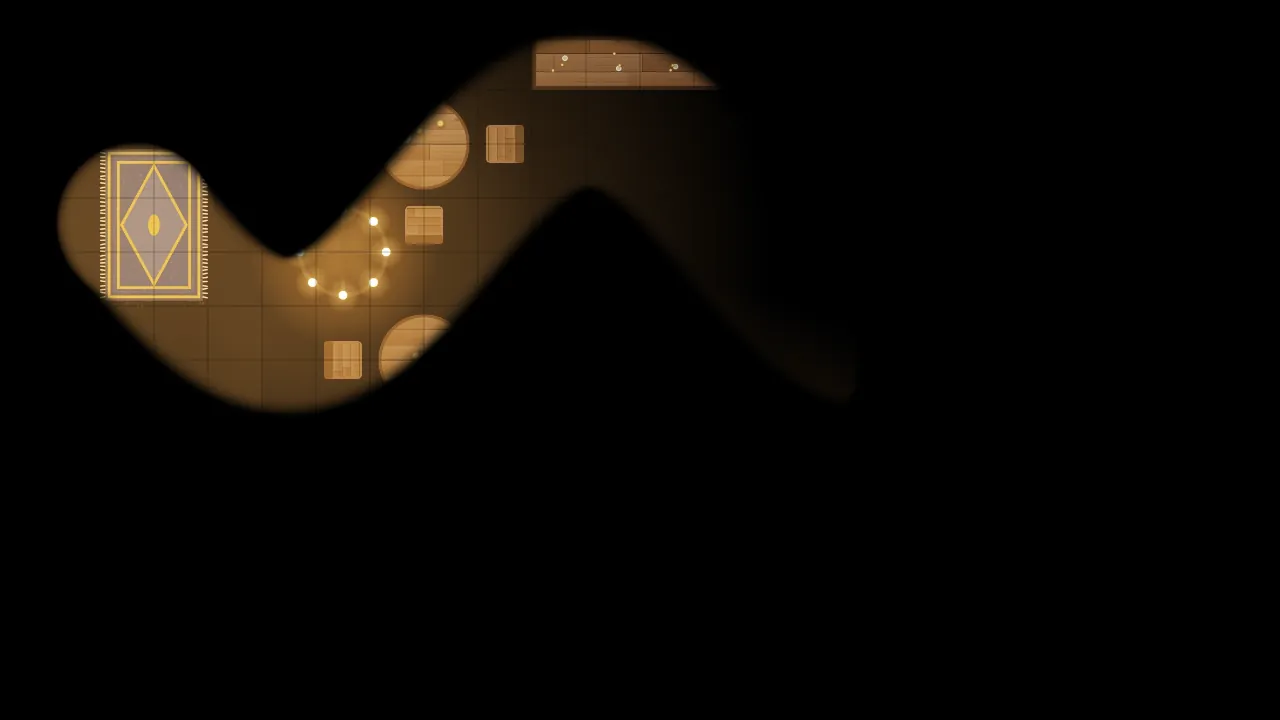
Every map starts hidden under fog. With the Fog of war tool (F), paint over the parts the party can see: they appear on the TV as you paint. Hold Alt to paint the fog back. Reveal all in the tool options bar lifts it all at once.
Where next
- A tour of the console explains the menus, tools and panels.
- Players join from their phones when you want them along.
- Fog of war and vision lets walls and lights decide what the party sees.
- Stuck? Ask on our Discord: the link is in the console's Help menu.