Maps
World maps and linked maps
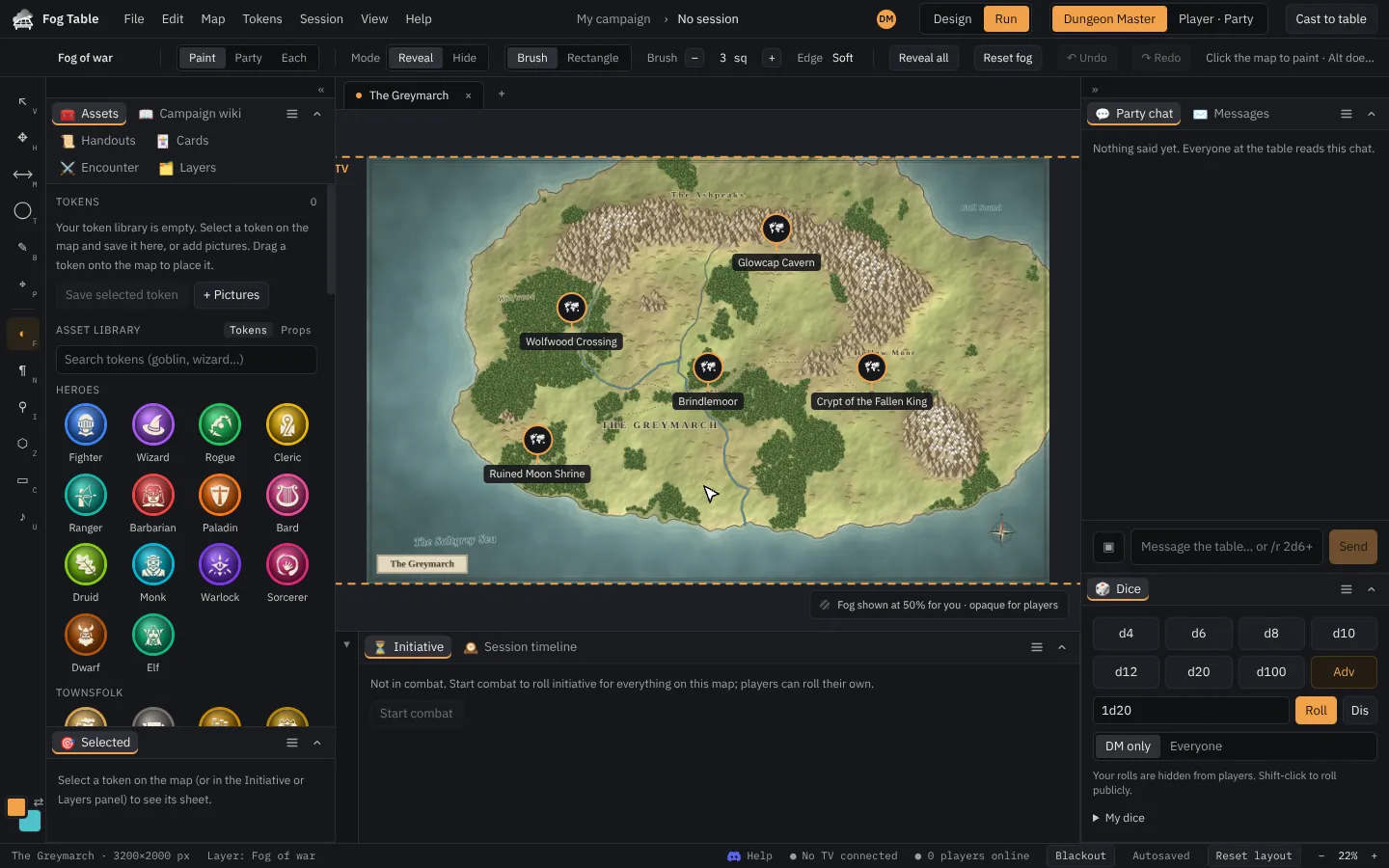
A map of your world whose towns, dungeons and forests open their battle maps as tabs, with a path back up.
A world map is an ordinary map with pins and regions that open other maps. Click a town on the world map and its battle map opens in a new tab; click the tavern on the town map and the tavern opens. A path above the map takes you back up.
Start from a ready-made world
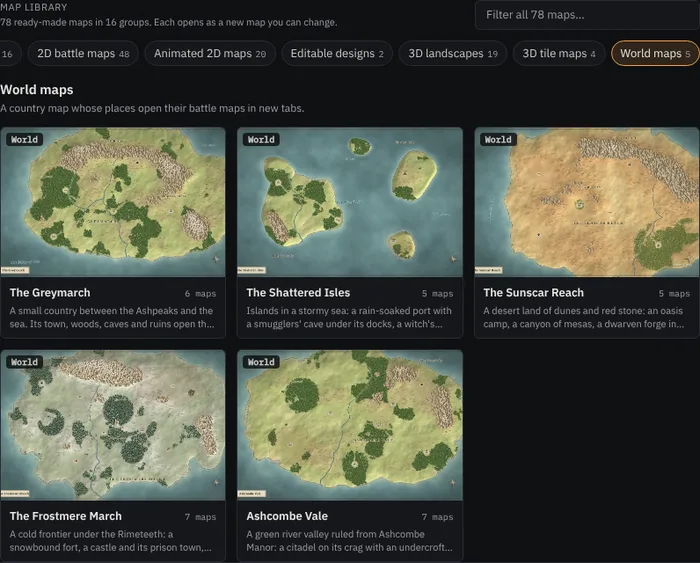
The map library on the New tab has five worlds in its World maps group: The Greymarch, The Shattered Isles, The Sunscar Reach, The Frostmere March and Ashcombe Vale. Click one to make the world map and every battle map its places open.
Hover a pin to see a preview of the map it opens:
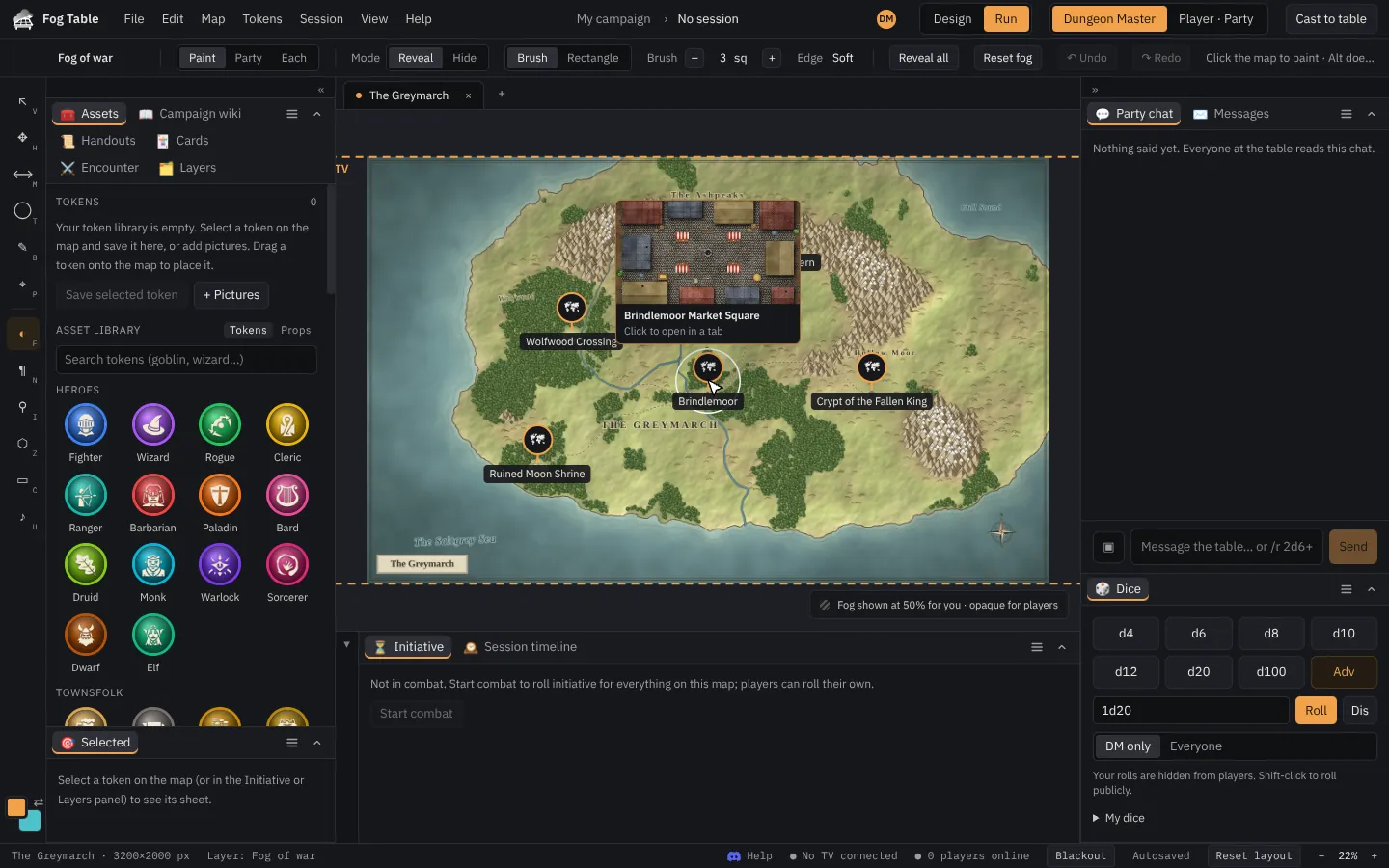
Click it to open that map in a tab:

Places can open 2D maps or 3D maps; each opens as the kind it is.
Note Opening a map does not put it on the TV. You decide what the table sees with Cast to table.
Link your own maps
- Open the map that should hold the link (a world, a town, a dungeon level).
- Pick the Pins tool (I).
- Click to drop a Pin, or choose Region and click round an area, then click the first corner again to close it.
- Choose the map it opens in Pin map. The pin takes the map's name.
- With the Select tool, click the pin or region to open the map.
You can also drag one map onto another in the Assets panel's map list to link it. The list shows maps as a tree, with linked maps under the map that opens them.
World maps can use miles or kilometres instead of feet, and can have fog of war like any map.