Building maps
Regions and triggers
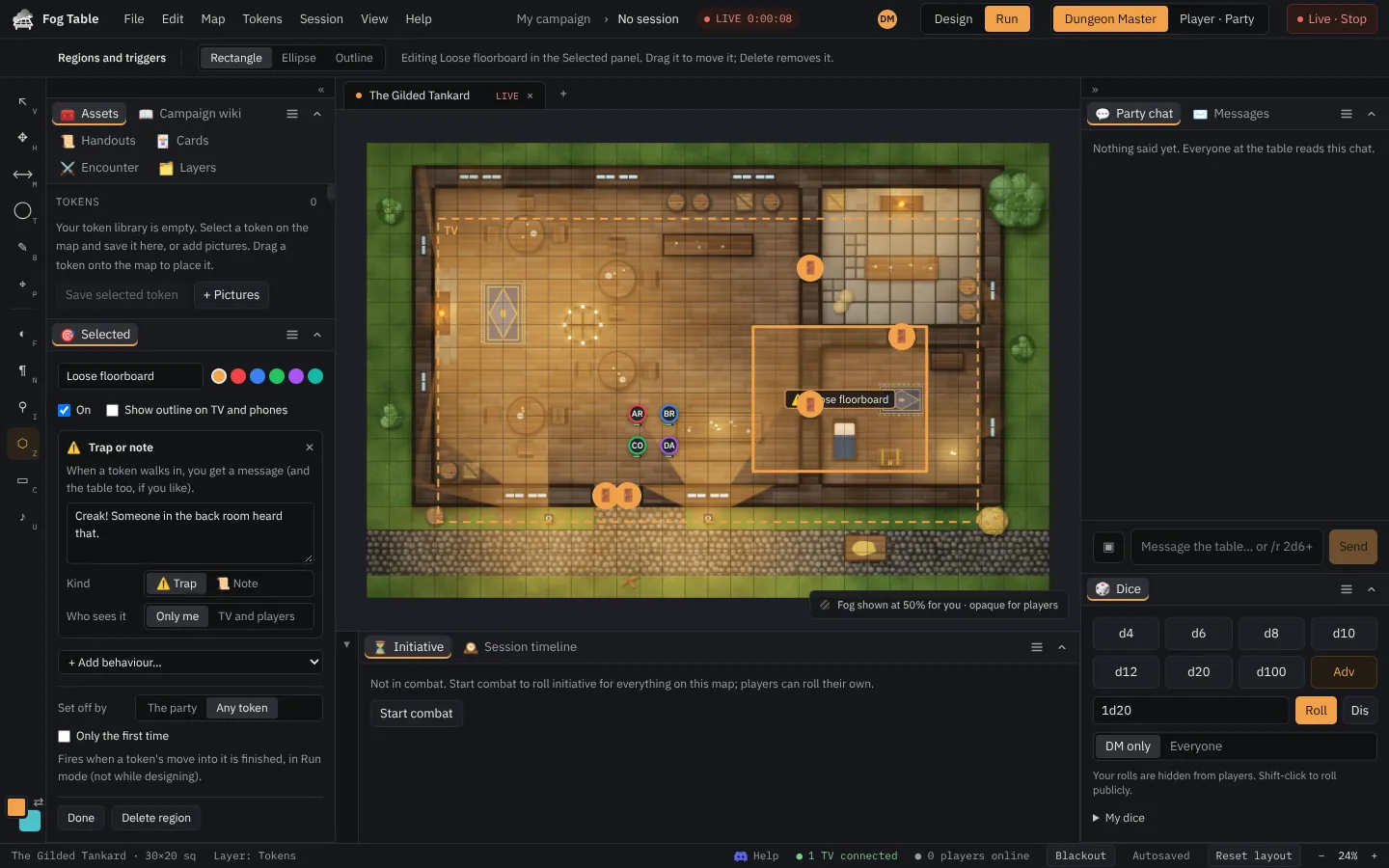
Areas on the map that do something when a token walks in, such as a trap message, a teleport or a reveal, or that change the rules inside.
A region is an area on the map with one or more behaviours. Regions work on 2D maps and act on the live table at once, so you edit them in Run mode.
Draw a region
- Pick Regions and triggers (Z).
- Drag a rectangle or an ellipse, or click round an outline.
- Name it in the editor and add behaviours with Add behaviour.
Behaviours
| Behaviour | What it does |
|---|---|
| Difficult terrain | Rulers count moving through it at a higher cost (×2, ×3 or ×4). |
| No weather (indoors) | Rain, snow and mist are not drawn inside: a building, a cave. |
| Hide tokens inside | Tokens standing inside are hidden from the TV and players. |
| Trap or note | When a token walks in, you get a message, and the table too if you choose TV and players. |
| Reveal on enter | The fog over the region clears and hidden tokens inside show. |
| Teleport | The token is moved to a spot you pick, or to another map. |
Choose who sets a trigger off: The party (player characters) or Any token.
When it fires
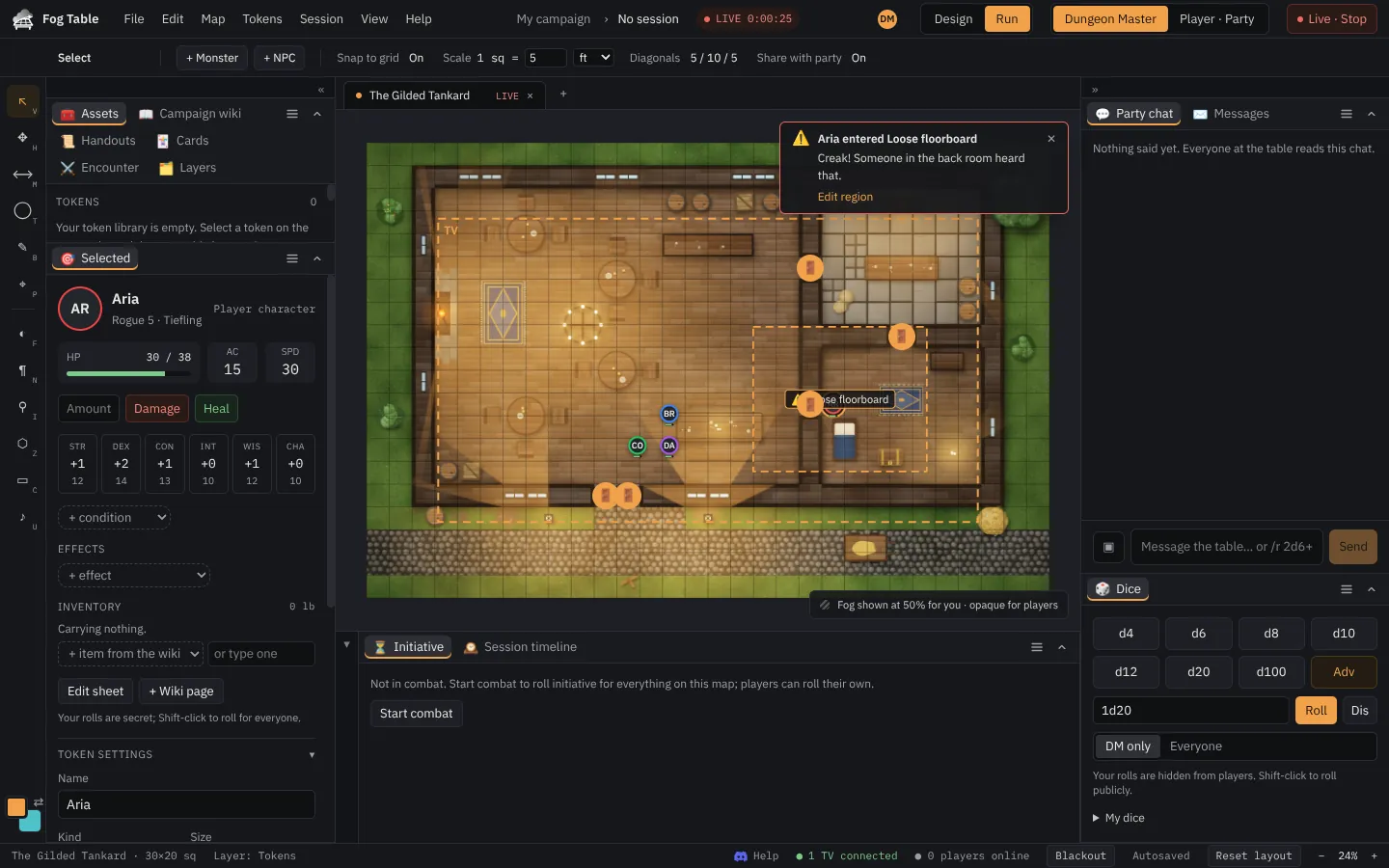
A trigger fires when a token finishes a move inside the region, whether you moved it or a player did. You get an alert on your console:
Regions are kept with the map and travel to Foundry VTT and back.