Building maps
Lights
Torches, lanterns, campfires and spells that light the map in colour and flicker on the TV, placed on the map or carried by tokens.
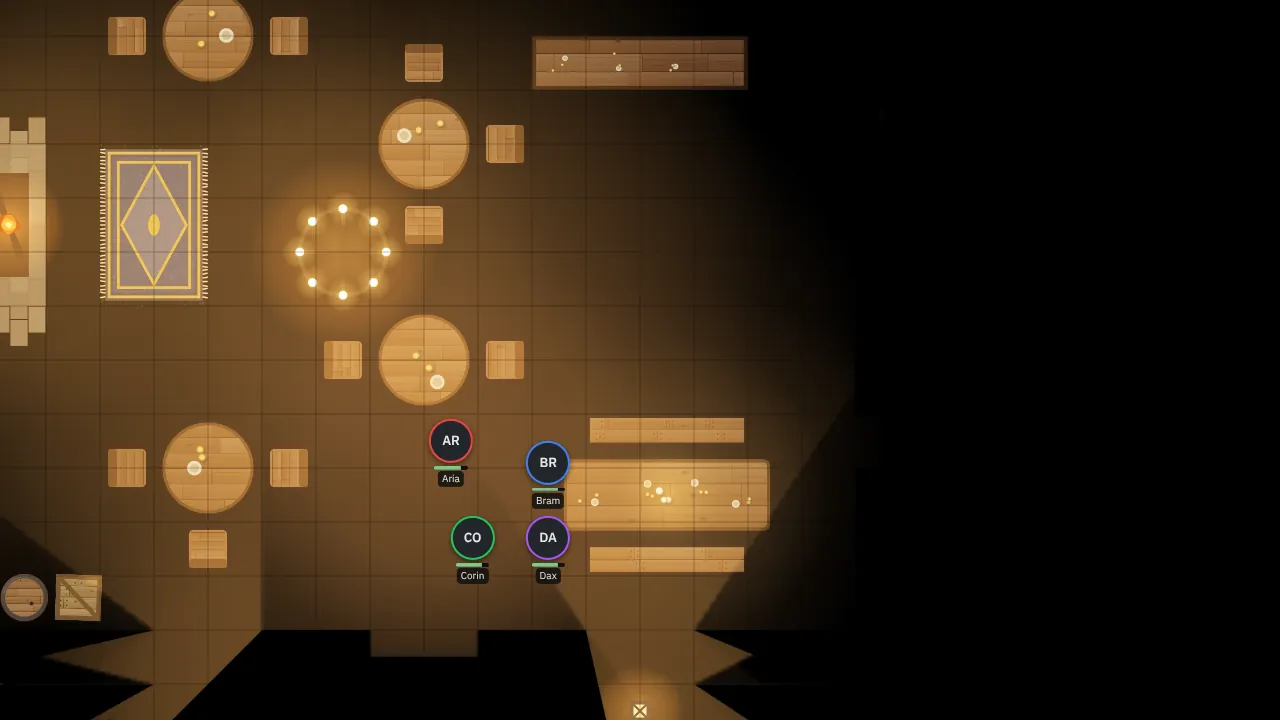
Lights matter most with Party or Each sight (see Fog of war and vision): in the dark, the party sees only what is lit or what their darkvision reaches. They also tint the map in their colour on the TV and your screen.
Place lights
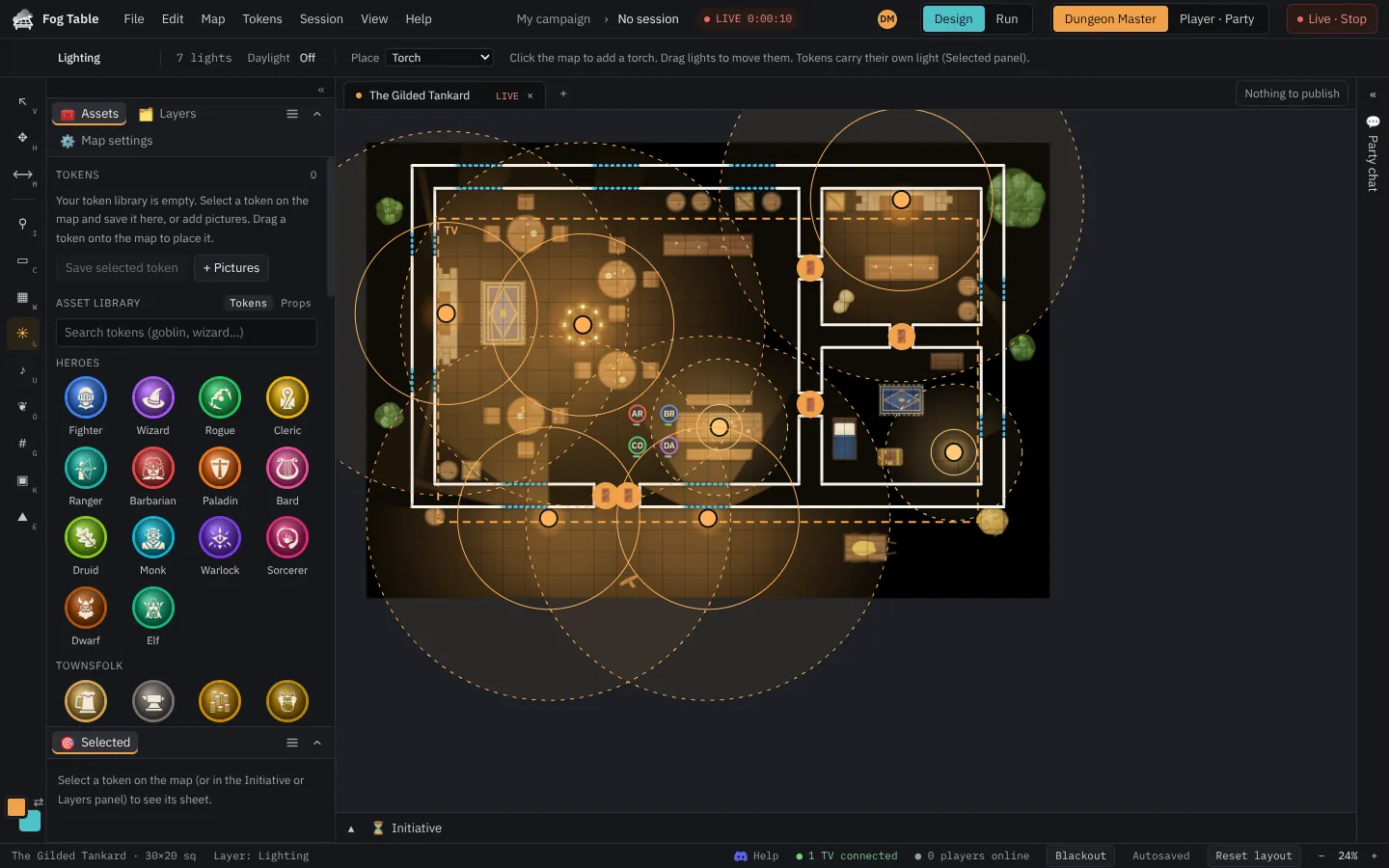
- Switch to Design mode and pick Lighting (L).
- Choose what to place: torch, lantern, candle, campfire, the light or daylight spells, arcane glow, faerie fire, holy aura, or magical darkness.
- Click the map. Drag a light to move it.
- Change its bright and dim radius in feet, its colour, its animation (torch, flicker, pulse, colour shift, waves or ghostly, with speed and strength), or switch it off.
- Publish.
The animations play on the TV; your screen shows them still. Only the picture moves, so the fog never flickers. Darkness puts out light in its area. Daylight in the options lights everything (lights still glow, softer).
Lights carried by tokens
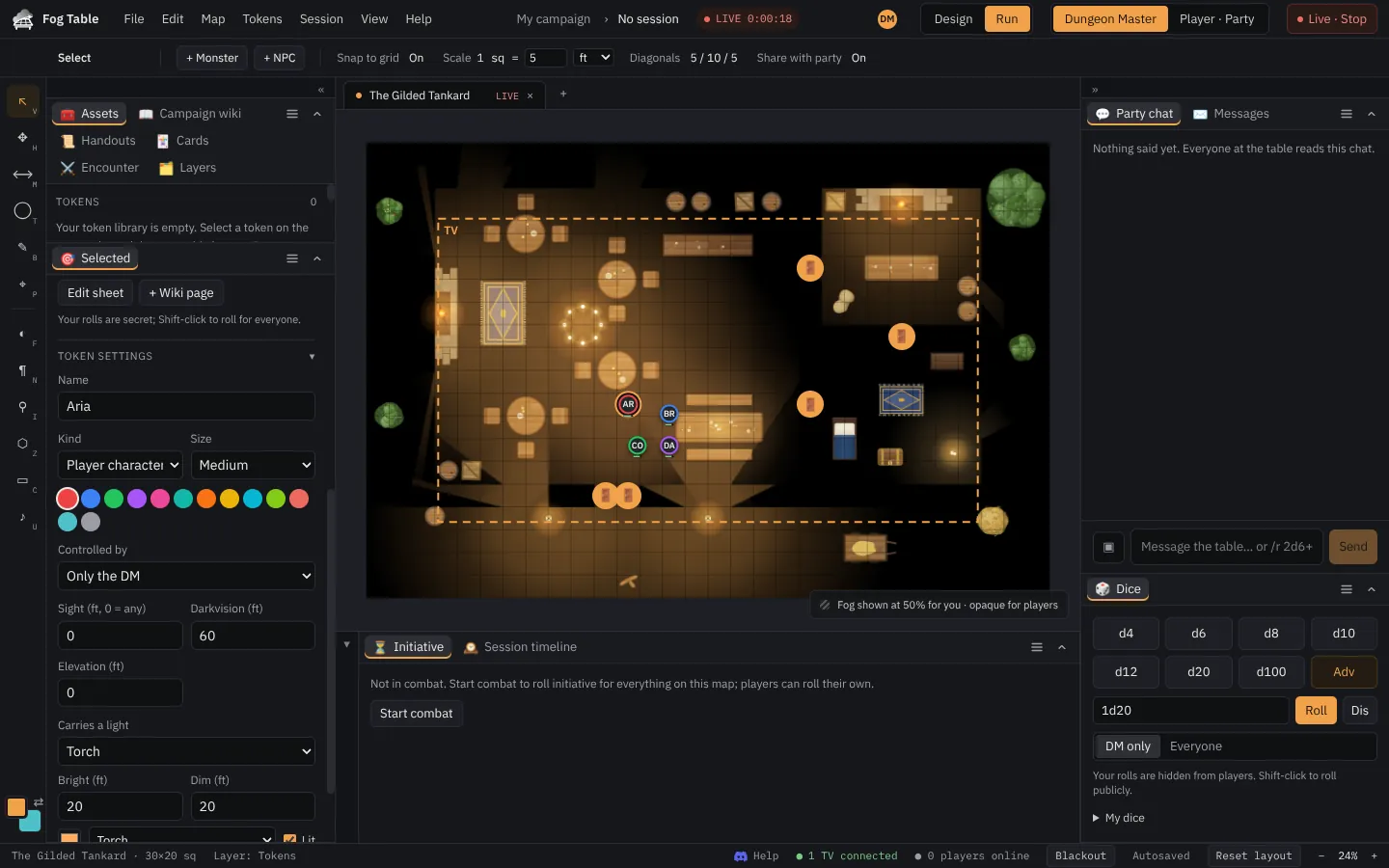
Select a token and, in its sheet, pick a light under Carries a light: a torch, lantern, candle or spell light that moves with the token and lights the way. Turn Lit off to put it out. A hidden token's light stays on your screen only.