3D maps
Build with 3D tiles
Snap floors, walls, doors and furniture together into 3D buildings and dungeons, with several storeys.
The Build 3D tiles tool (K) puts maps together from pieces that snap to the grid: floors on squares, walls and doors on grid lines, furniture on squares.
Start a tile map
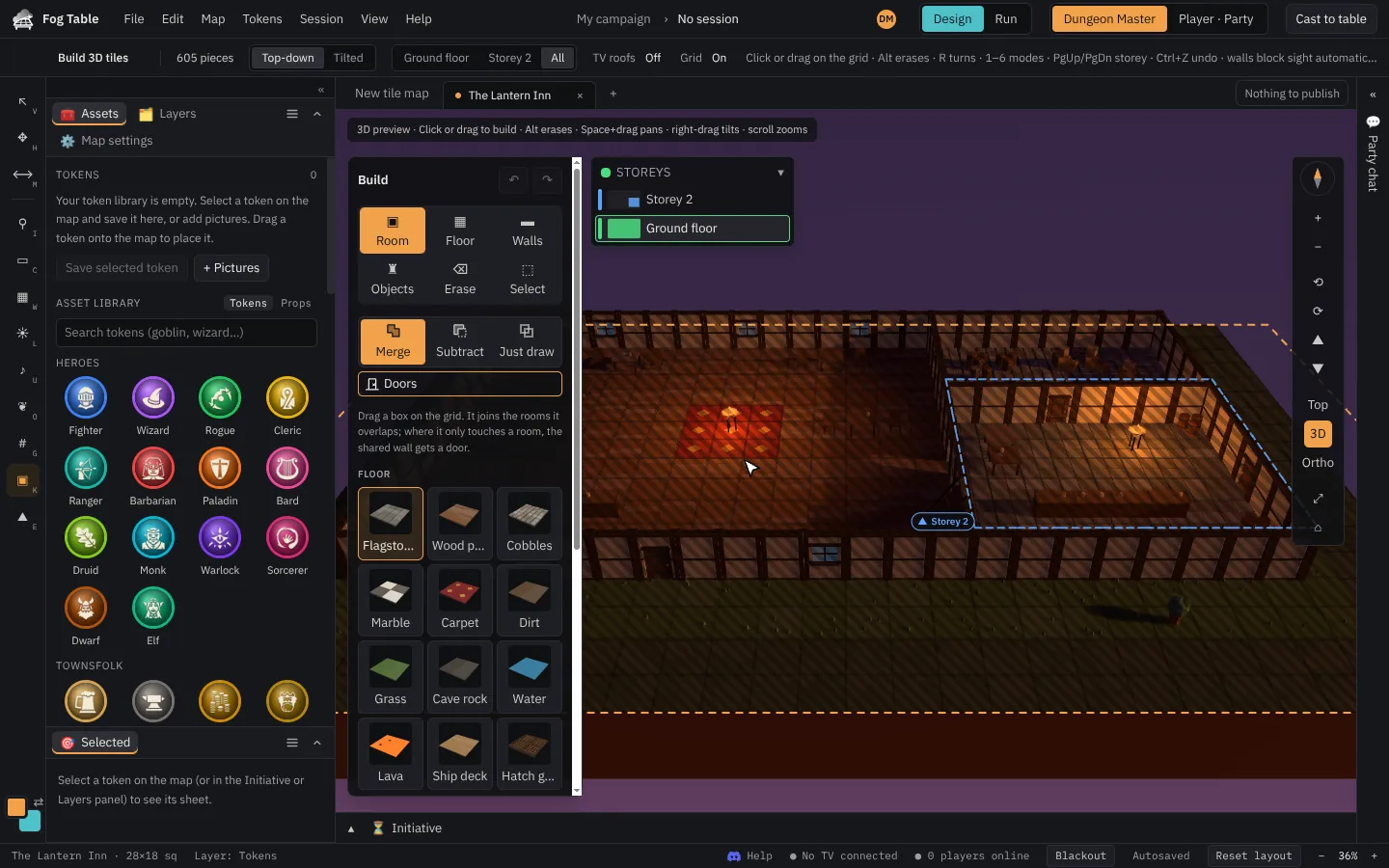
On the New tab, open the 3D tile maps group in the map library and pick Build a 3D tile map or start from a ready-made one (The Lantern Inn, The Sunken Crypt, Smugglers’ Cave, the ship The Gray Gull, or the sky ship The Cloudreaver, which flies over moving clouds). The map opens with the build palette.
The palette
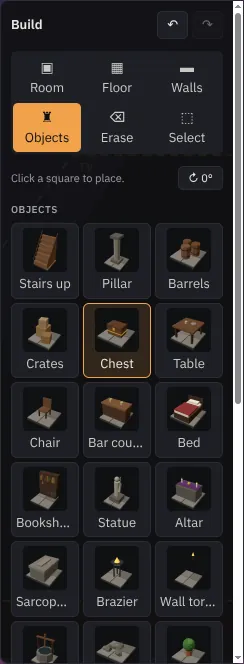
Pick a mode at the top of the palette (or press its number), then a piece:
| Mode | Key | What it does |
|---|---|---|
| Room | 1 | Drag a box: floor with walls all round. |
| Floor | 2 | Click or drag to lay floor tiles. |
| Walls | 3 | Drag along grid lines for walls, doors and windows. |
| Objects | 4 | Click a square to put furniture there. |
| Erase | 5 | Click a piece, or drag a box. Alt erases in any mode. |
| Select | 6 | Pick a room, a wall or a box of pieces, then drag to move it. |
An amber outline shows what a click will add; red shows what it will erase. Rooms can merge with or be cut out of each other, like on designed maps. Ctrl+Z undoes.
Top looks straight down, which is easiest for building; turn the view to see your work.
Storeys
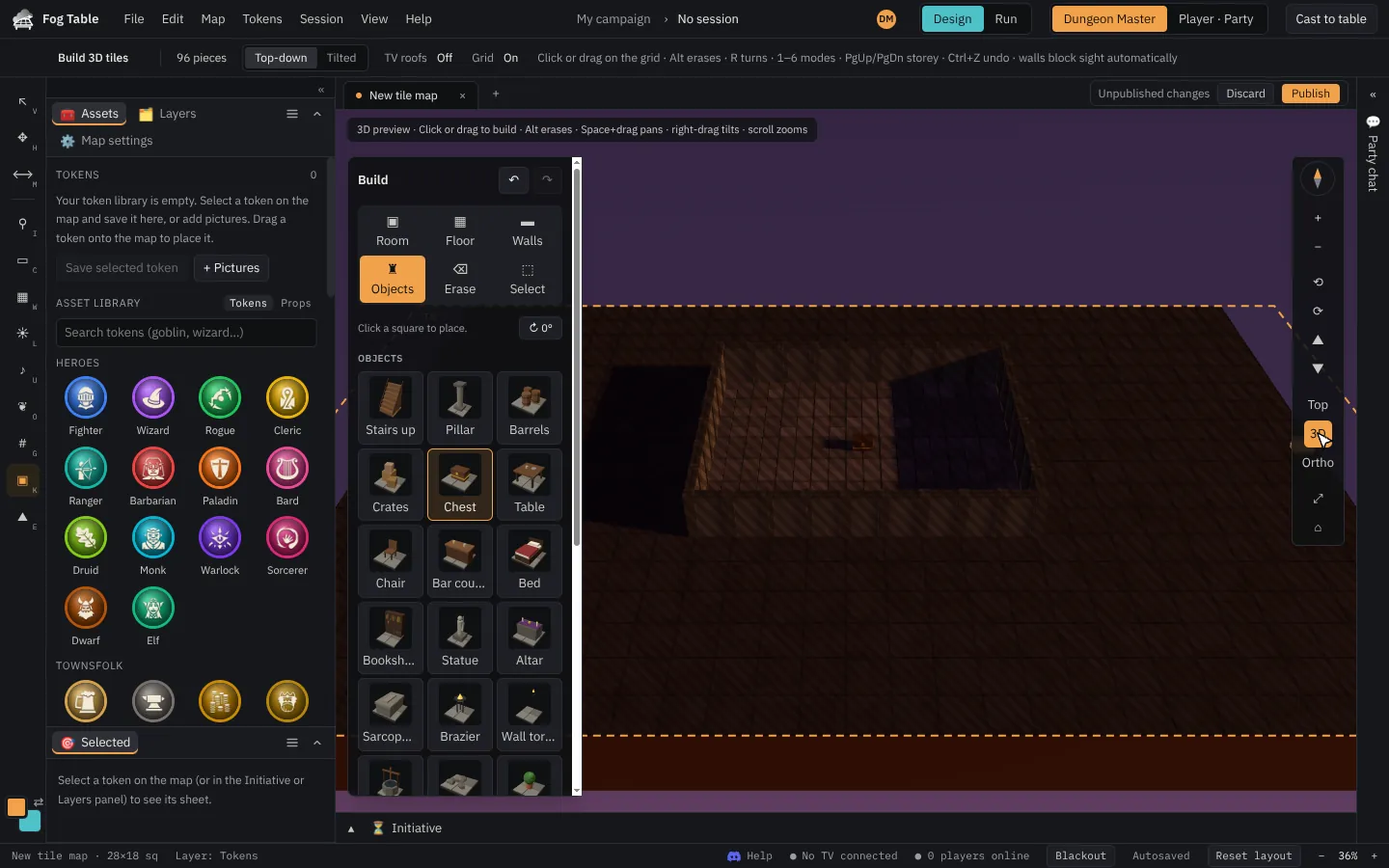
Build up to four storeys. Choose the storey you are building on in the palette; the storeys above are hidden while you work. Stairs and ladders let tokens climb. Each storey has its own colour in the storey guide, and signs on the map show where other floors are.
Walls see, fires light
Walls on the ground storey block sight, so party vision works in your building, and fireplaces and braziers become lights. New tile maps start with Party sight.
Publish to put your building on the TV.