Maps
Ready-made maps and props
Dozens of maps that open ready to play, with walls, doors, lights and props, sorted into groups in the map library. Change any prop with the Props tool.
The New tab has maps you can play on straight away. Every one comes with its grid set, walls and doors that block sight, lights, and props you can move.
They live in the Map library, under the buttons at the top of the New tab, sorted into groups:
- Collections: themed packs such as hand-drawn maps; bridges and canyons; mountains, mines and trains; and two packs of animated maps where water flows and lava glows.
- By place: towns and taverns, dungeons and caves, wilderness, rivers and coasts, temples and magic, battles and sieges.
- By kind of map: animated (photoreal maps with moving water), 2D battle maps, animated 2D maps, editable designs, 3D landscapes, 3D tile maps and world maps.
Click a group to see its maps, then click a map to open it in a new tab. Inside a big group, the tag buttons narrow it down (Night, Undead, River…). The row of group names along the top switches group, and All groups goes back. The library remembers the last group you opened.
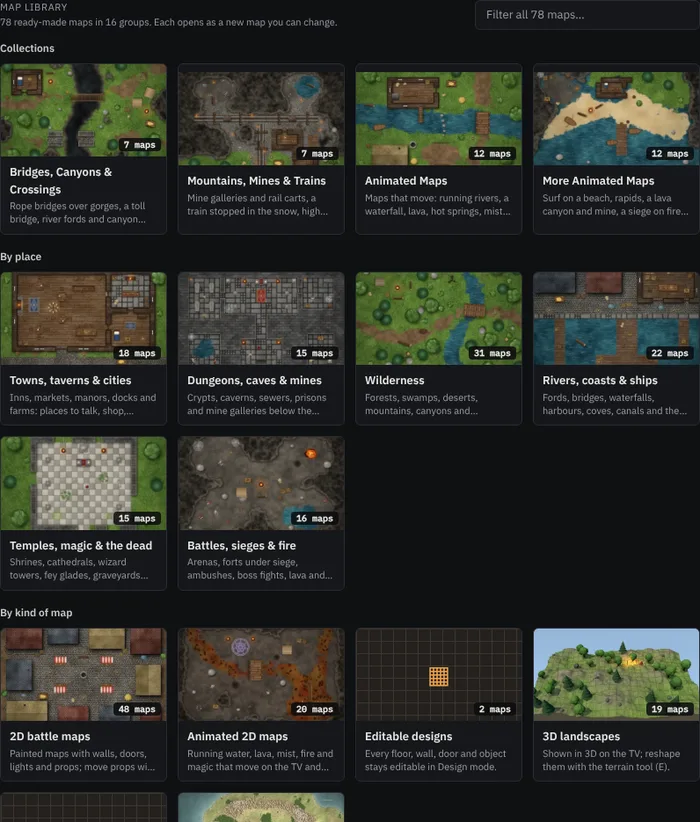
To find a map by name or theme, type in Filter all maps: it looks through every group at once. The search at the top of the console (Ctrl+K) finds every map too.
2D maps open as flat maps; 3D landscapes open in 3D (see 3D maps).
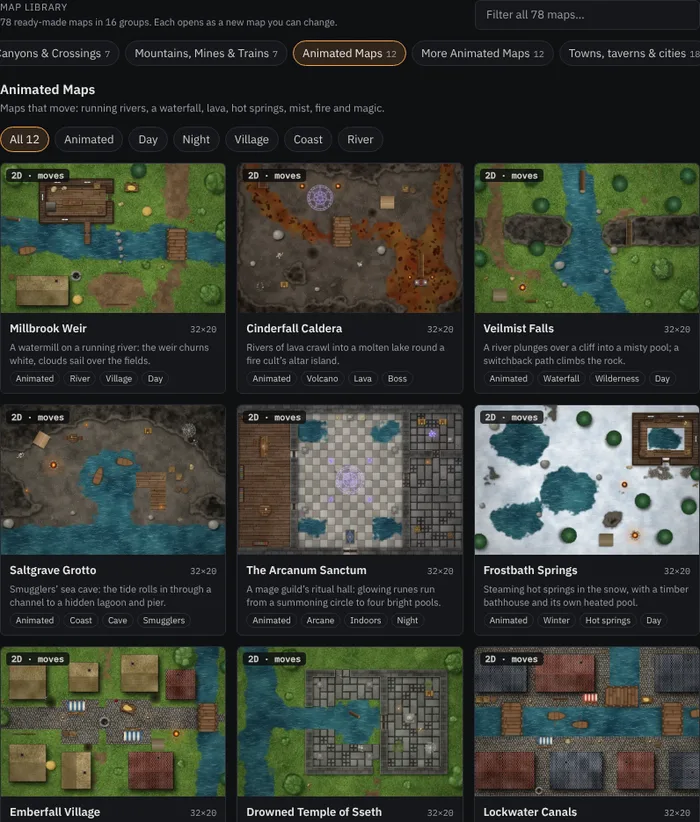
New maps are added regularly, so check back.
Hand-drawn maps
The Hand-Drawn Maps pack has eight maps with an inked, painted look: ink lines on the walls and shores, watercolour washes and paper grain. A lighthouse on the coast, a thane's mead hall, a drowned library, a goblin camp, a dragon's hoard and more. Like every ready-made map, their walls, doors, lights and props work as usual.
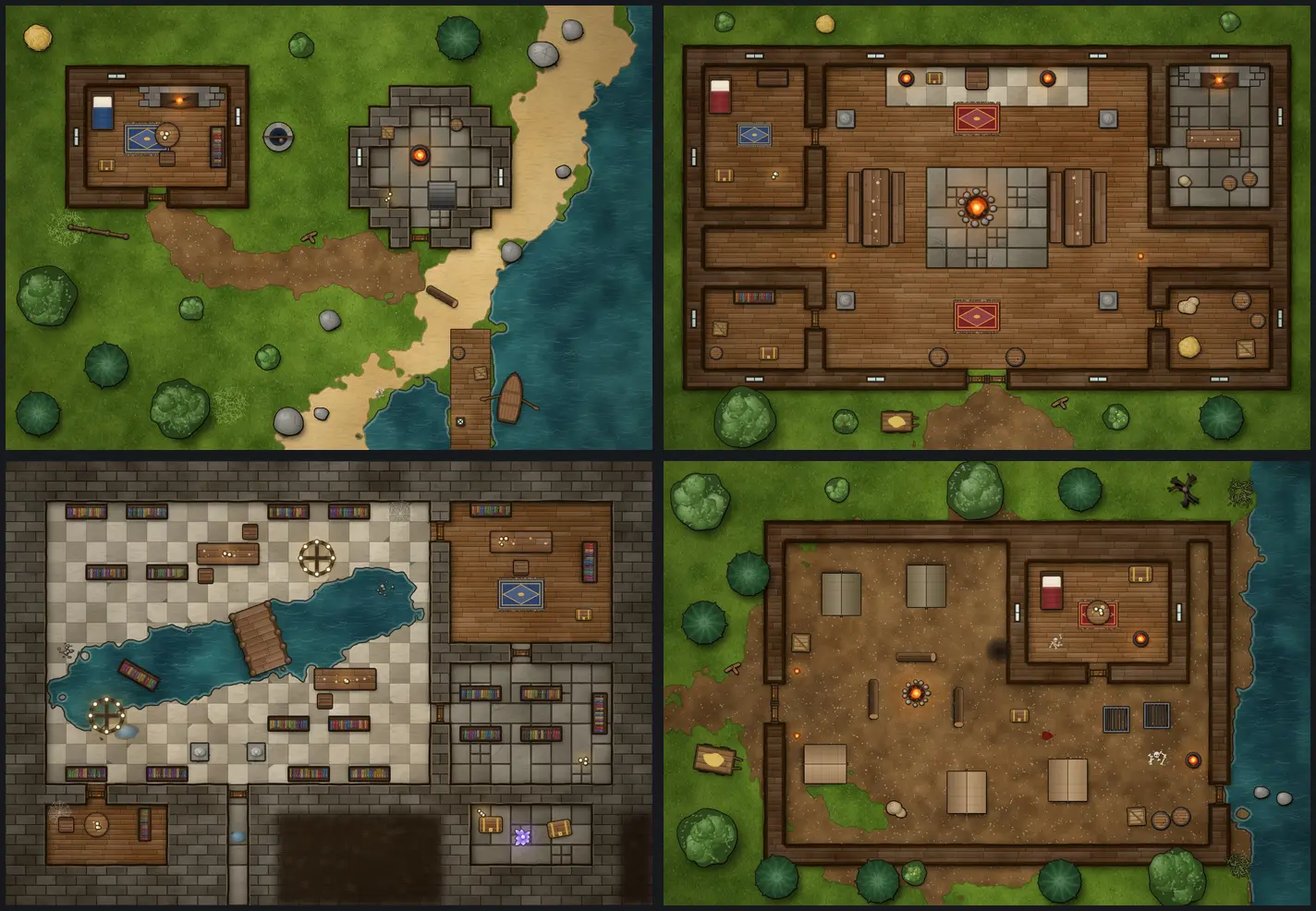
Any prop can get the same pen outline: tick Ink outline (hand-drawn look) in the Selected panel.
For a world to explore rather than a single map, see Generated worlds.
Props on the map
The furniture, trees, stalls and barrels on a ready-made map are props: pieces laid over the picture that you can change.
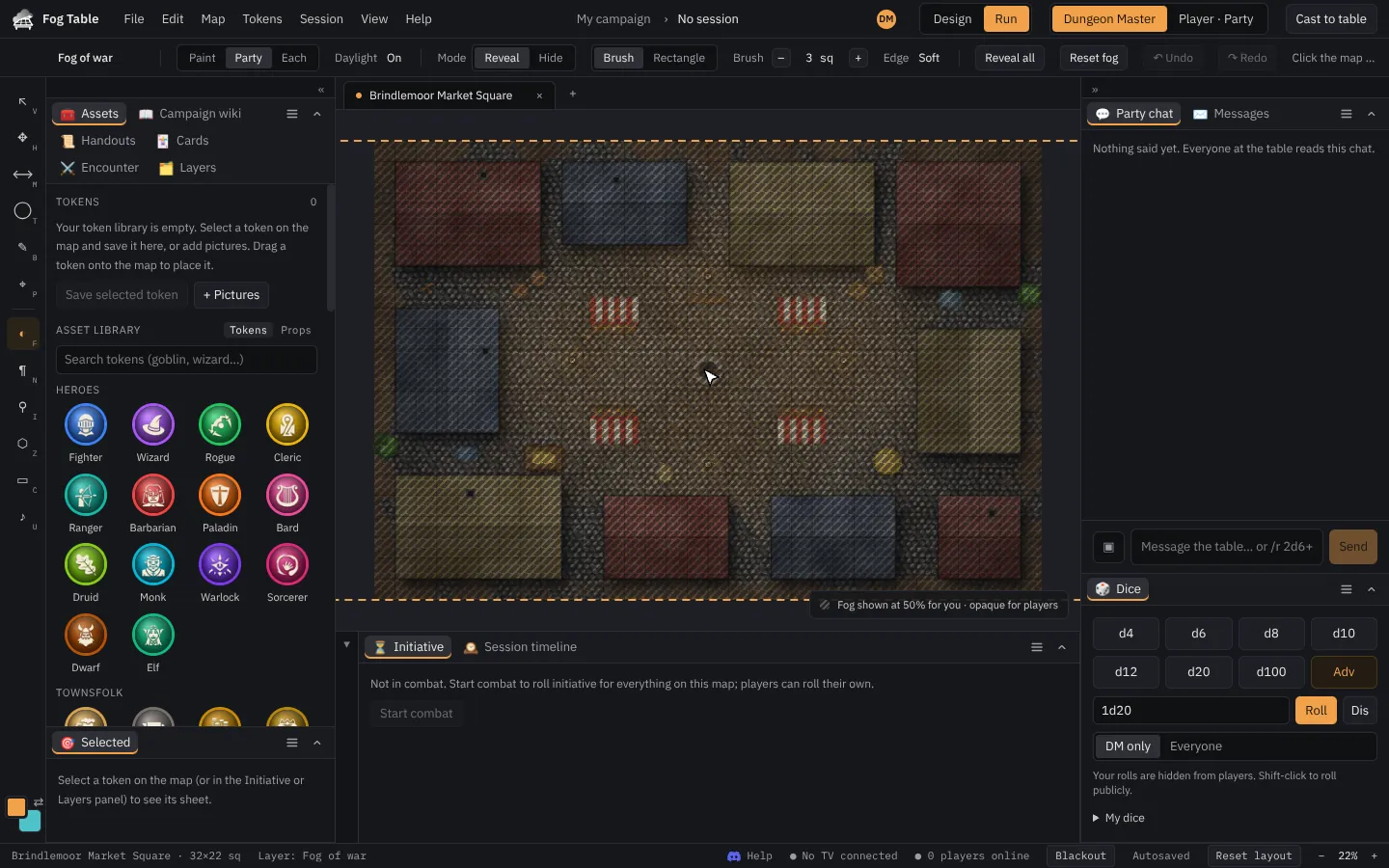
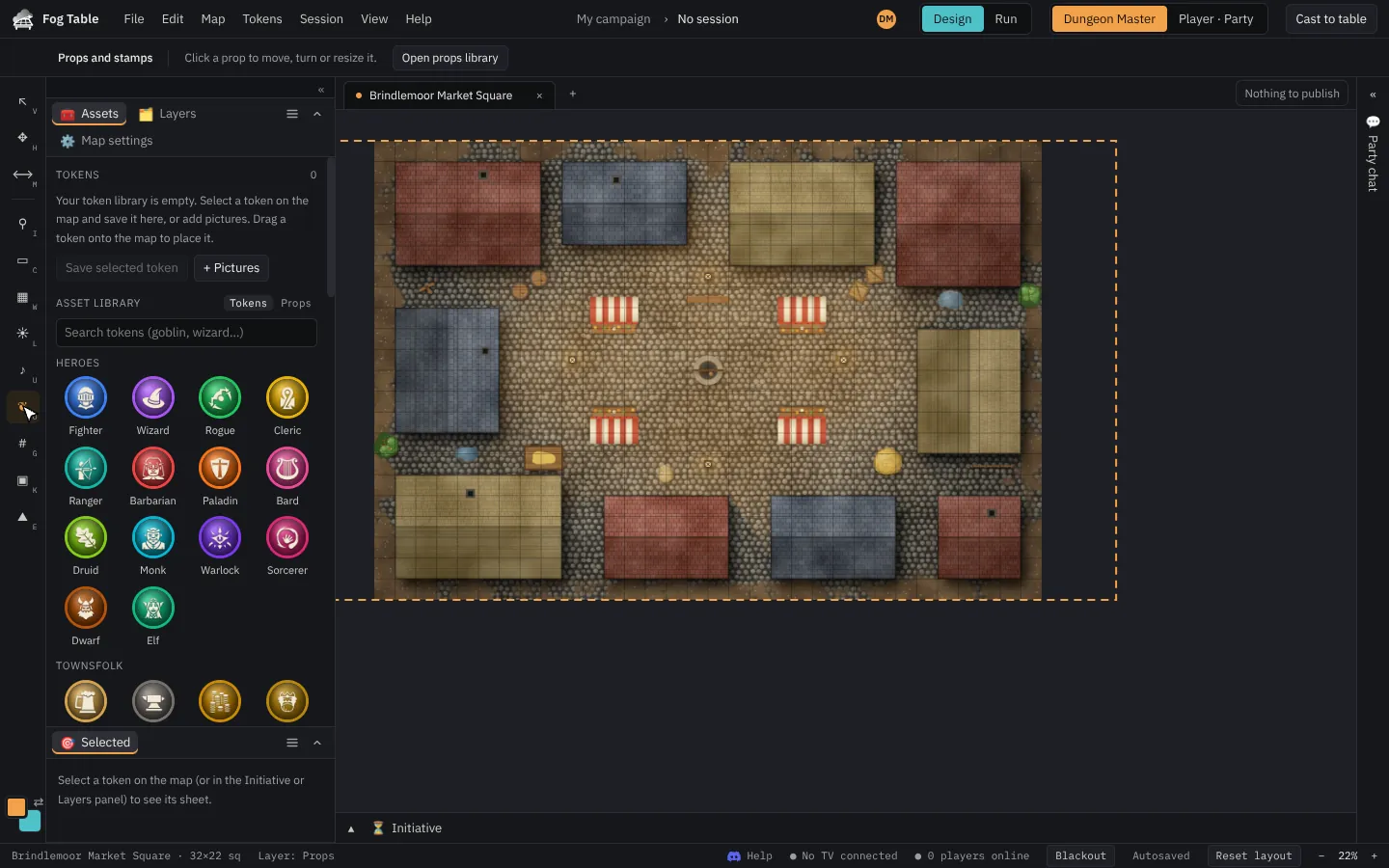
To change them:
- Switch to Design mode.
- Pick the Props and stamps tool (O).
- Click a prop to select it, then drag it, turn it, resize it, flip it, put it in front or behind, duplicate it or delete it.
- Publish when you are happy.
The asset library
The Assets panel has a library of ready-made tokens (heroes, townsfolk, animals and every monster in the bestiary, with stat blocks) and props (furniture, dungeon dressing, trees, torches that light up, lava, rubble). Search it, then drag one onto the map or click it.
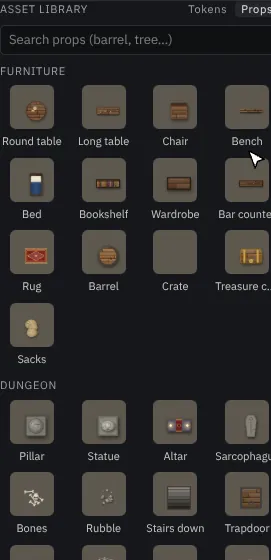
Tip Dropped onto the map in Run mode, a prop is part of this session only. Use Keep in design to keep it on the map.