3D maps
3D maps
Landscapes with hills, flowing rivers, bridges and ships in 3D on your console, shown top-down with a grid on the TV so minis stand on it.
A map is either 2D or 3D, and stays what it is. 3D maps come in two kinds:
- 3D landscapes: ground with height, water that flows, grass, trees, bridges, docks and ships.
- 3D tile maps: buildings and dungeons put together from tiles with the tile builder.
Open a 3D map
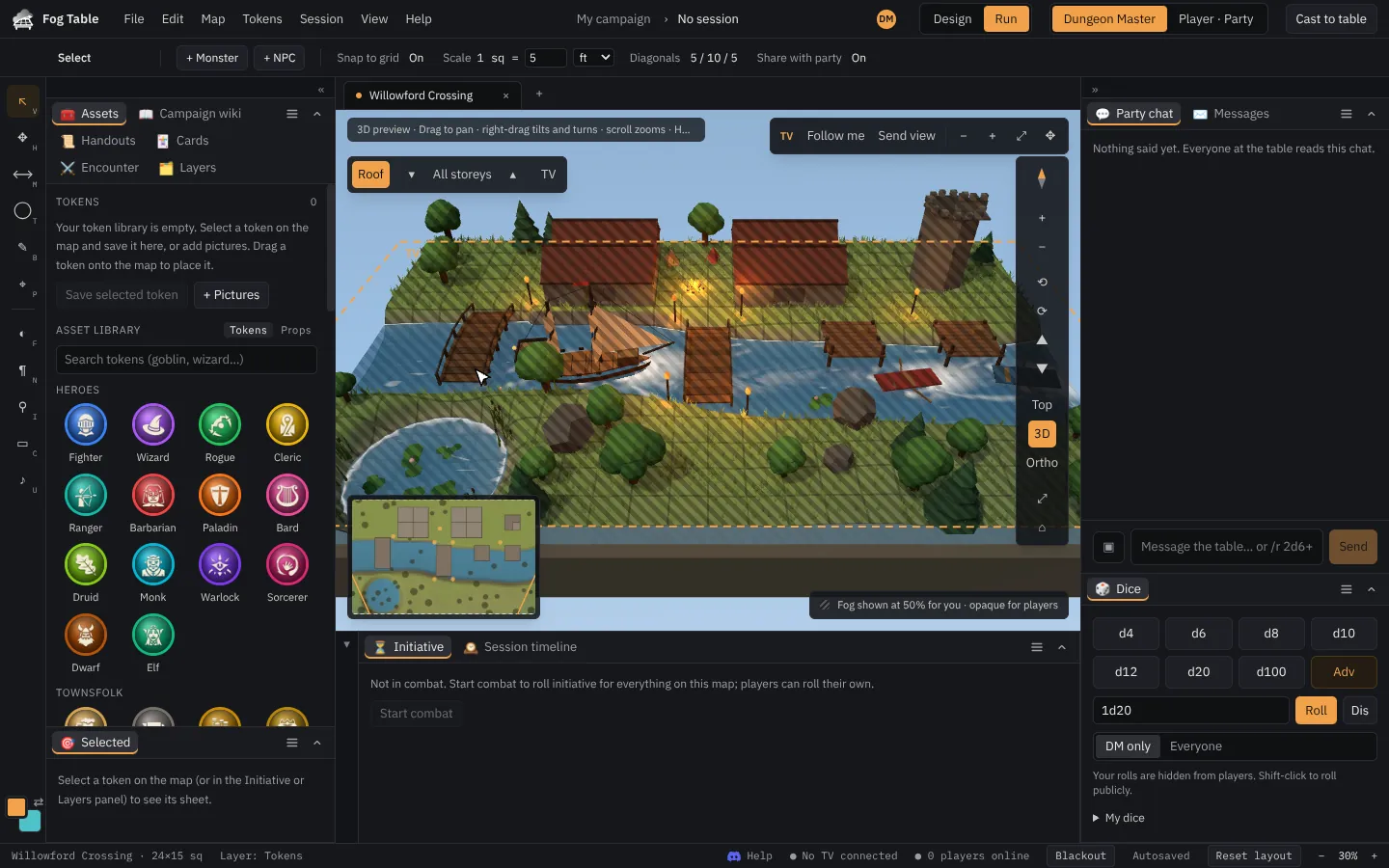
On the New tab, 3D maps are marked 3D in the map library: in the packs, in the 3D landscapes and 3D tile maps groups, and as places on the world maps. They open in 3D on your console.
Right-drag to turn the view and scroll to zoom. The view buttons on the right of the map zoom, turn and tilt it, and switch between Top (straight down) and 3D (angled). On a built map the same column has Roofs and the list of storeys: click a storey to look at it and hide the ones above.
On the TV
The TV shows a 3D map top-down, without perspective, with a grid, so miniatures stand on it properly and squares line up. Fog, tokens and lights work as on a 2D map.
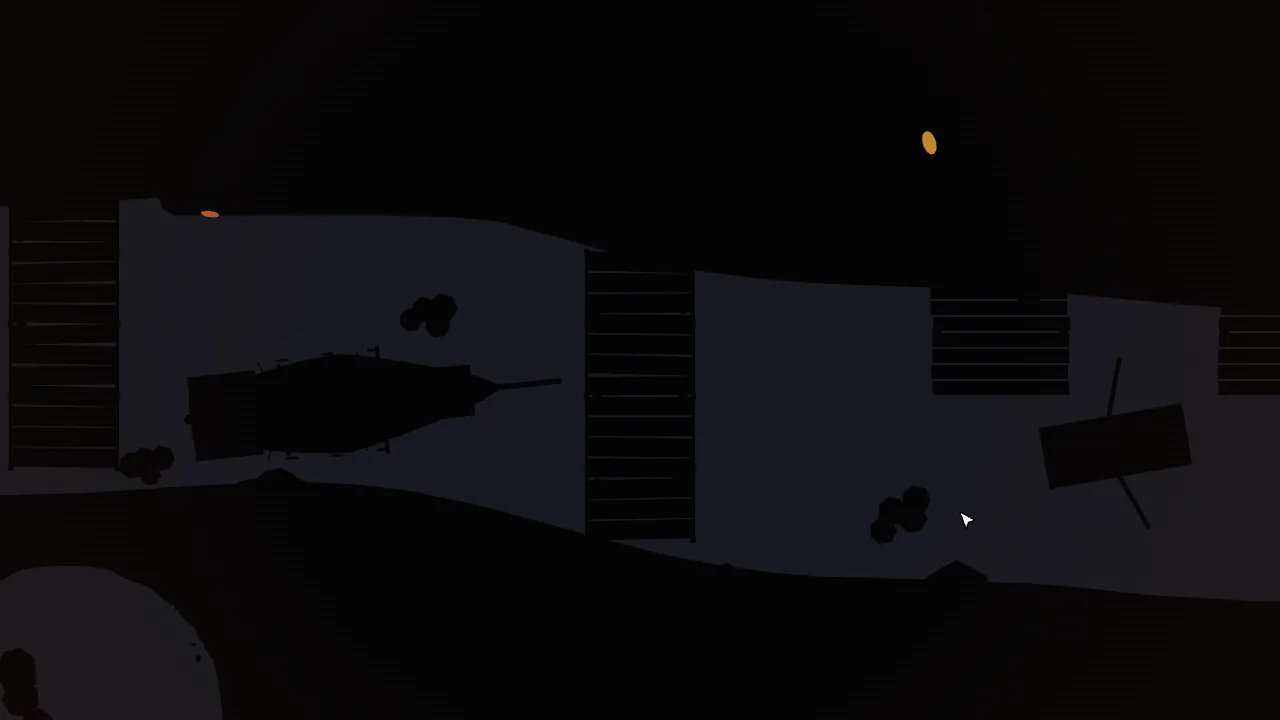
The view buttons move your view, the TV, or both. Pick at the top of the column:
- Me: the buttons move only your view. The TV stays where it is.
- TV: the same buttons move the TV: zoom, Top or 3D, turn and tilt, its roofs and its storey. Drag the orange TV frame on the map to move it.
- Both: the TV follows you. Pan, zoom and pick a storey, and the TV shows the same.
Under On the TV, TV top-down / TV in 3D tilts the TV to show players the map in 3D for a moment (Shift+C does the same), Spin turns it slowly, and Heights colours the ground by height. With TV picked, the bar at the top also has a small 3D picture for a corner of the TV.
Tokens in 3D
Tokens stand on the ground, on bridges and on ship decks. In buildings with several storeys, PgUp and PgDn (with the Select tool) move the selected token up or down a storey; stairs and ladders take them up too. Roofs hide themselves over the storey you are looking at, and the storey list in the view buttons shows one storey at a time.
Change the land
Switch to Design mode and pick 3D terrain (E):
- Raise, Lower, Smooth, Flatten and Rough shape the ground with a brush (hold Alt to do the opposite).
- Props places trees, rocks, buildings, bridges, docks, boats and ships.
- View switches the console between the 3D view and a flat plan.
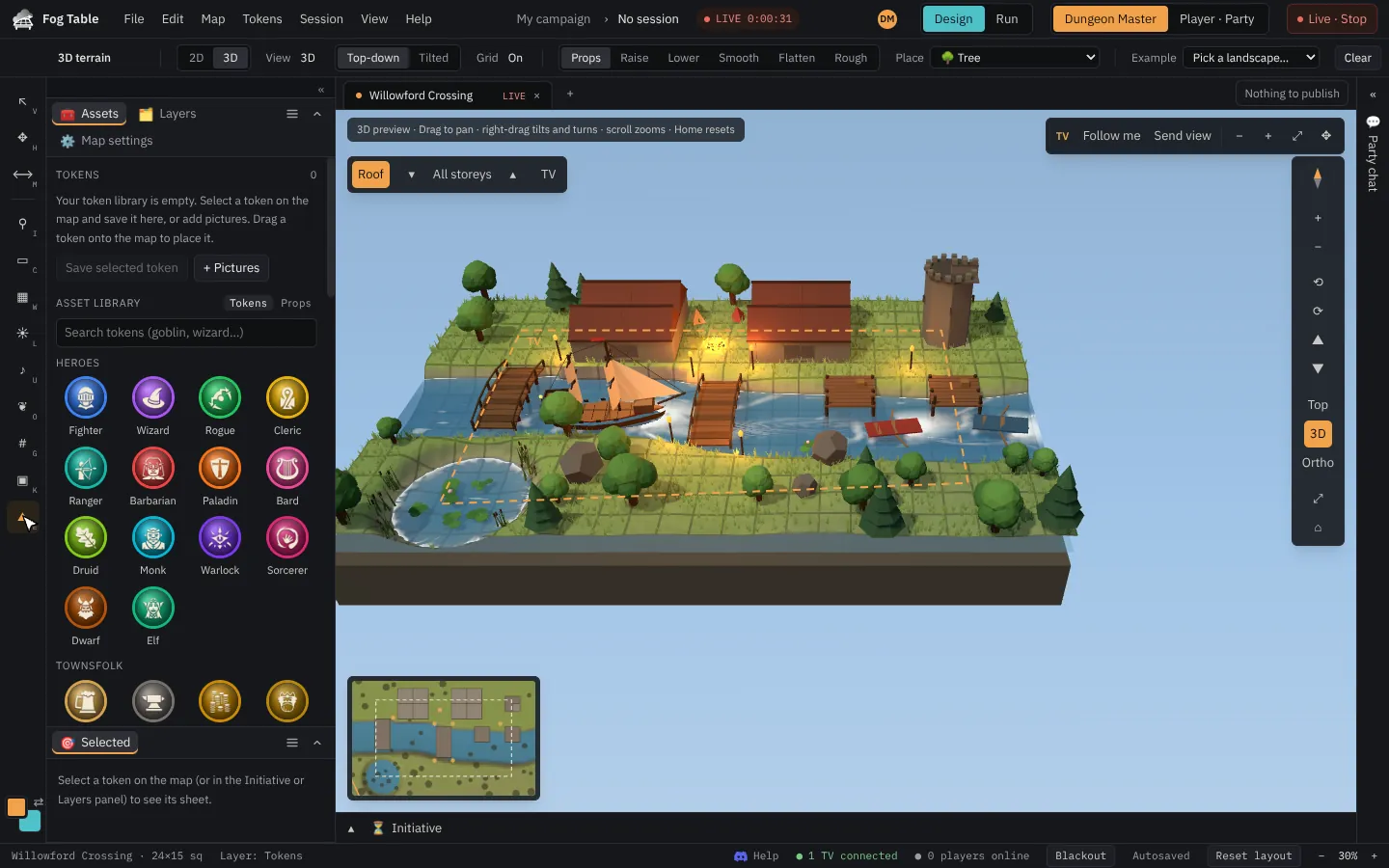
Publish to send your changes to the TV.
Tip 3D maps need a reasonably recent computer. Fog Table turns the detail down by itself (grass, then shadows) if the picture starts to stutter.